What should you look for when choosing?
Start by thinking about which windows you want to see side by side while writing. Then check readability, laptop connectivity and the space available on your desk.
| What to consider |
What should you check? |
Who is this important for? |
| Viewing text and reference material |
Compare the aspect ratio, resolution and size with the windows you want to use at the same time. Dell specifies a 24.07-inch screen with 1920 × 1200 pixels for the P2425; the P2725D is a 27-inch model with 2560 × 1440 pixels. |
If I want to see the list of headings, body text and notes side by side, I first compare the available screen space. Around 36% of consumers prioritise being able to see headings, text and source material clearly. |
| Readability and screen position |
Check the height adjustment, screen finish and whether text is displayed at a comfortable size. Arboportaal also highlights contrast, reflections and lighting. |
For long revision sessions, I want to be able to adjust the screen and read text comfortably. Around 29% of consumers prioritise readability and an adjustable working position. |
| Connecting and charging a laptop |
For the exact model, check whether USB-C transmits video, how much charging power is available and whether your laptop supports it. Dell describes the P2425’s USB-C port as a data port; Philips specifies USB-C with power delivery for the 27E1N1600AE/00. |
If I connect my laptop regularly, I want to know in advance whether the monitor offers the functions I need through one cable. Around 21% of consumers prioritise laptop connectivity and power delivery. |
| Compact size and useful features |
Measure the space available on your desk and compare the features you’ll actually use. The European Commission describes the energy label scale for electronic displays as running from A to G; check the label for the exact model. |
If I’m mainly editing one text document, I don’t want to choose a larger screen or extra features without a practical reason. Around 14% of consumers mainly opt for a compact, simple setup. |
Monitors at Joybuy
These monitors offer plenty of screen space for a document with headings and notes. Check whether the features listed for each model suit your computer and workspace.
 No image available
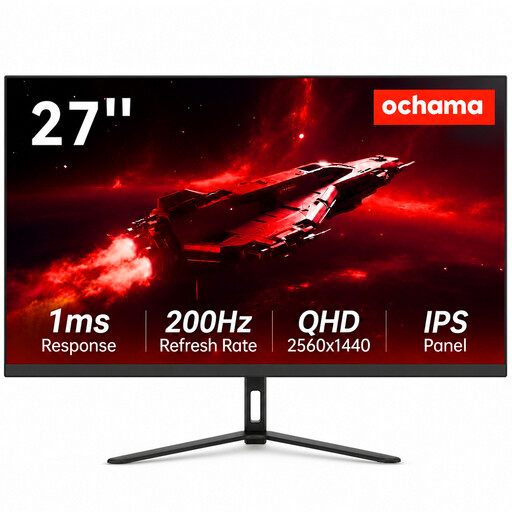
Ochama 27-inch 2K monitor
A 27-inch screen may suit you if you want more room to view text and notes side by side while writing. The product name lists a 2K resolution; check that your computer supports it.
View at Joybuy
 No image available
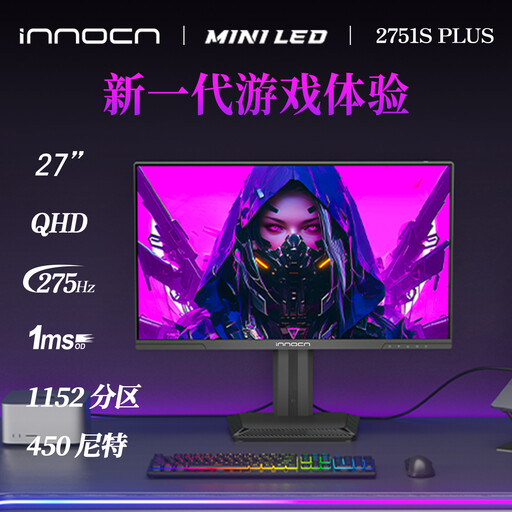
INNOCN 2751S PLUS 27-inch Mini LED QHD monitor
This 27-inch QHD model may suit you if you want to view text alongside an overview of your headings. The product information lists 2560 × 1440 pixels and a height-adjustable stand.
View at Joybuy
 No image available
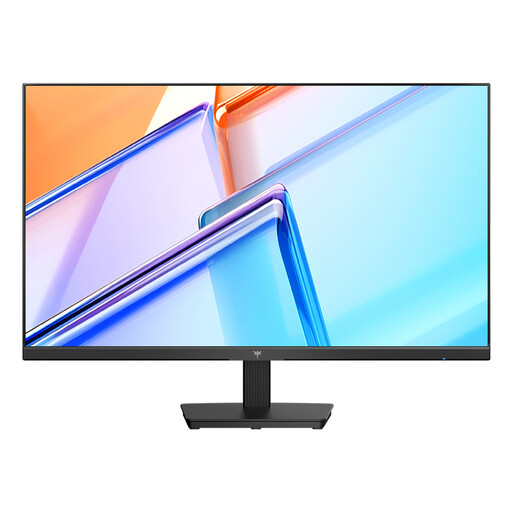
KTC H27D9 27-inch QHD monitor
A 27-inch QHD screen is an option if you want more room to view document text and reference material side by side. The product information lists 2560 × 1440 pixels.
View at Joybuy
 No image available
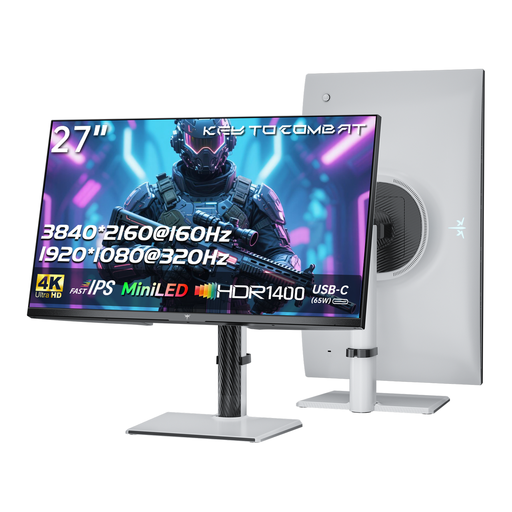
KTC M27P6 27-inch 4K MiniLED monitor, white
This model may suit you if you’re looking for a 4K mode as well as a screen for text. However, no extra benefit has been demonstrated for writing text alone. The product name lists 4K 160 Hz/FHD 320 Hz and Type-C 65 W; check compatibility with your computer and the exact functions of the Type-C port.
View at Joybuy
 No image available
LG 27GS85Q-B 27-inch QHD monitor
This 27-inch QHD model may suit you if you want to view your document and an overview of your headings side by side. The product name lists 2560 × 1440 pixels.
View at Joybuy
Frequently asked questions
Will a monitor automatically help me with nested headings?
No. Use built-in heading styles in your word processor. Microsoft Support explains how headings help organise a document through the Navigation pane and make it easier to create a table of contents. The monitor mainly affects how many sections you can comfortably view at once.
How should I set up the screen for longer revision sessions?
Adjust the screen position and text size for readability, reduce reflections and take breaks from prolonged screen work. Arboportaal identifies small characters, insufficient contrast, reflections and light sources as factors that can make text harder to read. Employers’ obligations depend on the working situation and don’t automatically apply to everyone writing at home for personal reasons.
How can I compare energy use, and what if the monitor breaks?
Compare the energy label for the exact monitor; the European Commission uses a scale from A to G for electronic displays. For consumer purchases in the Netherlands, statutory rights are separate from the manufacturer’s warranty. If a product breaks sooner than you could reasonably expect under normal use, ACM ConsuWijzer says you should contact the retailer.
Can I return a monitor bought online?
For an ordinary online consumer purchase in the Netherlands, you generally have a statutory cooling-off period of up to 14 days after delivery. ACM ConsuWijzer lists some exceptions, so check the terms for your specific purchase. Any longer returns period offered by a shop is a separate promise.
Am I legally required to choose a particular resolution or energy label class?
No specific resolution or energy label class is required for this personal writing setup. EU rules for electronic displays include requirements for the labelling of products placed on the market. Employers also have obligations relating to employees’ screen work, depending on the working situation.


