What should you look for?
First, decide which browsers and devices your checkout test requires. Then choose between an integrated screen and a separate computer with a monitor, and check the power supplies and included components for the exact model.
| What to consider |
What should you check? |
Who is this important for? |
| Number of sockets needed |
Count the power supplies for the computer, screen and required peripherals for the exact model. Do not connect extension leads to one another. |
If I have few spare sockets, I want to know in advance how many the complete setup will need. Around 33% of consumers say the number of mains plugs required is their top priority. |
| Browser requirements |
Note which desktop browsers and real mobile devices are in your test plan; check whether Safari on macOS is required. |
For my test plan, I want to know which browsers and devices I need to support. Browser requirements are the main reason for choosing a setup for around 27% of consumers. |
| Existing screen |
Check your monitor’s video inputs, cables and power supply before choosing a mini PC. |
If I already have a suitable monitor, I want to keep using it without connection problems. Around 20% of consumers prioritise reusing a screen. |
| Use and replacement |
Compare what is included with the exact model and see which components you can replace separately. |
I want to know in advance which components I can replace separately and what else I’ll need. For around 20% of consumers, lifespan and additional purchases matter most. |
Joybuy products
The Joybuy products below are all-in-ones with an integrated screen. Check that the operating system and browser environment for each model suit your test plan.
 No image available
HP 24-cr0050nd All-in-One (895R0EA#ABH)
An integrated screen could be a good fit if you want your computer and screen in one product. The product name specifies a 24-inch screen.
According to the product information, the power adapter must be purchased separately, so include it in your socket planning.
View at Joybuy
 No image available
LG AIO 24CQ651N-6N All-in-One Thin Client
The product description positions this all-in-one thin client for cloud and VDI applications. Check that it supports the browsers and testing software you need.
View at Joybuy
 No image available
MSI Modern AM273QP AI 1UM-061EU
An all-in-one for anyone who wants their computer and screen together. The product name specifies a 27-inch WQHD screen, Intel Core Ultra 5 125H, 16 GB DDR5 and a 1 TB SSD.
View at Joybuy
 No image available
MSI Modern AM273Q AI 1UM-058EU
An all-in-one for a workstation with an integrated screen. The product name specifies a 27-inch WQHD screen, Intel Core Ultra 7 155H, 32 GB DDR5, a 1 TB SSD and Windows 11 Pro.
View at Joybuy
 No image available
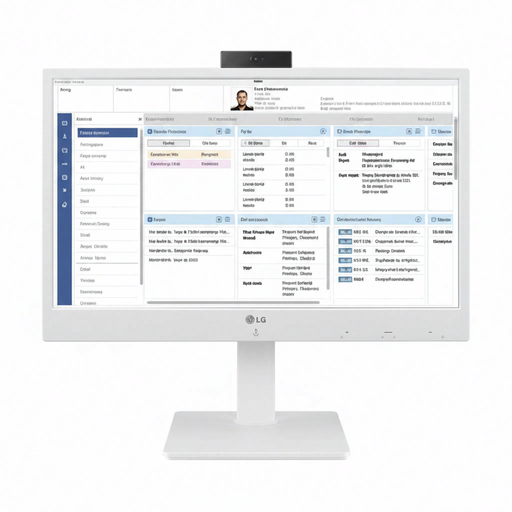
LG All-in-One Thin Client 24CR670N-6P
The product description positions this all-in-one thin client for cloud computing and VDI. Before buying, check that the required checkout testing environment and browsers work on this model.
View at Joybuy
Frequently asked questions
Is a mini PC automatically the best choice if you only have one spare socket?
No, a mini PC is not automatically the best choice when you have few spare sockets. The monitor and keyboard are sold separately with the Lenovo ThinkCentre neo 50q Gen 4 Tiny 12LM006LEZ, so count the power supplies for the complete workstation before choosing.
Can you test a mobile checkout on a desktop alone?
A desktop simulation is useful as a first check, but it cannot replace every test on a real mobile device. Chrome for Developers describes Device Mode as a first approximation of the mobile view.
How can you test payment steps without making real payments?
If your checkout uses Stripe, Stripe describes sandbox testing with test values, where no money is transferred. If you use another payment service, follow its testing instructions.
Can you connect extension leads to one another for your testing workstation?
The Dutch Fire Service advises using approved, undamaged extension blocks and not connecting extension leads to one another. Factor the number of safe sockets available into your choice of complete setup.
Which product safety rules apply to a desktop computer in the Netherlands?
The Dutch government states that electrical and electronic equipment must meet the applicable safety rules. CE marking is compulsory when a product falls within an applicable CE product category; this general rule does not confirm that a specific model is compliant.


