Joybuy products
These Joybuy products are aimed at wireless listening; stereo pairing with two speakers is listed for several models. Check the playback options for each model and whether the setup described suits your listening position.
 No image available
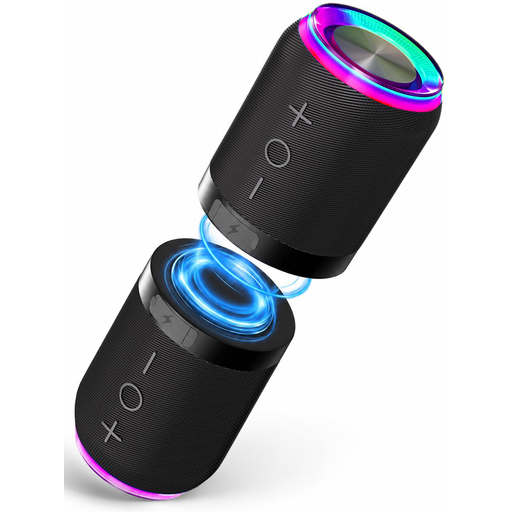
2-in-1 Bluetooth speaker set, 2 speakers, IPX6
Suits anyone looking for two separate units that can be placed in a left-right setup; assess their placement and sound using a familiar recording.
The product name lists Bluetooth, magnetic attachment and IPX6.
View at Joybuy
 No image available
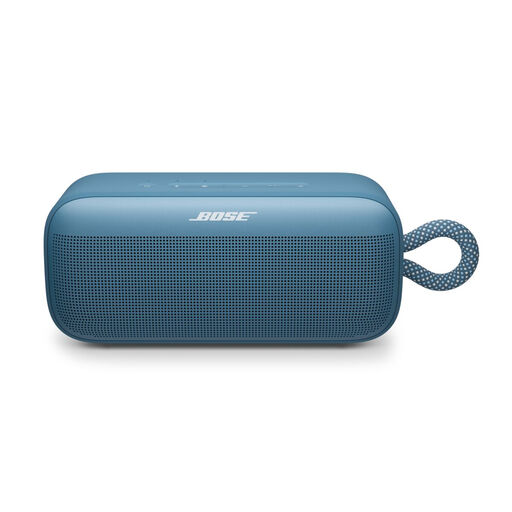
Bose SoundLink Plus Blue Dusk
Suits anyone looking for a portable Bluetooth speaker and considering two units for stereo pairing.
The product description mentions stereo mode when two SoundLink Plus speakers are paired.
View at Joybuy
 No image available
Edifier ES300 Wi-Fi and Bluetooth speaker, 60 W
Suits anyone looking to compare wireless playback options and connections for a physical audio source.
The product name lists AirPlay 2, LDAC, 12-hour battery life, multi-room, USB and AUX.
View at Joybuy
 No image available
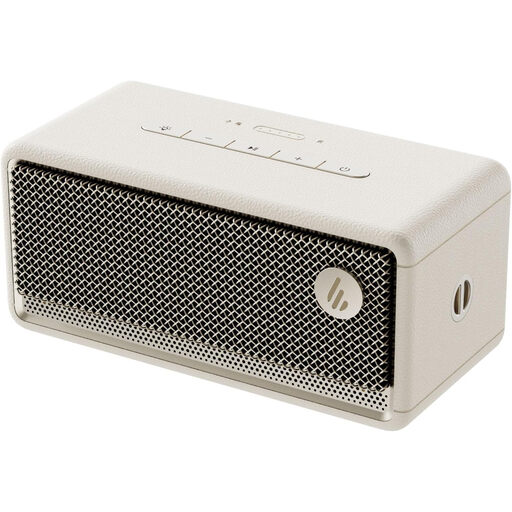
Edifier ES60 portable Bluetooth speaker, stereo pairing, IP66
Suits anyone looking to compare a portable Bluetooth speaker and considering stereo pairing.
The product name lists stereo pairing and IP66 dust and water resistance.
View at Joybuy
Frequently asked questions
How should you position two speakers for stereo music?
First check that the exact model supports stereo pairing and that both speakers are the same required model. For supported speakers, Google recommends placing them around 1.2 to 2.4 metres apart, then pairing them and assigning left and right in the Google Home app. This is Google’s guidance, not a universal rule for every living room.
Can you connect a CD player directly to the Sonos Era 300?
Not with an ordinary USB-C cable alone: Sonos says the Era 300 line-in requires a separate Sonos line-in adapter. Also check which audio output your source has.
Do you need a subscription for all the Google Home Speaker’s voice features?
No. Google’s Dutch product page says help with tasks, quick answers and smart home control remain available after the trial. Google describes more advanced Gemini features as part of the separate Google Home Premium subscription; check which features you want to use.
What should you look for if you don’t want a microphone that’s always on?
Before buying, read the smart device’s privacy notice and security information. Sonos describes a physical microphone switch on the Era 300, but also says that switching it off disables microphone-dependent features such as voice control and quick Trueplay tuning.
What product rules apply to a new Wi-Fi or Bluetooth speaker in the Netherlands?
Applicable European requirements apply to connected radio equipment offered for sale in the Netherlands. The Dutch government says that, after assessing the requirements, the manufacturer must affix a CE mark and draw up an EU declaration of conformity. This rule describes the obligations for placing a product on the market.


