
Monitoring a transfer in a shared space
You want to listen while transferring your tapes and hear less of the sounds around you. A closed-back model may suit your needs; also check that your monitoring setup gives you the signal you want to assess.


If you work in a shared or noisy space, start by looking at closed-back, wired headphones. In a quiet room, an open-back model may suit you if you don’t need isolation. Check that the plug fits your monitoring output and that the cable can move freely at both the lowest and highest desk heights. Headphones don’t replace a suitable line input for cassette transfers: check the recorded signal too, and make a test recording.
You want to listen while transferring your tapes and hear less of the sounds around you. A closed-back model may suit your needs; also check that your monitoring setup gives you the signal you want to assess.
You adjust the desk height and want to avoid the cable being pulled tight or hanging in the way. So pay attention to the cable design, plug and route to the monitoring output.
If you don’t need isolation, you could also consider open-back studio headphones for listening to or editing your transfer.
Choose this option: if you listen in a shared or noisy space and isolation is important to you.
Bear in mind: fit and comfort vary from person to person; also check that the cable and plug suit your workspace.
Choose this option: if you work in a quiet space, don’t need isolation and want to consider an open-back design.
Bear in mind: an open-back model isn’t an equivalent alternative if blocking out ambient noise is your main priority.
| What to consider | What should you check? | Who should pay particular attention? |
|---|---|---|
| Checking the right signal | Audacity recommends connecting the cassette deck’s output to a suitable line input. Also check your monitoring setup and make a test recording. | I want to be sure the recording has been saved correctly, not just hear what’s coming through the headphones. Around 33% of consumers prioritise checking the recording. |
| Cable clearance at the desk | Measure the cable route with the desk at its lowest and highest settings; check the cable design, length and plug. | I want to adjust the desk without the cable becoming taut or hanging in the way. Around 27% of consumers prioritise having room for the cable to move. |
| Comfort while listening | Assess the fit for yourself and check whether the ear pads are replaceable, if that matters to you. | For a long listening session, I want my headphones to feel comfortable; a specification can’t predict how they’ll feel on my head. Around 20% of consumers prioritise wearing comfort. |
| Isolation or an open-back design | Check whether each complete model is closed-back or open-back; these designs meet different needs. | I want my choice to suit a shared space or a quiet room, rather than choosing an open-back model when I need isolation. Around 20% of consumers prioritise their listening environment. |
Headphones let you hear what your monitoring setup sends through, but they won’t fix an incorrect connection or an unsuitable input. Audacity recommends using a suitable line input for the signal from your cassette deck.
First, make a test recording and check both the input you’re using and the saved result.
If a transfer fails, you may need to digitise it again.
The distance to your monitoring device changes when you adjust the desk. A cable may have enough slack at one height but become taut at another.
Measure the route with the desk at its lowest and highest settings, and check that the plug fits your monitoring output.
Depending on your setup, you may need a different cable or adapter for your specific model.
The HD 490 PRO and DT 900 PRO X are open-back models; the HD 280 PRO and DT 770 PRO 80 Ohm are closed-back. These designs don’t provide the same level of isolation.
First decide whether you’ll be listening in a quiet or shared, noisier space. Then compare models within the option that suits you.
The DT 770 PRO 80 Ohm and DT 900 PRO X offer closed-back and open-back options respectively.
The closed-back ATH-M50x may suit you if you want to compare different cable options for your setup.
The closed-back HD 280 PRO and open-back HD 490 PRO offer different options for different listening environments.
The PRO 4000 is a model to consider when comparing closed-back studio headphones.
The MDR-7506 is a professional headphone worth comparing with other closed-back options.
These Joybuy picks are headphones for wired listening or with a stated wired option. For each model, check that the connection and listening mode suit your cassette setup.
 No image available
The product information lists a 3.5 mm cable for wired listening; check that the listening mode suits your monitoring setup.
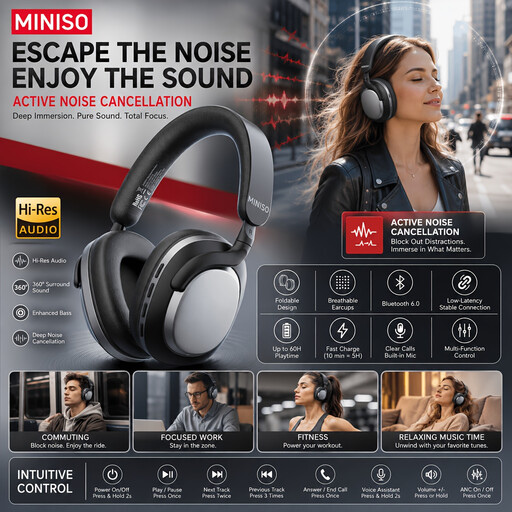
The product name mentions noise-cancelling and a 60-hour battery life.
 No image available
The product information lists a detachable cable with a 3.5 mm connector; check that it’s long enough for both desk heights.
The stated cable length is 1 m; the product name mentions noise-cancelling.
 No image available
The product information lists a closed-back design and a 3.5 mm connection; check that the wired listening mode suits your cassette source.
According to the product information, the audio cable can be used without a battery.
 No image available
The product information lists USB-C and 3.5 mm cables for wired audio sources; check which connection fits your monitoring output.
The stated cable length is 120 cm and the product information mentions noise-cancelling. Do not wear the headphones while charging, as stated in the product warning.
 No image available
Before choosing, check that the wired connection and listening mode on this version suit your cassette setup.
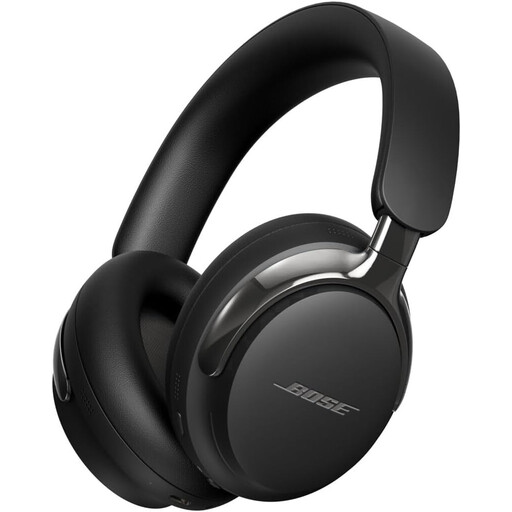
The product information mentions noise-cancelling and a 24-hour battery life.
You should normally use the deck’s line output and a suitable line input on your computer or audio interface. Audacity warns that a line-level signal may overload a microphone input. Connect your headphones to a suitable monitoring output.
Audacity notes that software monitoring of the input can cause a delay. If you want to hear the live input signal without this software delay, you’ll need a suitable hardware monitoring setup.
Keep the volume low and take breaks. The World Health Organization gives an average of 80 dB as an example level at which listening for up to 40 hours per week may be safe; at higher volumes, safe listening time decreases. Without measuring it, you can’t judge your sound exposure from the volume setting alone.
Check the full model number and connection before choosing replacement parts. Manufacturers, for example, list replaceable ear pads for the DT 770 PRO 80 Ohm and HD 280 PRO; cables and connections vary by model.