
Vandaag of morgen in huis

Kwaliteit gegarandeerd

Welkomstaanbiedingen ontgrendelen: GRATIS bezorging | Tot 80% korting | Gratis 30 dagen JoyPlus-proefperiode
Download de app
The notification pops up on your screen: the black ink is almost empty. Whether you need to print an important work document or a school report for the kids, an empty cartridge never comes at a good time. The search for the right replacement can be confusing, with all the different model numbers and types.
This article is here to help. As a Joybuy Product Recommendation Officer, I'm here to filter through the available information and provide practical advice. You'll find clear details on the Canon PGI-5BK ink cartridge and related options, so you can quickly make the right choice for your Canon PIXMA printer.
Before making a purchase, there are a few key factors to consider that will help you find the right black ink for your Canon printer.
The most important step is to verify that the cartridge or ink bottle is compatible with your specific printer model. A Canon PGI-5BK ink cartridge (also known by model number 0628B001) is designed for a specific range of Canon PIXMA printers. The wrong cartridge won't fit or could even damage the printer. The list of compatible printers is always stated on the product page and on the packaging.
Canon offers two systems: traditional ink cartridges and printers with refillable ink tanks (MegaTank).
When you decide to buy Canon printer ink, choosing genuine Canon ink is a key consideration. According to Canon, their ink is specifically formulated to work in harmony with their printheads. This is said to ensure consistent print quality and support the printer's lifespan.
Based on product specifications and their applications, we have highlighted a few popular choices for you.
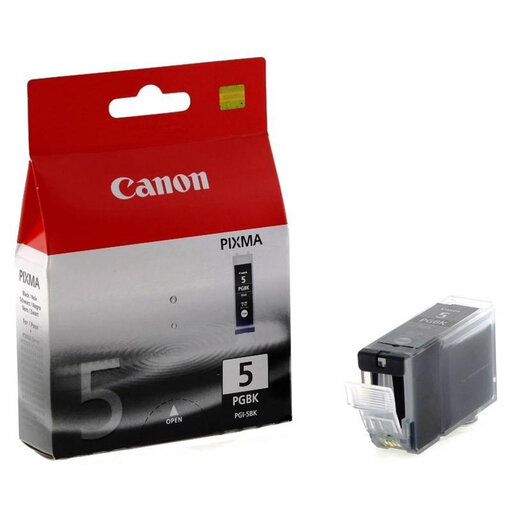
Why it stands out: This Canon black ink cartridge is the standard choice for a very wide range of older and widely-used PIXMA printers. With a 26 ml volume and pigment-based ink, this cartridge is designed for sharp, long-lasting text documents.
Benefits:
Who is this for? For owners of a compatible Canon PIXMA printer who need a reliable, genuine cartridge for general home use or a small office (SOHO).
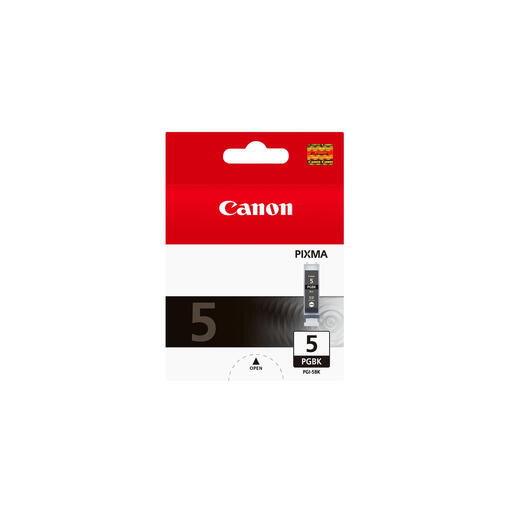
Why it stands out: This is also a Canon PGI-5BK cartridge, identifiable by the model number 0628B001. The main difference is the stated page capacity. With a capacity of 1640 pages, this is an option for users who print frequently and want to replace the cartridge less often.
Benefits:
Who is this for? For users in a small office or demanding home users who print a lot of documents and are looking for a more efficient, high-capacity solution.
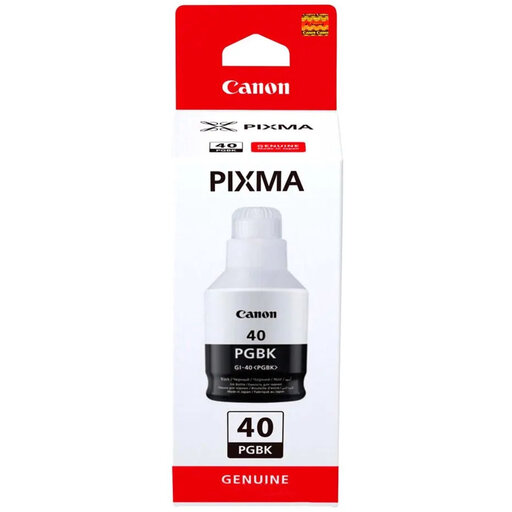
Why it stands out: This product is not a cartridge, but a Canon ink bottle refill. The Canon GI-40 is specifically designed for Canon PIXMA G-series printers with refillable ink tanks (MegaTank). It is a completely different system from the PGI-5BK.
Benefits:
Who is this for? Exclusively for owners of compatible Canon PIXMA G-series printers, such as the G5040, G6040, and GM2040. This is not compatible with printers that use the PGI-5BK cartridge.
Does your printer need a different type of cartridge, like the popular 301 black ink cartridge? Or would you like to explore our full range of printer supplies? Check out our extensive selection for more choices.
What is the difference between the PGI-5BK and the CLI-8BK cartridge? Many PIXMA printers that use the PGI-5BK also have a slot for a CLI-8BK. The PGI-5BK contains pigment black ink, which is primarily used for printing sharp text on plain paper. The CLI-8BK contains dye-based black ink, which is used for printing photos and images to create richer black tones. You typically need both for optimal performance.
How can I be sure the Canon PGI-5BK will fit my printer? The easiest way is to consult your printer's manual. You can also check the compatibility list on the cartridge's product page. The supported printer models are clearly listed there.
Can I refill a PGI-5BK cartridge myself? Although refill kits are available on the market, Canon recommends using genuine Canon ink. According to the manufacturer, this guarantees the best print quality and reliability and prevents potential damage to the printhead. Using non-genuine ink may affect your printer's warranty.
Best regards,
