What should you look for when choosing?
First check that your camera outputs a picture to the monitor during the lesson. Then work out how much room the screen, mount and cable route will take up. Only then can you weigh up screen size and brightness against your viewing distance and the light on the table.
| What to consider |
What should you check? |
Who should pay particular attention? |
| Cutting lines and framing |
Check magnification, focus peaking, and whether your hands and the whole work area stay within the camera frame. |
If I want to follow fine lines without losing sight of my hands or the paper, I look for monitoring tools and good framing. Around 36% of consumers put focus and framing first. |
| Camera connection |
Check the HDMI connection, output format and how the camera behaves in the recording mode you use. |
If you’re filming with an existing camera, you’ll want to know before the lesson whether the live picture appears on the monitor in your chosen recording mode. Around 29% of consumers prioritise the camera connection. |
| Space, mounting and power |
Choose a position outside the cutting area, then check the mount, cable route and power supply for the exact version. |
If I’m cutting at a small table, I want to move my hands, knife and paper freely while keeping the screen in clear view. Around 21% of consumers put a clear workspace and setup first. |
| Visibility in bright light |
Compare the stated maximum brightness, and assess the viewing angle and reflections where you plan to use it. |
In bright task lighting or near a window, I want to be able to see the picture clearly without assuming that a specification predicts reflections in my setup. Around 14% of consumers prioritise visibility in bright light. |
Joybuy products
The Joybuy products below are screens for live viewing from the rear camera of a compatible smartphone; they are not HDMI camera monitors. They’re only relevant if you’re filming the lesson with a smartphone. Also check the CE mark and compatibility with your phone for the exact version on offer.
 No image available
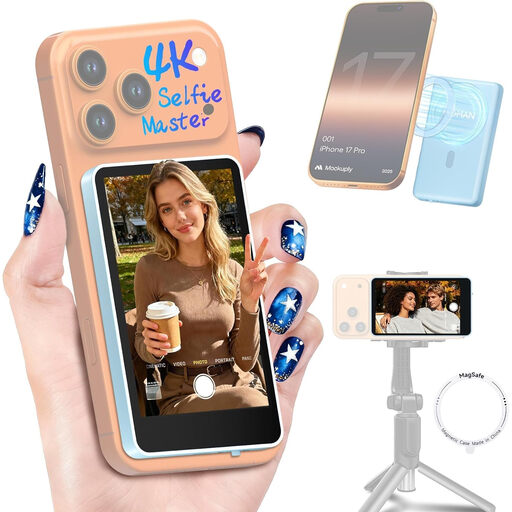
Moman M4 Phone Vlog Selfie Monitor (Blue)
Designed for viewing footage from the rear camera of a compatible phone while filming; the description mentions a rotatable screen with a mirror display option.
According to the product information, this model is not compatible with Google Pixel.
Joybuy
 No image available
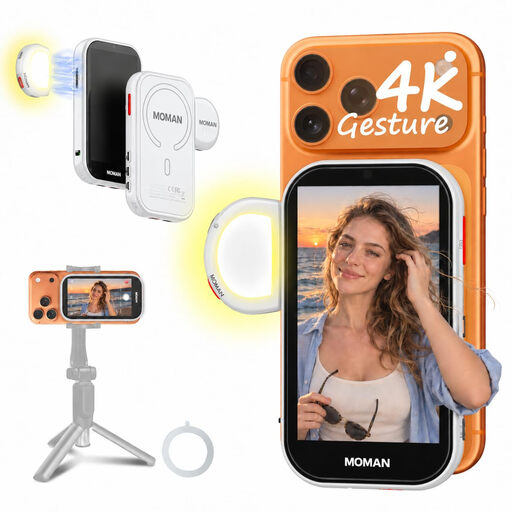
Moman M4 AI Selfie Monitor Screen (White)
Designed as a live-view screen for the rear camera of a compatible phone; the description mentions gesture control and adjustable screen display.
The product information lists iPhone 7–17 and supported Android phones; wired Android requires HCCast, and Google Pixel is excluded.
Joybuy
Frequently asked questions
Can I connect any camera with HDMI?
No. Check your camera model’s output format and whether a picture appears on the external monitor in your chosen recording mode. Sony explains that the display can vary with specific models and settings.
How can I keep the monitor out of the way while cutting paper?
First choose a viewing position outside the cutting area, then plan the mount, cable route and power supply. Atomos lists a 1/4-inch-20 mounting point and power via a compatible NP-F battery or USB-C PD for the Shinobi II; check which parts are included with the exact version.
Do I have rights against the seller as well as a manufacturer’s warranty?
Yes. When you buy as a consumer in the Netherlands, a product must meet what you can reasonably expect of it. If it doesn’t, the seller is responsible for putting things right. Statutory warranty does not have a fixed two-year term for every product, according to ACM ConsuWijzer.
Can I film pupils so they’re identifiable and publish the lesson?
When a school films identifiable pupils or staff and publishes the footage, the Dutch Data Protection Authority states that consent is required under the GDPR and that the material must be kept secure. Consider identifiable people and how the recording will be used separately.
What should I look for in an electronic monitor for the Dutch market?
Check the CE mark on the exact version on offer. The Dutch government says electronic products on the EU market require CE marking; a brand name or general product page does not prove that a specific item on offer carries it.


