What should you look for when buying?
First, decide what you’ll need to check most often while filming. For this lesson, there are four possible priorities: exposure, focus, framing and a separate recording workflow.
| What to consider |
What to check before buying |
Who should prioritise this? |
| Exposure in window light |
Check which exposure aids the exact model offers, and assess the display using your own camera settings. Screen brightness alone doesn’t tell you how the camera signal is exposed. |
If daylight changes during the lesson, I want to check that light-coloured paint and shadows remain easy to see. Around 36% of consumers put exposure first. |
| Sharpness of brushstrokes |
Check whether the model has peaking or magnification, and whether your camera’s HDMI signal supports the recording setting you want. |
When working with small brushstrokes, I want to check focus without pointing the camera away from my work. Around 29% of consumers prioritise sharpness. |
| Framing the work surface |
Consider where you can mount the monitor and whether you’ll be able to see the full camera image from where you’re painting. |
For an overhead shot, I want to be able to follow the miniature, my hands and the relevant parts of the work surface in the frame. Around 21% of consumers put framing first. |
| Recording and power |
Decide whether the camera itself will record; then check the HDMI signal, power supply and included accessories. If you choose a recorder, check which media it supports too. |
If I need a separate recording workflow, I want to know in advance what equipment and media I’ll need. Around 14% of consumers prioritise external recording. |
Monitors at Joybuy
These monitors can be used as external displays when your camera outputs a compatible HDMI video signal. Before buying, check your camera’s signal mode and mounting options; don’t assume a PC monitor will have features such as peaking or waveform.
 No image available
iiyama 24-inch IPS monitor with Windows Hello camera and microphone
Can serve as a larger external display if your camera outputs a suitable HDMI signal; check the signal mode and positioning for your setup.
24-inch IPS screen; Full HD; 250 cd/m² brightness; HDMI; height-adjustable and tiltable stand, with swivel and portrait rotation.
Joybuy
 No image available
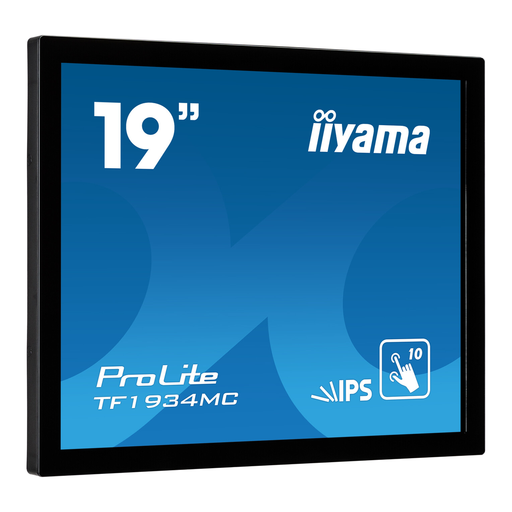
iiyama ProLite 19-inch 10pt Touch Open Frame IPS monitor
Can display a compatible HDMI signal from your camera; plan how to mount the open-frame monitor and check the signal mode in advance.
19-inch IPS touchscreen; 1280 × 1024 resolution; 350 cd/m² brightness; 178-degree viewing angle; HDMI; VESA mount.
Joybuy
 No image available
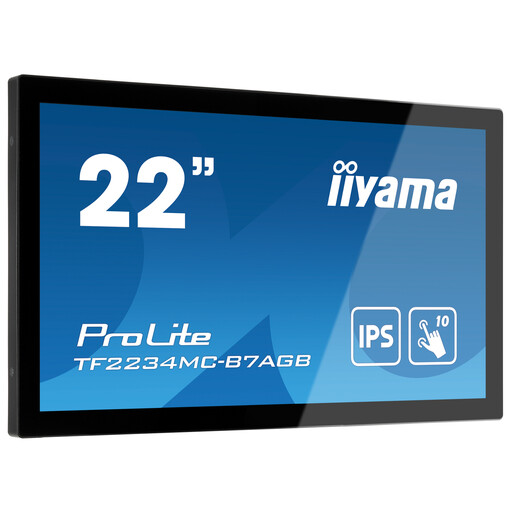
iiyama ProLite 21.5-inch 10pt Touch Open Frame monitor with anti-glare glass
Can serve as an external screen when your camera outputs a compatible HDMI signal; also check where and how you want to mount the open-frame model.
21.5-inch Full HD IPS screen; 350 cd/m² brightness; HDMI; anti-glare glass; horizontal or vertical mounting and VESA mount.
Joybuy
 No image available
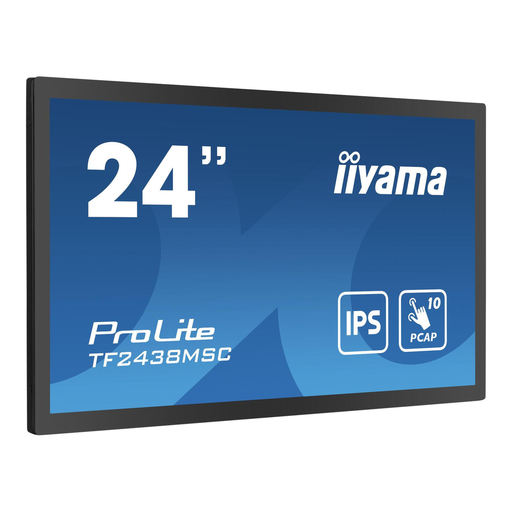
iiyama TF2438MSC-B1 23.8-inch 10pt Optical Bonded PCAP Open Frame touchscreen monitor
Can serve as an external display with a suitable HDMI signal from your camera; the product description specifies that a suitable enclosure is needed for installation.
23.8-inch Full HD IPS touchscreen monitor; 600 cd/m² brightness; HDMI; VESA mount.
Joybuy
Frequently asked questions
Is a high nit rating enough to expose light-coloured paint correctly?
No. The nit rating indicates the stated screen brightness. You should also assess the camera signal using an available waveform, histogram or false-colour feature, and check the image with your own camera settings.
How do I connect a camera monitor for filming above my painting table?
First, check which HDMI video output and signal modes your camera offers, and which HDMI input the monitor accepts. Also plan the mount, cable routing and power supply. Atomos lists an NP-F battery or USB-C PD as power options for the Shinobi II.
Does every camera monitor record the lesson?
No. Choose a monitor-recorder if a separate recording is part of your plan. Blackmagic lists recording to an SD card or external USB-C storage for the Video Assist 7-inch 12G HDR; also check that your camera outputs a suitable signal.
Who can help me in the Netherlands if a monitor I’ve bought turns out to be faulty?
According to the Government of the Netherlands, under the statutory guarantee the seller is responsible for providing a solution, not the manufacturer. There is no fixed statutory guarantee period for every product in the Netherlands; what you can expect depends, among other things, on the product and the information provided at the time of purchase.
Can I publish a painting lesson if other people are recognisable in it?
If other people are recognisable in the footage, the Dutch Data Protection Authority considers it personal data covered by the GDPR. Whether you can publish it depends on the recording and how you use it; check this before publishing.


