
Artists working at a compact table
If you’re short on space, you’ll want to follow the paper and your hand movements without a large screen getting in the way of your work surface. The Portkeys PT6 is an example of a monitor with a 5.2-inch screen.


Choose a camera monitor that supports your camera’s video output and can be positioned securely where you draw, within your line of sight. A compact HDMI screen is a better fit for a small work table. A larger screen or extra focus and exposure tools are particularly useful if you sit further from the camera or want to assess the image more closely. Also check the power supply, what’s included in the box and whether the specific version you’re buying has the required CE marking.
If you’re short on space, you’ll want to follow the paper and your hand movements without a large screen getting in the way of your work surface. The Portkeys PT6 is an example of a monitor with a 5.2-inch screen.
If you’re filming fine lines and small movements, look for tools such as focus peaking or image magnification. Check which features the model you choose actually offers.
If the light changes while you’re filming, screen visibility and the ability to assess the camera image are important considerations. The specifications for models such as the FEELWORLD F5 ProX and Atomos Shinobi II list maximum screen brightness levels of 1600 and 1500 cd/m² respectively.
Start with the connection and where you’ll be viewing from. Then compare screen size, focus aids and brightness for your drawing setup.
| What to consider | What should you check? | Who is this important for? |
|---|---|---|
| Framing from your drawing position | Compare screen size and viewing distance. Check that the monitor won’t block the paper. | If I’m drawing at a compact table, I want to see the whole work surface without losing space. Around 33% of consumers put visibility of the framing first. |
| Clarity of fine lines | Check the screen resolution and available tools, such as magnification and focus peaking. | When small lines or hand movements are central to the shot, I want to be able to assess the details while filming. This is the top priority for around 27% of consumers. |
| Screen visibility and exposure | Compare the stated brightness and tools such as waveform or false colour. Take reflections in your chosen location into account. | In changing daylight, I want to be able to read the screen and assess the camera image. Around 20% of consumers give exposure control the highest priority. |
| Connection and setup | Check the camera output, HDMI connection, cable, power supply, box contents and mounting points. | If I mainly need a reliable, stable setup, I want to know in advance whether my camera, power supply and mount will work together. This is the top priority for around 20% of consumers. |
Portkeys says the PT6 can accept a 4K signal, while its built-in screen has a resolution of 1920 × 1080 pixels.
Check the supported camera input and the physical screen resolution separately, then decide which matters for the way you monitor your image.
Atomos doesn’t list a built-in battery for the Shinobi II. The contents of F5 ProX packages can vary by version.
Before finalising your setup, compare the package contents with the monitor’s power input and your camera’s connections.
Control via the Shinobi II is only available with supported camera models. SmallHD says control licences for certain camera systems are sold separately.
Check your exact camera model, the connection required and whether you need a licence before relying on camera control.
A maximum brightness figure doesn’t tell you on its own how easy the screen will be to see where you’re working. Positioning, connections and mounting options also vary by model.
First consider the viewing angle, reflections and mounting options in your setup. Then use the stated brightness as a point of comparison.
The PT6 is a compact HDMI monitor for a controlled indoor setup.
The F5 ProX is a compact HDMI monitor where screen brightness and power are key considerations.
According to Atomos, the Shinobi II combines an HDMI monitor with monitoring tools and control for supported cameras.
The Indie range is worth considering if you need HDMI alongside SDI, or more advanced configurable monitoring.
This selection focuses on monitors for smartphone video, rather than HDMI field monitors that connect to any camera. Before buying, check that the monitor is compatible with your phone. Any compatibility limitations are listed with the product.
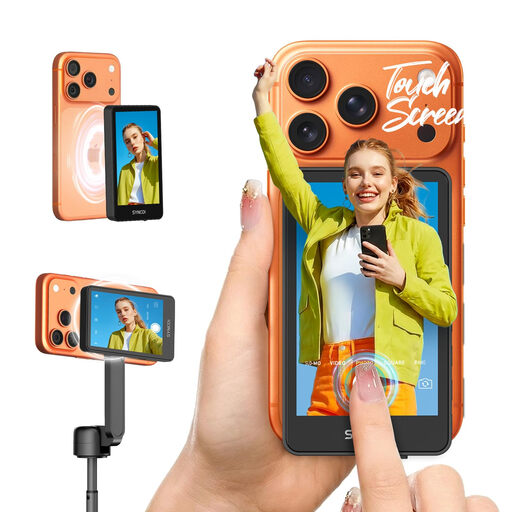 Image unavailable
For anyone who wants to control recording, zoom and mode from the monitor screen while filming on a smartphone.
The description lists 5.8 GHz P2P, wireless control up to 50 metres and a 1300 mAh battery. Not compatible with Google Pixel.
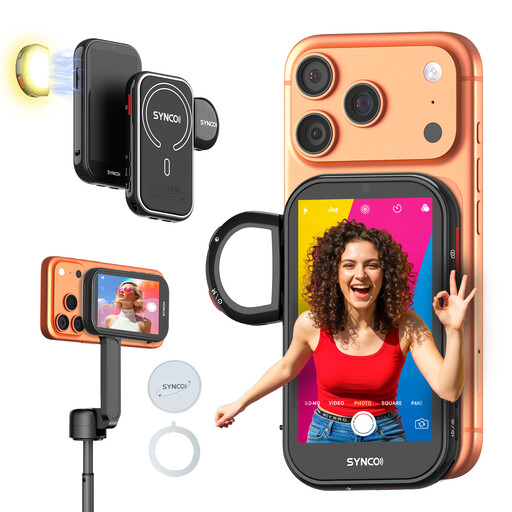 Image unavailable
For anyone who wants to view a live feed from their smartphone while filming remotely.
The product description lists wired and wireless mirroring, 4K at 30 fps, gesture control and a 1500 mAh battery. Not compatible with Google Pixel.
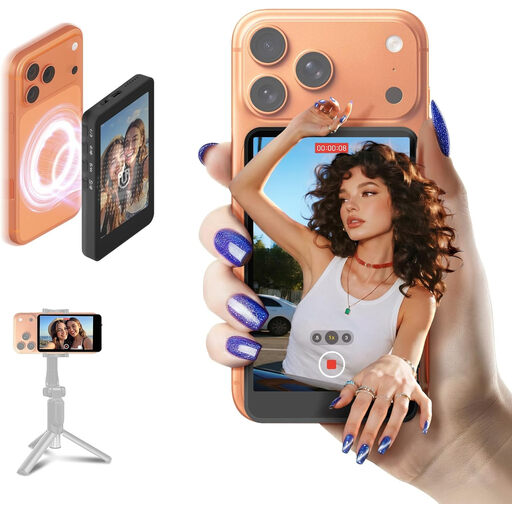 Image unavailable
For anyone who wants to view the live feed from their smartphone’s rear camera while filming and check the framing remotely.
The description lists wireless control up to 50 metres, adjustable screen brightness and up to three hours of use. Not compatible with Google Pixel.
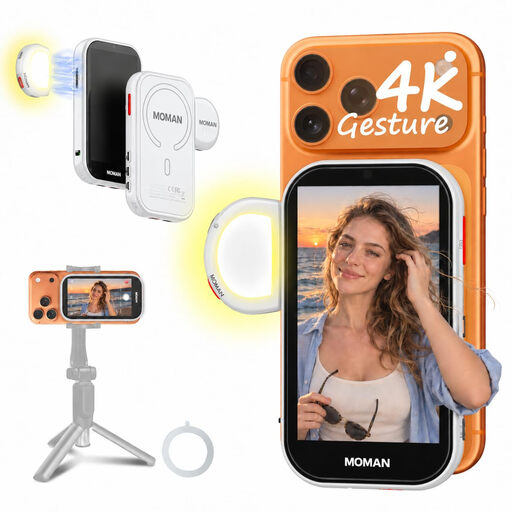 Image unavailable
For anyone who wants to view the live feed from their smartphone’s rear camera and attach the monitor to a compatible phone case.
The description lists a 4.02-inch screen, magnetic attachment, a wireless range of up to 164 ft and a built-in speaker. The phone is not included; a wired Android connection requires HCCast. Not compatible with Google Pixel.
No. First check the output on your exact camera model. Look at the HDMI output, selected resolution and frame rate, the type of cable connector you need, and what happens to the camera screen during internal recording. For example, Canon lists different HDMI display modes for different camera models. This doesn’t automatically tell you anything about another model.
Make sure the power supply is suitable for the monitor’s input and version. Atomos says the Shinobi II has no built-in battery and lists NP-F or USB-C PD as power options. For the FEELWORLD F5 ProX, check which items are included with the version you choose, and arrange the cables so they don’t get in the way of your drawing.
Yes. The Dutch government says that electronic products placed on the EU market must have the required CE marking. Check the marking on the specific version you’re actually buying.
In the Netherlands, your statutory guarantee applies in addition to any manufacturer’s guarantee, as ACM ConsuWijzer explains. Online purchases generally come with a 14-day cooling-off period after delivery, although there are exceptions. The cooling-off period for a product that isn’t faulty is separate from your rights if a product is defective.