What should you look for when choosing?
First, take some test shots with your current device and a fixed setup. Then consider whether a mirrorless camera, a suitable lens or an additional shooting feature would make a difference to the way you take photos.
| What to consider |
What to look for when buying |
Who is this most important for? |
| Glare and hotspots |
Test whether you can diffuse and reposition the light, and secure the camera in place. Don’t choose based solely on sensor or megapixel specifications. |
If I photograph glossy glaze, I want to prevent reflections from obscuring the surface; around 33% of consumers prioritise managing reflections. |
| Colour and background |
Compare photos taken under the same lighting and choose a plain background that makes the tile stand out clearly. |
When I photograph colour variations, I want to be able to spot differences between photos; around 25% of consumers prioritise colour consistency. |
| Texture and detail |
Check that the working distance and framing of the specific lens suit your setup. Consider additional focusing features only if the texture calls for them. |
If the tile has pronounced edges or texture, I want to make the details visible; around 25% of consumers prioritise detail. |
| Simplicity and equipment |
First, take a test shot with your current device. When comparing mirrorless cameras, check the body, the included lens and any accessories you’ll need. |
If I only photograph a tile now and then, I want to know first whether my current device is good enough; around 17% of consumers prioritise simplicity and keeping their purchase to a minimum. |
Cameras at Joybuy
This selection at Joybuy includes digital cameras and a mirrorless camera to consider for product photography. With every option, the lens, background and lighting setup remain important when photographing a tile.
 Image unavailable
Komery W6 digital camera
The listed optical zoom may be useful if you want to try different framings; assess the results in your own setup.
The product name lists 12× optical zoom, 64 MP and 4K.
View at Joybuy
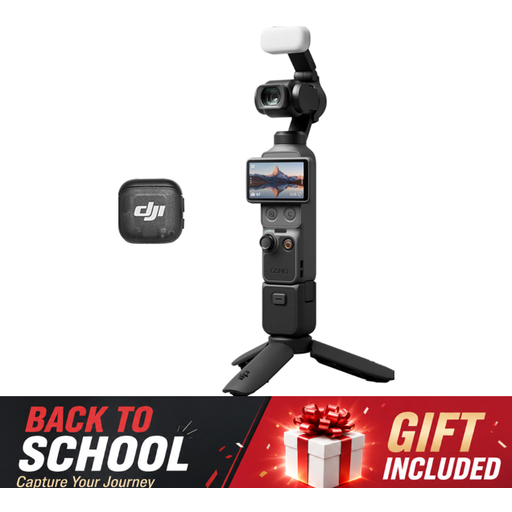 Image unavailable
DJI Osmo Pocket 3 Creator Combo
The product name mentions photography as a use; take a test shot to check whether this camera suits the framing you want for your tile.
The product name lists a 1-inch CMOS sensor, 4K/120fps video and 3-axis stabilisation.
View at Joybuy
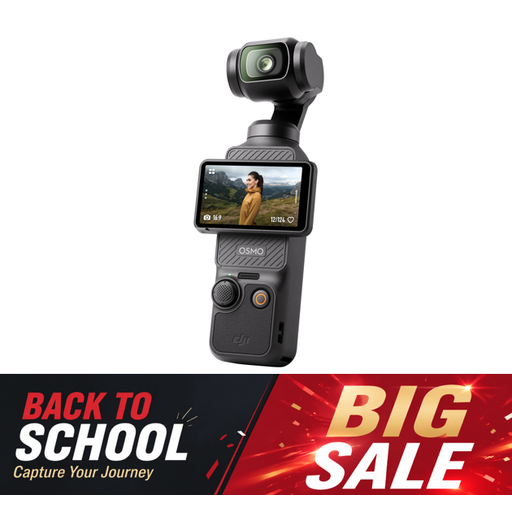 Image unavailable
DJI Osmo Pocket 3
The product name mentions photography as a use; take a test shot to see whether the framing works for your tile.
The product name lists a 1-inch CMOS sensor, 4K/120fps video and a 2-inch rotating touchscreen.
View at Joybuy
 Image unavailable
Sony ZV-E10 with 16–50mm zoom lens, Black
This mirrorless camera may suit you if you want to use an interchangeable lens; check that the lens’s framing works with your working distance.
The product description lists an APS-C sensor, a 16–50mm lens and a Product Showcase setting. According to the description, an adapter/charger and memory card aren’t included.
View at Joybuy
Frequently asked questions
Do I need to buy a new camera for one handmade tile?
Not necessarily. Adobe lists a smartphone as an option on a limited budget, so try yours first with a plain background and controlled lighting. Check whether the framing and detail suit the way you want to use the photo.
How can I manage reflections on glossy glaze?
Use diffused light and keep the camera in the same position as you take test shots, while moving the light source. These are adjustments to your setup, not a guaranteed feature of any camera model.
Is a white background always suitable for tile photos?
No. A white background keeps the image uncluttered, but a light-coloured tile may not stand out as clearly against it. Try a plain grey background too, and check in a test shot that the tile’s shape and colour remain clear.
What should I check about equipment and after-sales service?
Before buying, check which lens and power accessories are included. For example, Nikon notes that the Z50II kit reviewed here doesn’t include a charger. For a private purchase in the Netherlands, contact the seller if a product is faulty; the manufacturer’s warranty doesn’t replace your statutory rights.
Do I always have 14 days to change my mind after buying a camera online in the Netherlands?
Not in every situation. The Dutch Government states that, for many applicable distance sales to consumers, a 14-day cooling-off period applies. Buying online from a private individual is one example of a situation that doesn’t count as a distance sale. You shouldn’t assume the same consumer rights apply to a business purchase either.


