
Teachers who want to show paint mixes clearly
If you’re filming a fixed work surface, you’ll want pupils to be able to follow the colour differences between each mixing step. So consider the lighting and white balance as well as the framing.


For a fixed shot of hands and paint, choosing the right lens, controlling the white balance and finding a practical position above the work surface matter more than simply having a high resolution. If you’ll be filming for a long time or want more scope for editing colours afterwards, it’s also worth comparing recording formats and recording times. Test the camera with your own lights, as specifications alone can’t guarantee that paint colours will look true to life.
If you’re filming a fixed work surface, you’ll want pupils to be able to follow the colour differences between each mixing step. So consider the lighting and white balance as well as the framing.
For a long, continuous recording, check the recording time available with your chosen settings, as well as the power supply and storage you’ll need.
If you want more scope for post-production, you can compare more advanced recording formats while bearing in mind that they may add steps to your workflow.
Suitable if: you’re filming your hands and work surface and want to choose an interchangeable lens to suit your filming distance.
Keep in mind: the lens and recording settings both affect what you see in the frame. A more advanced video format won’t automatically correct for inconsistent artificial lighting.
Suitable if: your lessons are long or you need a more advanced recording workflow.
Keep in mind: check the recording time for your chosen format and the applicable terms of use, as well as the storage and power supply you’ll need.
Suitable if: you’re comfortable working with manual settings and post-production.
Keep in mind: check that the lens, storage, power supply and controls suit your lesson set-up. This approach isn’t necessarily the simplest option.
| What to consider | What to look for | Who is this important for? |
|---|---|---|
| Colour consistency | Check that you can set and lock the white balance for your lighting. Record a test shot of paint samples under the same lights. | I want to assess colour differences between mixing steps accurately. Around 36% of consumers put colour consistency first. |
| Framing the work surface | Measure the available distance and check that the lens and camera can capture your hands, mixing area and relevant details together. | I want to show my hands and paint mixes clearly at the same time. Around 29% of consumers prioritise framing the work surface. |
| Flicker from artificial lighting | Test with your own lights at the brightness you use them. For a 50Hz power supply, Sony Support lists 1/50 or 1/100 second as possible shutter speeds; check the results in a test recording. | I want to prevent bands or changes in brightness from disrupting my demonstration. Around 21% of consumers prioritise flicker-free recording. |
| Long recordings | Check the recording time for your chosen settings and terms of use, and see what storage and power supply you’ll need for the planned lesson. | I want to record a long demonstration without unnecessary interruptions. Around 14% of consumers prioritise recording continuity. |
A recording format describes a camera feature, not how paint will look under your lights.
Start with a test recording using the same lighting and white balance you plan to use for the lesson, and compare paint samples in the footage.
You may need to allow extra recording time or adjust the lighting.
The camera body on its own won’t tell you whether you can frame the work surface properly or store a long lesson.
For the exact model, work out what lens, storage, power supply and any audio add-ons your set-up requires.
You may need to buy a suitable lens, storage, power supply or model-specific audio add-on separately.
The EOS R50 V is a video-focused mirrorless camera with an interchangeable lens, worth comparing for a fixed lesson set-up.
The ZV-E10 II is a mirrorless camera with an interchangeable lens, worth comparing for a compact video set-up.
The LUMIX GH7 is worth comparing if long recordings and a more advanced video workflow are important to you.
The Pocket Cinema Camera 4K is worth comparing if you’re looking for a more manual cinema and post-production workflow.
These Joybuy products are cameras for video recording. Check each version to see whether its lens, framing and features suit your lesson set-up.
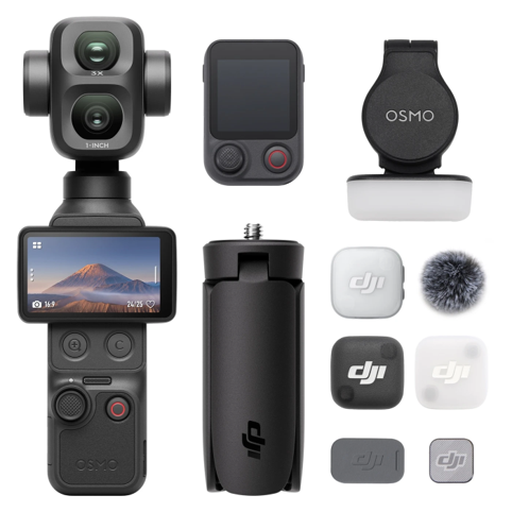 No image available
A pocket vlogging camera to consider if you’re looking for a compact video camera. Check beforehand that its framing suits your fixed work surface.
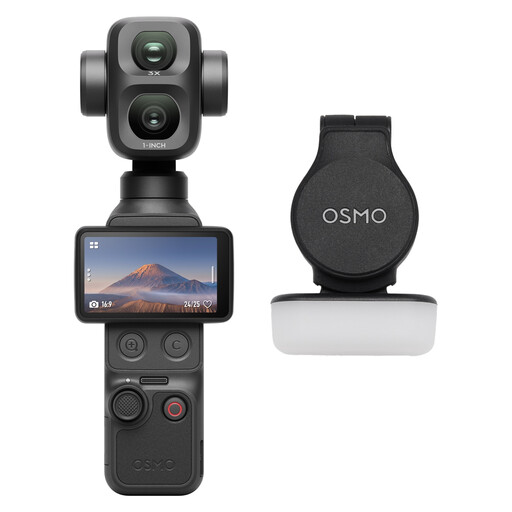 No image available
This version is worth comparing for video recording. Use a test set-up to check that you can frame the work surface clearly.
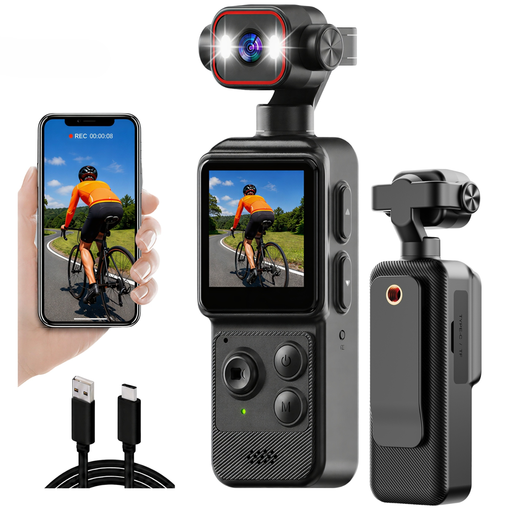 No image available
A compact camera worth comparing if you’re considering a clip mount. Check that your chosen position captures the whole mixing area.
The product name lists a 1.54-inch display, a 140° viewing angle, app control, LED light and a 1200mAh battery.
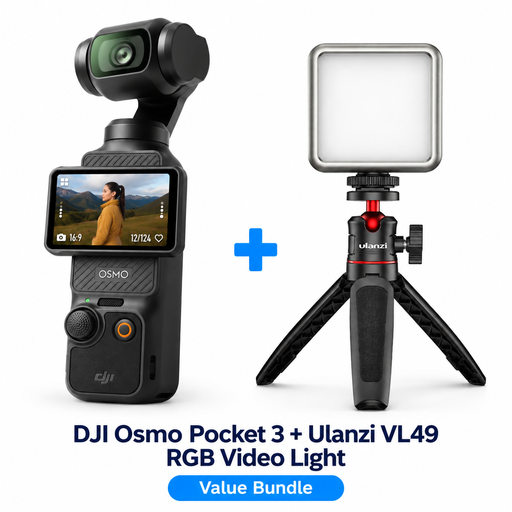 No image available
This bundle is worth comparing if you’re looking for a portable camera set-up. Test it with your own lights to see whether the lighting and framing work for filming paint.
 No image available
The version with a zoom lens is worth comparing for a fixed lesson set-up. Check whether your available filming distance lets you get the shot you want of your hands and work surface.
The product name lists a 16–50mm zoom lens.
Start by recording a test using the lights you’ll use for the lesson, then set a suitable white balance. Keep the lighting set-up consistent between mixing steps and check that the mixing area stays visible and that your hands don’t cover the relevant colours for long.
Try a different video shutter speed with the lights you’re using. Sony Support lists 1/50 and 1/100 second as possible settings with a 50Hz power supply, but features vary by camera model. Check a real test recording, especially when using LED lighting.
The Dutch Data Protection Authority says that permission is needed under the GDPR to record and publish identifiable images of pupils or staff, and that the footage must be properly secured. Consider whether people can be identified and how the footage will be used. Based on this information, there is no general requirement for permission when filming only paint and hands, with no identifiable people.
For a consumer purchase, the seller is responsible for the statutory guarantee. The Netherlands Authority for Consumers and Markets says there is no fixed guarantee period in the Netherlands; what you could reasonably expect from the camera is also relevant.
Check whether a lens is included with each version and what storage, power supply and any audio add-ons you’ll need for your lesson recording. For the GH7, Panasonic lists the DMW-XLR2 for 32-bit float audio as available separately. Make sure any extra equipment you need is compatible with your chosen camera and recording settings.