Cameras at Joybuy
These camera options are a starting point when choosing equipment for photographing drawings. Check that the lens, controls and mount suit your setup, including your paper size, the distance available and the type of shot you want.
 No image available
KINSI Mini Vlog Camera 4K, 64 MP
Consider this model only if its listed features suit the way you take photos; the product title doesn’t say whether it can capture a full drawing.
The product title lists a 330° rotating lens, a 1.72-inch touchscreen, Wi-Fi, Type-C and a tripod.
View at Joybuy
 No image available
DJI Osmo Pocket 4 Standard Combo
Check whether a pocket camera suits your fixed shooting distance and desired framing; the product title doesn’t confirm that the lens can fit your entire sheet in the frame.
The product title lists a 1-inch CMOS sensor, 4K/240fps, 3-axis stabilisation, 2× zoom, 107 GB of built-in storage and a 2-inch rotating screen.
View at Joybuy
 No image available
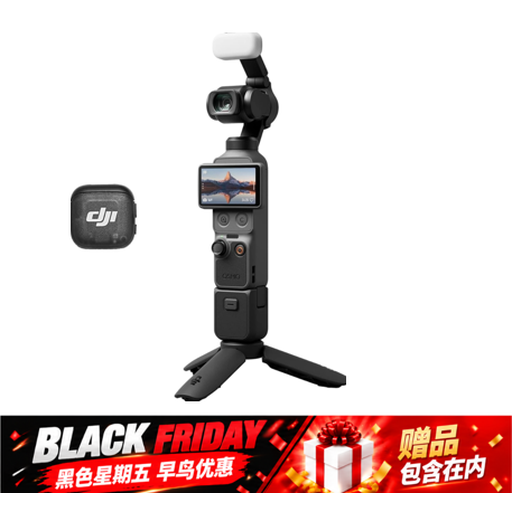
Osmo Pocket 4 Creator Combo
First consider whether a pocket camera suits the shooting distance and framing you need; the listed features alone don’t tell you whether the camera is suitable for your paper size.
The product title lists a 1-inch CMOS sensor, 4K/240fps, 3-axis stabilisation, 2× zoom, 14-stop dynamic range, 107 GB of built-in storage and a handle with a 1/4-inch thread.
View at Joybuy
 No image available
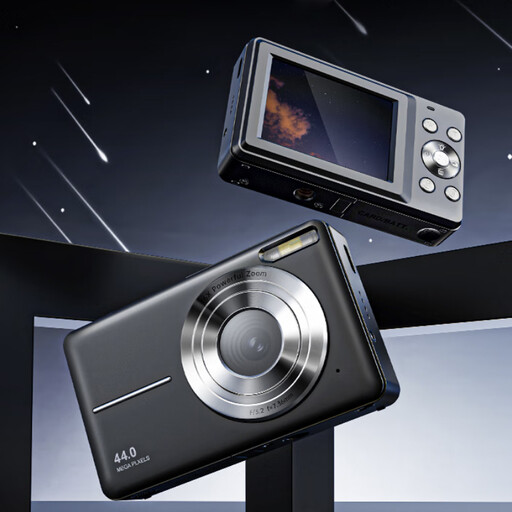
Songdian Pocket Camera 4K 44MP
Check whether this pocket camera can capture the whole artwork straight on, using your largest sheet and the distance available.
The product title lists 4K, 44 MP and 16× digital zoom.
View at Joybuy
 No image available
Sony ZV-E10 with 16-50mm zoom lens, black
The product title describes a mirrorless camera with a lens; check that the zoom lens can fit your largest sheet fully in the frame from the distance available.
The listed lens has a 16–50 mm range.
View at Joybuy
Frequently asked questions
How do you set up the camera to avoid skewed paper edges?
Position the camera directly opposite the plane of the drawing, then check in a test image that every edge is straight and fully in the frame. For larger artworks, the distance available and how the sheet is supported matter too.
How do you capture soft charcoal marks and paper texture?
Start with even lighting for an overall shot. National Museums Scotland explains that light from a different angle can bring out finer details; if needed, take a separate shot and compare it with the overall image.
What should you check about the kit and after-sales service?
Check whether a suitable lens is included and which other components you’ll need for your setup. According to ACM ConsuWijzer, the seller is responsible for the statutory guarantee if a product is faulty; there isn’t simply a fixed two-year period for every camera. For online purchases, you generally have up to 14 days after delivery to change your mind, subject to applicable exceptions.
Can you publish a photo of your charcoal drawing?
If you created the drawing yourself, copyright automatically applies to that work, according to the Dutch Government. If the drawing belongs to someone else, don’t assume you have the right to publish it just because you took the photo: the Dutch Government distinguishes between a private copy for personal use and distributing or making a work public without permission.
Should you leave a drawing under studio lights for a long time?
No. Don’t leave light-sensitive work exposed to light unnecessarily. The Library of Congress describes light damage to art on paper as cumulative and irreversible. Prepare your setup in advance and limit exposure to what you need for the shot.


