
Card maker demonstrating details
You want to show cutting lines, folds and small embellishments clearly, without your hands constantly getting in the way. Smart Creative Social explains how, with a side view, your arms can obscure important steps.


First, choose a setup that keeps the whole card and your actions in view. Then decide whether you’ll film using a computer or record independently. A webcam is suited to lessons streamed via a computer, an interchangeable-lens camera lets you choose from different lenses, and a camcorder has a built-in zoom lens. Test the framing and focus at your working distance. Make a test recording to check the exposure, white balance, sound and any light flicker.
You want to show cutting lines, folds and small embellishments clearly, without your hands constantly getting in the way. Smart Creative Social explains how, with a side view, your arms can obscure important steps.
You want the white background to look white and paper and ink colours to remain consistent in your recordings. Canon Netherlands explains that artificial light can create a colour cast, and that exposure settings matter when filming an unusually bright scene.
You want a clear view of your work surface and easy-to-understand commentary, with a recording setup suited to using a computer or filming independently. Logitech describes a desk-view mode for showing your work; Canon Netherlands mentions using the EOS R50 as a USB webcam.
First, check that the card, your hands and small movements are visible from your planned camera angle. Then choose your recording setup and test it with your own paper, lighting and audio equipment.
| What to consider | What to look for when buying | Who is this important for? |
|---|---|---|
| Small details in shot | At your intended mounting height, test both a full view of the card and the smallest action. Check the lens, focus and recording mode. | If small folds, cutting lines or embellishments are central to your instructions, you’ll want viewers to be able to follow them clearly. Around 31% of consumers give clear detail top priority. |
| White and paper colours | Make a test recording with white paper and coloured materials under your own lighting, then check the exposure and white balance. | If a white background and recognisable material colours matter to you, you’ll want to check for colour casts and dull-looking footage. Around 25% of consumers say this is their main concern. |
| Full view of the work surface | From your actual recording angle, check that the card, tools and hand movements all stay within the frame. | If you need the whole card and your hand movements to be visible, also check that your arms don’t block the work. Around 25% of consumers prioritise this overall view. |
| Commentary and recording time | Test a full lesson using your intended software, microphone position, power supply and available storage. | If you record or stream a long lesson, you’ll want your commentary to remain easy to understand and your setup to suit the way you teach. Around 19% of consumers say commentary and recording setup are their top considerations. |
A stated video resolution doesn’t tell you whether the whole card will fit in the frame, small details will be in focus or your hands will block the action.
Review a test recording from your intended distance and camera angle before comparing resolutions. Canon Netherlands lists 4K 30p for the EOS R50; also test the framing and focus of your setup.
A bright scene may be exposed differently from what you expect, and artificial light can give white paper a colour cast. Canon Netherlands explains both of these exposure and white-balance considerations.
Check a recording using your own paper, materials and lighting. Compare the automatic settings with any available exposure and white-balance adjustments.
The Canon EOS R50 and Sony ZV-E10 II use interchangeable lenses; according to Panasonic, the Panasonic HC-VX3 has a built-in zoom lens. Your chosen lens or zoom, along with the recording distance, helps determine how much of the table appears in shot.
Check which lens is included with each version, and test your preferred framing at your mounting height.
A suitable lens and camera mount may need to be purchased separately.
The MX Brio is a webcam option for lessons delivered via a computer. Logitech describes Show Mode for showing your desk work.
The EOS R50 is an interchangeable-lens camera for anyone looking to choose an RF or RF-S lens for filming their work surface.
The ZV-E10 II is an interchangeable-lens camera for anyone weighing up lens choice and different video formats.
The HC-VX3 is a camcorder option with a built-in zoom lens for anyone filming independently and wanting to adjust the framing.
These cameras and webcams are options to consider for recording a card-making lesson. Before choosing, check that the camera angle, focus and framing suit your work surface.
 No image available
An option to consider if you want to record video with spoken commentary; check that the microphone and focus suit your setup.
The product name lists 1080p HD video, fast focus, noise-reducing recording and Wi-Fi transfer.
The product name also lists an SD card as an included accessory.
 No image available
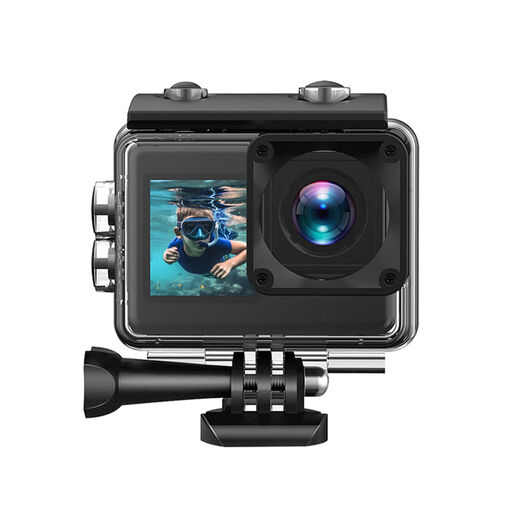
An option for recording video; use a test frame to check whether the wide-angle lens and mounting position suit the view of your work surface.
The product name lists 4K, 20 MP, a 170° wide-angle lens and two screens, including a touchscreen.
Also listed: waterproof to 30 metres, Wi-Fi, USB-C and a 64 GB SD card.
 No image available
An option to consider if you’re looking at a compact vlog camera with a tripod; test whether the lens can show the entire work area from your position.
The product name lists 4K, 64 MP, a 330° rotating lens and a 1.72-inch touchscreen.
Also listed: Wi-Fi, Type-C and a tripod.
 No image available
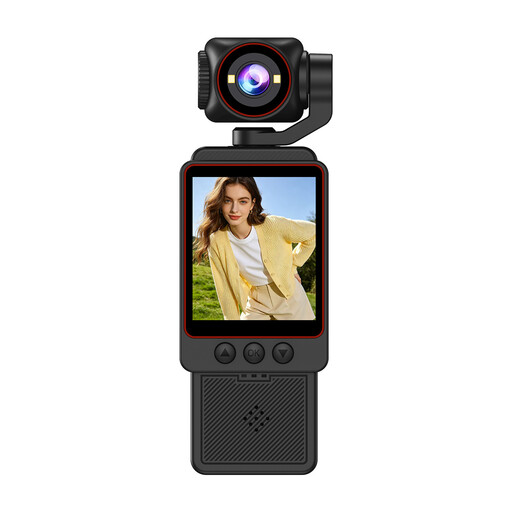
A pocket vlog camera to consider for recording video; check whether the rotating screen position and framing suit a fixed work-surface setup.
The product name lists a 1-inch CMOS sensor, 4K/240fps, 3-axis stabilisation and 2× lossless zoom.
Also listed: 107 GB of built-in storage and a 2-inch rotating screen.
 No image available
A webcam option to consider if you want to record or stream a lesson via a computer; check that the mount and downward angle show your work surface.
The product name lists 4K UHD, 8 MP, autofocus, two built-in microphones and a privacy shutter.
Also listed: EU version and black.
Make a test recording using the lighting you’ll use for your lesson, and check both the exposure and white balance. Canon Netherlands explains that an unusually bright scene may look different on camera and that artificial light can cause a colour cast.
Not without testing the frame. Logitech describes Show Mode for desk work, but check the angle, framing and focus with the card and your hands in their actual positions.
Start by testing with the lights you’ll be using to record. Sony Support suggests shutter speeds of 1/50 or 1/100 of a second with a 50Hz power supply as possible ways to reduce flicker; available settings and results depend on the camera and light source.
For a consumer purchase in the Netherlands, you’re entitled to a product that works as it should. According to the Dutch government, there’s no fixed statutory warranty period, and you should contact the seller if a fault develops. For eligible distance purchases, you generally have a 14-day cooling-off period. Check the terms that apply to your purchase.
Check the relevant privacy rules before recording and publishing. The Dutch Data Protection Authority considers recognisable people in footage to be personal data; professional or commercial recording and publication require a lawful basis under the GDPR. Consent is one possible lawful basis, but it isn’t automatically the only one.