
Vandaag of morgen in huis

Kwaliteit gegarandeerd

Welkomstaanbiedingen ontgrendelen: GRATIS bezorging | Tot 80% korting | Gratis 30 dagen JoyPlus-proefperiode
Download de app
An SSD usually makes a computer more responsive than a traditional hard drive. But buying an SSD isn’t just about choosing the highest read speed or the lowest price per gigabyte. The wrong form factor, an incompatible connection or too little storage could mean your purchase won’t fit your laptop, desktop or PlayStation 5.
The three most common pitfalls:
High speed without a compatible connection
A PCIe 5.0 SSD won’t automatically run at full speed in a PCIe 3.0 or SATA slot. Performance is limited by the slowest link.
Confusing M.2 with NVMe
M.2 mainly describes the physical form. An M.2 SSD can use NVMe/PCIe, but M.2 models with SATA are also available. So always check both the form factor and the protocol.
Underestimating capacity
An operating system, games and video projects can quickly take up space. A 1TB SSD is a practical starting point for many users; for large game libraries or 4K video files, a 2TB SSD or 4TB SSD may make more sense.
Before buying, check your device’s manual or your motherboard specifications. Pay particular attention to the following connections.
For an SSD for a laptop, form factor, power consumption and heat dissipation are particularly important. A desktop SSD will usually have more room for a heatsink and multiple storage drives. A PS5 SSD needs sufficient capacity, but it must also physically fit. Check the maximum thickness and follow Sony’s official installation instructions.
Don’t just look for the term ‘fast SSD’. Check the interface:
The speeds listed are manufacturer or product specifications. Real-world performance varies depending on the computer, file type, temperature and workload.
A 240GB or 256GB SSD may be enough for a basic system, but it leaves less room for updates and software. For everyday use, a 1TB SSD is a good middle ground. Gamers and content creators often choose 2TB or more.
For intensive writing, the TBW rating is relevant. TBW stands for Total Bytes Written and indicates how much data can be written to the SSD according to its product specification. It isn’t an exact prediction of the drive’s lifespan. Always back up important files, regardless of the TBW rating.
NVMe SSDs can get hot during prolonged transfers. A heatsink or sufficient airflow can help dissipate heat, but check that the heatsink won’t touch other components. A large built-in heatsink is usually unsuitable for laptops.
Also look out for the M.2 2280 form factor: this usually means 22 millimetres wide and 80 millimetres long. Check whether your laptop supports a single-sided or double-sided SSD, too.
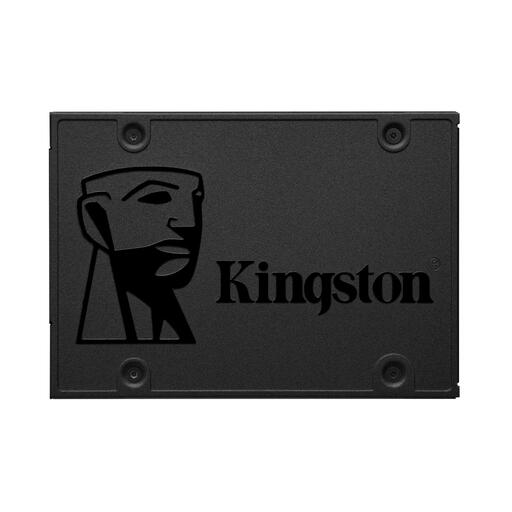
Why it suits this profile: A practical choice for an older laptop or desktop with a 2.5-inch SATA bay.
The SATA III connection and 2.5-inch form factor make compatibility clearer than with an unspecified M.2 drive.
480 GB of storage, TLC memory and specified read and write speeds of 500 and 450 MB/s respectively.
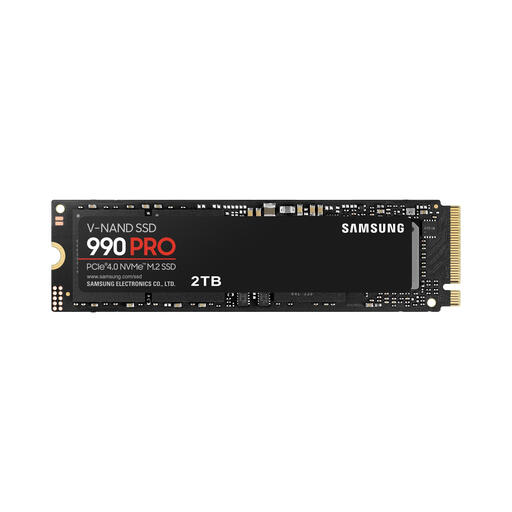
Why it suits this profile: Designed for users who play lots of games, edit large media files and have a PCIe 4.0 system.
The interface, capacity and speed limits are clearly specified. Just check that your motherboard supports PCIe 4.0.
2TB of storage, an M.2 2280 form factor and, according to the product specifications, maximum read speeds of 7.450 MB/s and write speeds of 6.900 MB/s.
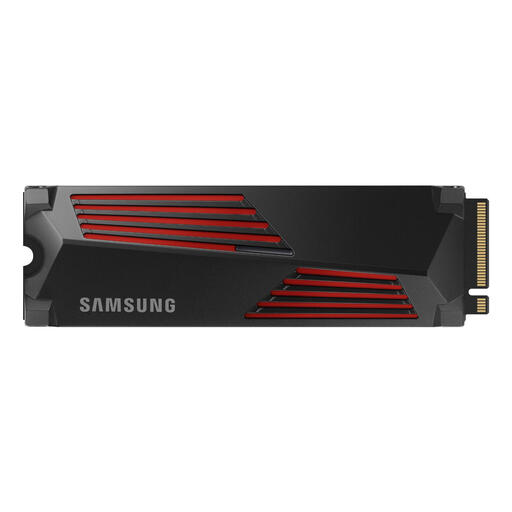
Why it suits this profile: An option for intensive PC workloads and expanding PS5 storage, provided the physical dimensions are suitable.
The integrated heatsink is designed to manage heat. For PS5 use, check the specified height and official compatibility.
PCIe 4.0 x4, 2TB of storage and, according to the product details, maximum read speeds of 7.450 MB/s and write speeds of 6.900 MB/s.
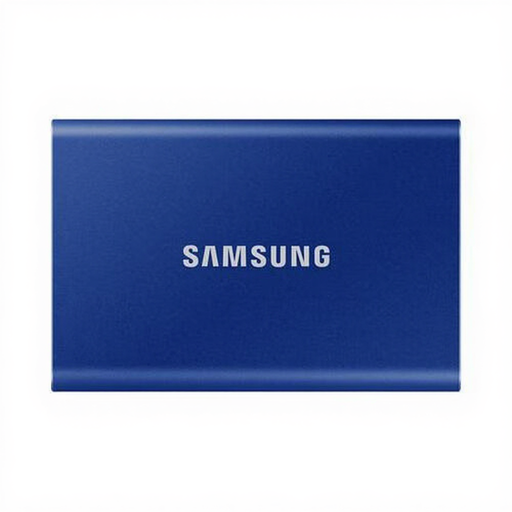
Why it suits this profile: Handy for transferring files between a laptop, desktop, camera and compatible games console.
The included USB-C-to-C and USB-C-to-A cables reduce the chance of choosing the wrong cable. Still, check the port standard.
1TB capacity, USB 3.2 Gen 2 and specified read and write speeds of 1.050 and 1.000 MB/s.
We’ve put together a complete, up-to-date list of products that meet these strict selection criteria and the applicable European safety regulations.
No. Your laptop needs a compatible M.2 slot with PCIe/NVMe support. An M.2 SATA slot and an M.2 NVMe slot aren’t always interchangeable. Check your laptop’s model number before ordering an internal SSD.
Lifespan depends on the type of memory, the amount of data written, temperature and usage. Check the TBW rating as an additional guide, but don’t treat it as a guarantee. Keep the firmware up to date and back up important files.
A portable SSD usually draws power via USB and doesn’t need a separate adapter. Power consumption varies by model and usage. On a laptop, prolonged writing can drain the battery faster, especially at high transfer speeds.
