
Vandaag of morgen in huis

Kwaliteit gegarandeerd

Welkomstaanbiedingen ontgrendelen: GRATIS bezorging | Tot 80% korting | Gratis 30 dagen JoyPlus-proefperiode
Download de app
Buying the right PC components can be a maze. The market is flooded with marketing jargon, endless spec sheets, and new generations of hardware that rapidly succeed one another. It's easy to overpay for features you don't need, or worse, buy a part that actually hinders the performance of your entire system.
Before you invest in an upgrade, it's wise to consider a few common pitfalls. This will ensure your money is well spent and your PC does exactly what you want it to.
Selecting new parts often goes wrong by focusing on the wrong specifications. Two pitfalls stand out:
To avoid these traps, it's helpful to know which specifications truly matter. For most gamers and home office users, the graphics card and monitor are the components with the biggest impact on the daily experience.
The amount of video memory (VRAM) is important, but it doesn't tell the whole story. When choosing an NVIDIA graphics card or another brand, pay attention to the following points:
Your monitor is your window to the digital world. The wrong choice can completely nullify the power of your PC.
To help you make the right choice, we've highlighted a few products that suit different needs and budgets.
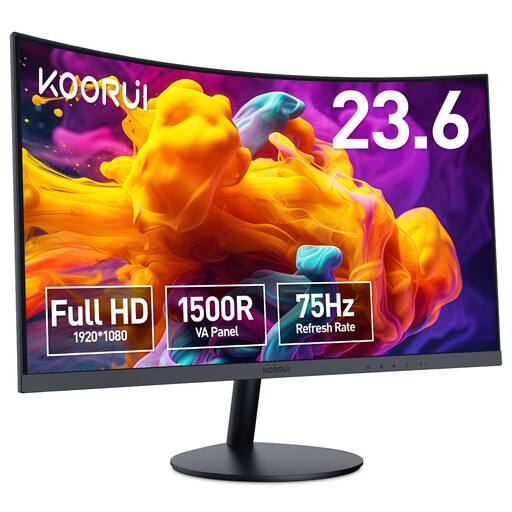
Why This Fits Their Persona: Ideal for home office tasks and light gaming. The 1500R curve provides an immersive viewing experience typically found in more expensive models, without you paying for high-end gaming specs you don't use.
This model avoids the spec race. It focuses on solid Full HD image quality and a comfortable viewing experience, rather than overpaying for an ultra-high refresh rate.
The VA panel delivers high contrast for deeper blacks. The 75Hz refresh rate is a small but noticeable upgrade over standard 60Hz screens.
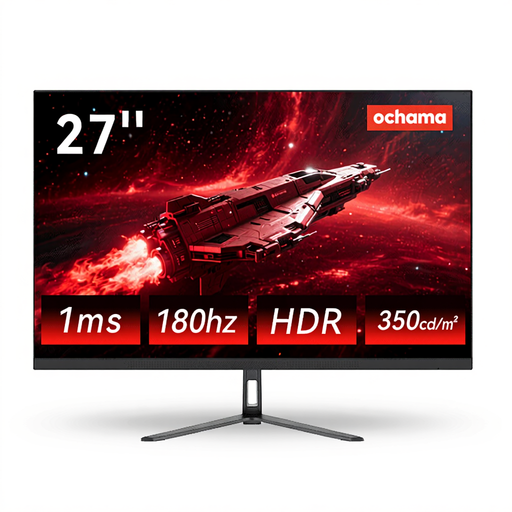
Why This Fits Their Persona: This user wants a smooth and sharp gaming experience. The combination of a 27-inch screen, 2K resolution (QHD), and a 180Hz refresh rate is a popular choice for modern games.
This model prevents the bottleneck trap. If you invest in a capable graphics card, you need a monitor like this to unlock its potential. A 60Hz screen would waste its performance.
Offers a sharp 2K resolution for detailed visuals and a very smooth 180Hz refresh rate. The thin-bezel design is practical for multi-monitor setups.
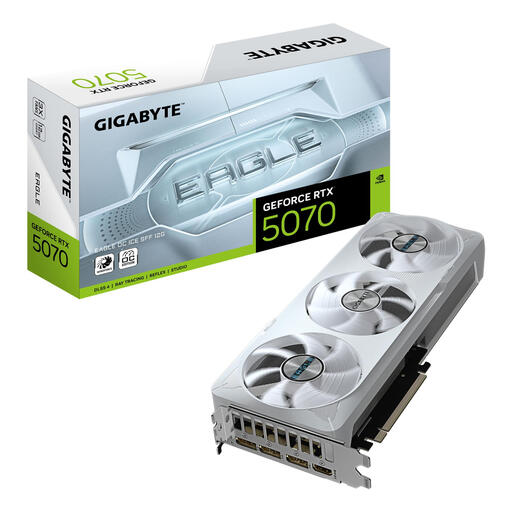
Why This Fits Their Persona: For those seeking top-tier performance for 1440p or even 4K gaming and demanding creative tasks. This is the core of a powerful new build or a serious PC upgrade for years to come.
This is an investment in future-proof performance. The Blackwell architecture and 12GB of GDDR7 memory are designed for the games and applications of tomorrow, not just today.
Based on the latest NVIDIA architecture with support for DLSS 4. The WINDFORCE cooling system with three fans ensures stable performance under heavy load.
We've compiled a complete, up-to-date overview of products that meet our strict selection criteria.
A curved monitor can make the gaming experience more immersive by filling more of your field of view. This effect is strongest on larger screens (27 inches and up) and when you are sitting relatively close to it. For competitive gamers who focus on reaction speed, a flat screen sometimes offers an advantage as there is no image distortion at the edges. For most users, it's a matter of personal preference.
For 1080p gaming, 8GB of VRAM is a solid baseline. If you want to play at 1440p (QHD) with high texture settings, 12GB of VRAM is a more comfortable and future-proof choice. For 4K gaming or demanding professional applications, 16GB or more is recommended. However, the amount of VRAM is only one piece of the puzzle; the speed of the memory (GDDR6 vs. GDDR7) and the GPU's architecture are at least as important.
No, this is a critical point to check. Pay attention to three things:
