
Vandaag of morgen in huis

Kwaliteit gegarandeerd

Welkomstaanbiedingen ontgrendelen: GRATIS bezorging | Tot 80% korting | Gratis 30 dagen JoyPlus-proefperiode
Download de app
Buying a laptop may seem straightforward until you start comparing specifications. Processors, RAM, SSDs, screen sizes, operating systems and battery life are often presented using marketing terminology. However, a long list of features does not automatically mean that a model is right for the way you use it.
For students, home workers, business users and creative users in the Netherlands, three pitfalls are particularly important:
The processor determines how quickly programmes respond. For studying, administration, video calls and streaming, modern AMD Ryzen 5 or Intel Core i5 processors are generally a practical starting point. A laptop with an AMD Ryzen processor can also offer integrated Radeon graphics for light creative tasks and simple games.
If you are considering a Copilot+ PC laptop with an NPU, you need to look beyond the number of TOPS. The NPU is designed for supported AI features, but availability depends on the Windows version, software, language, region and internet connection. According to Microsoft’s own information, the Surface Laptop 7 NPU delivers up to 45 TOPS; this is a product specification, not a guarantee that every application will run faster.
With a laptop with Snapdragon X, software compatibility is especially important. Windows on ARM supports many common applications, but older programmes, specific drivers and specialist peripherals may work differently from those on an x86 Windows laptop. Check this in advance with the software or accessory manufacturer.
A laptop with an Apple chip uses macOS. This is a good fit for users who already have an iPhone or other Apple devices, but check that the programmes you need for study or work are available for macOS.
For long-term use, 16GB of RAM is a sensible starting point. This is particularly true for hybrid workers who use a browser, Teams, documents and spreadsheets at the same time. 8GB of RAM is suitable for basic use, but leaves less headroom when multitasking.
Also consider the storage:
An SSD provides fast start-up and loading times, but the usable space is always lower than the stated capacity because of Windows, macOS, recovery partitions and system files.
A 14-inch laptop often offers a practical balance between workspace and portability. A 15-inch laptop or 15.3-inch model provides more room for spreadsheets and documents. A 17-inch laptop is particularly appealing to home users who regularly work with multiple windows and rarely move the device.
A 16:10 screen, such as 1920 × 1200, displays more vertical content than a traditional 16:9 screen. This is useful for web pages, text and spreadsheets. According to their technical specifications, OLED panels offer high contrast and deep blacks, but check whether you need a touchscreen, a higher refresh rate or, instead, a matte screen.
Finally, consider the keyboard. A laptop with a QWERTY keyboard is not always the same as a Dutch QWERTY layout. Check whether the model has a Dutch, English, US or Belgian AZERTY layout.
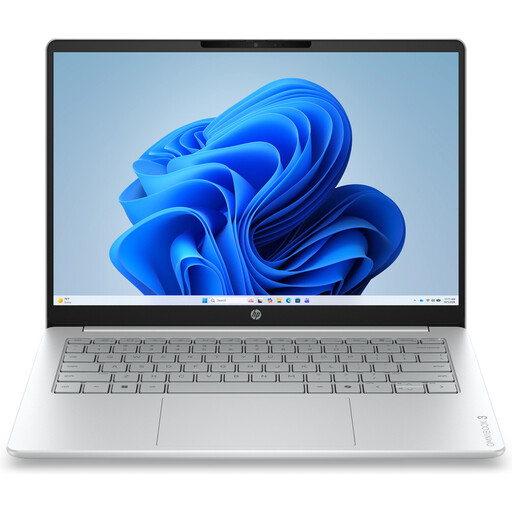
Why it suits this profile: Compact model for studying, email, documents and streaming, with 8GB of RAM and a 512GB SSD.
The 14-inch format avoids an unnecessarily large device. However, the RAM is onboard and cannot be upgraded, and the charger is not included.
1920 × 1200 IPS screen, Full HD webcam with privacy shutter and Wi-Fi 6.
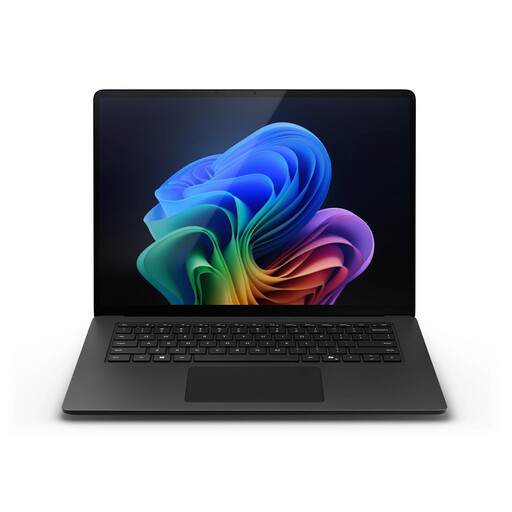
Why it suits this profile: Designed for professionals who multitask extensively and value a spacious touchscreen display.
This configuration has 32GB of RAM and a 1TB SSD. According to Microsoft’s own information, the NPU supports up to 45 TOPS; however, check whether your software supports the AI features.
15-inch PixelSense Flow touchscreen, Windows 11 Pro, Wi-Fi 7 and 66Wh battery.
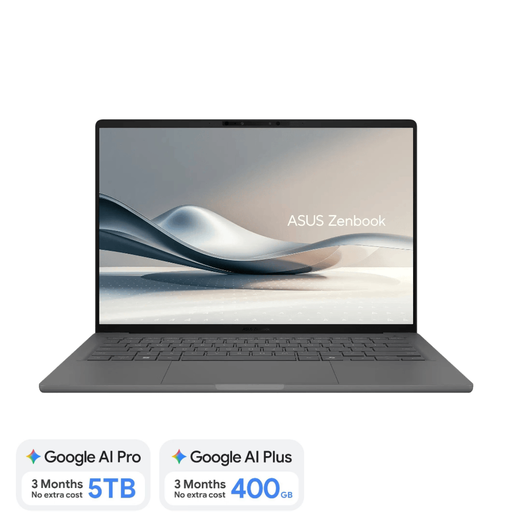
Why it suits this profile: For anyone who regularly travels between home, the office, educational establishments and flexible workspaces.
It weighs approximately 0.98kg. However, the Snapdragon X version requires a compatibility check and a separate 65W USB-C charger.
14-inch OLED screen, 16GB of RAM, 512GB SSD, 70Wh battery and Dutch QWERTY keyboard.
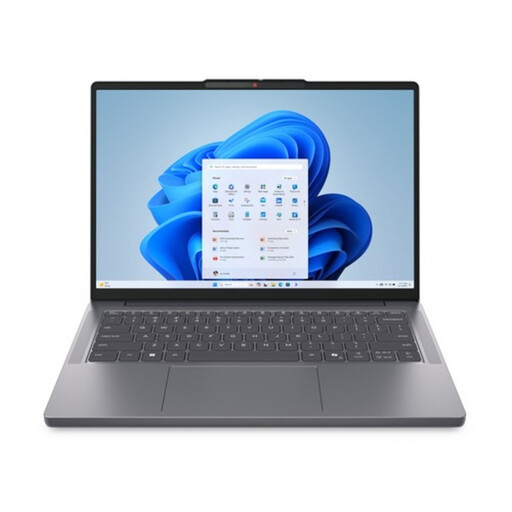
Why it suits this profile: A Windows 11 laptop for documents, spreadsheets, video calls and everyday productivity.
The combination of 16GB of RAM and a 1TB SSD helps prevent storage or memory issues when using multiple programmes and files.
14-inch WUXGA IPS screen, AMD Ryzen 7 8840HS, 1TB PCIe SSD and a weight of approximately 1.39kg.
We have put together a complete, up-to-date list of products that fully meet these strict selection criteria and the applicable European safety regulations.
For word processing, web browsing, video calls and office software, 16GB of RAM is a practical choice. 8GB may be enough for basic use, but choose a model that suits the programmes you currently use. With onboard memory, upgrading later is usually not possible.
Its lifespan depends on build quality, updates, battery usage, storage and the demands of your software. A configuration with 16GB of RAM and a 512GB or 1TB SSD will generally provide more room for future applications than an entry-level model with 8GB. Also check the warranty and the availability of service within the EU.
In addition to the purchase price, you may need to factor in a separate charger, docking station, protective case and external storage. Before paying, check the included accessories, keyboard layout, warranty terms and operating system. This will prevent an attractively priced laptop from ultimately costing more.
