What should you look for in a video light for brush lettering?
Start by considering the light’s position in relation to your writing hand and camera. Then check a test recording to see whether the lettering remains visible without too much light spilling onto the background.
| What to consider |
What to look for when buying |
Who is this important for? |
| Shadows and legibility |
Check whether you can position the light beside the writing area and use a diffuser if needed. Test the lighting while actually writing. |
If I want my hand to obscure as little of the brushstroke as possible, controlling shadows is my top priority; around 40% of consumers consider this their main concern when buying. |
| Ink and paper colour |
Check the colour temperature and colour rendering of the exact model. Then test the ink colours with the camera you intend to use. |
If you want coloured ink and paper to look true to life on camera, pay close attention to colour rendering; around 23% of consumers put this first. |
| Space and mounting |
Measure the edge of your desk if you’re considering a clamp, and check that there’s room for a stand and any light modifier. |
For consumers with limited space around their camera and writing area, a suitable mounting option matters; around 23% say this is their main concern when buying. |
| Flicker and power |
Make a test video using your intended camera settings. For a panel, check the required power supply; for a battery-powered light, check its operating time at your chosen brightness. |
If I’m filming for long periods or want to avoid bands appearing on screen, I look for a suitable power supply and a flicker-free test recording; around 14% of consumers give this top priority. |
Portable video lights at Joybuy
These Joybuy products are portable video lights and compact supplementary lights for a small or mobile writing area. Check that the beam covers the whole sheet of paper and that you can position the light clear of your hand and camera.
 No image available
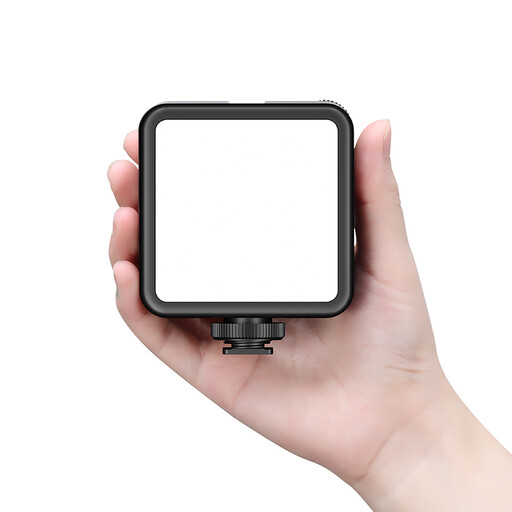
Ulanzi VL81 Rechargeable LED Video Light Black
A rechargeable video light to consider if you’re looking for a portable light source.
Built-in battery, USB-C charging, and adjustable brightness and colour temperature. The description also mentions a cold shoe and compatibility with cameras, camcorders and tripods.
Joybuy
 No image available
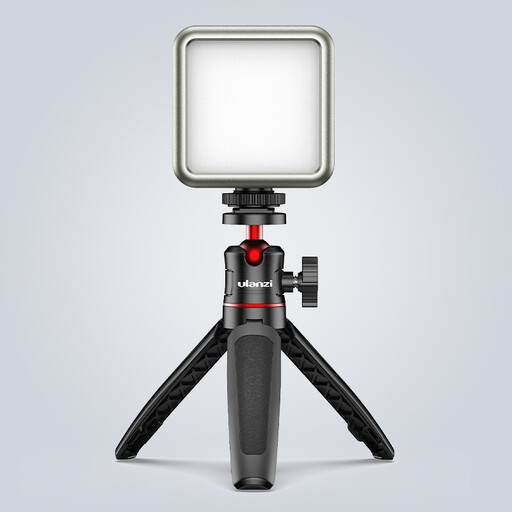
Ulanzi VL49 RGB video light
A compact battery-powered light to consider if you need a small, portable light source.
The product title lists a 2000 mAh battery, a magnet on the back, dimming and an adjustable range of 2500–9500 K. The description recommends using a standard 5V adapter; don’t point the light directly at your eyes from close range or use it in damp conditions.
Joybuy
 No image available
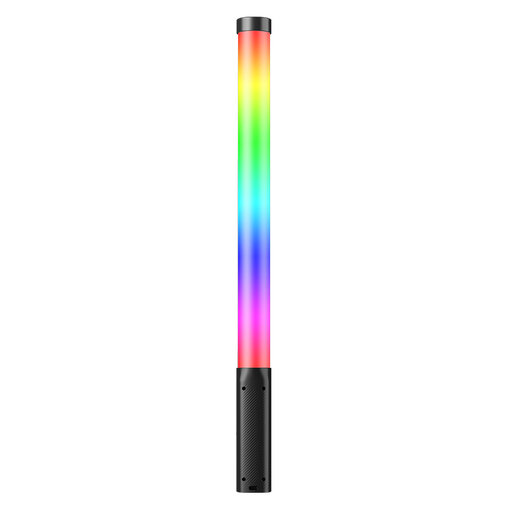
Ulanzi VL119 10W RGB Light Wand
A portable light wand to consider if you want to adjust the colour and brightness for your recording.
The description lists RGB, a 3300 mAh battery and a 1/4-inch mount. The stated operating time is at least 60 minutes at maximum brightness; keep the light away from water and don’t point it directly at your eyes.
Joybuy
 No image available
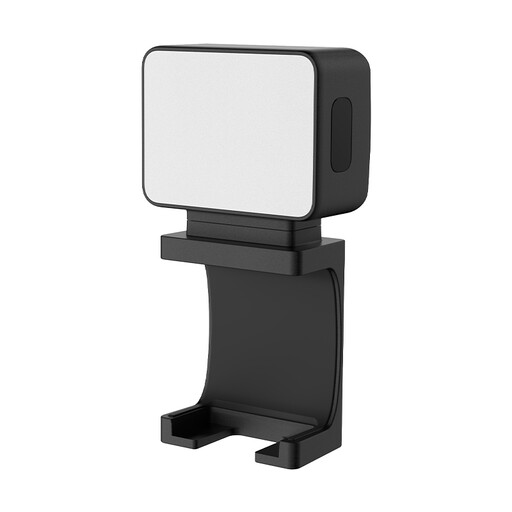
Ulanzi LM001 Portable Mini Fill Light
A mini fill light to consider if you want to position a compact supplementary light close to your setup.
The description lists a 500 mAh battery, a magnet and a 1/4-inch thread. The stated operating time is up to 1.5 hours on a full charge.
Joybuy
 No image available
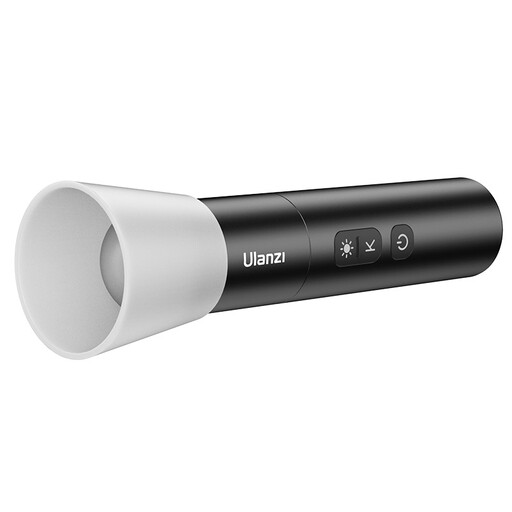
Ulanzi LM07 LED video light
A portable video light to consider if you want to adjust the beam and colour temperature.
The description lists a range of 2000–5500 K, four brightness levels, a zoom setting from wide beam to spotlight, a 2000 mAh battery and a weight of 187 g. Don’t point the light directly at your eyes from close range, and don’t dismantle the built-in battery.
Joybuy
Frequently asked questions
How can you reduce the shadow of your hand while writing?
Position the light out of shot, on a side where your hand will obscure as little of the brushstroke as possible. Try diffusion if the shadow is too harsh, and check the result while making a real writing movement; Adobe describes diffused light as producing softer shadows.
What can you do if bands or flicker appear in the video?
Make a short test recording with a different shutter speed and review the result. For mains frequencies of 50 Hz, Sony suggests shutter speeds of 1/50 or 1/100 of a second as possible settings; available features and effective settings vary by camera.
Do you need to buy an adapter or softbox separately?
It depends on the exact product package. Elgato lists a USB-C cable and desk clamp for the Key Light Air MK.2, but no power adapter among the included items; for full brightness, Elgato specifies a suitable power supply of 30 W or higher. SmallRig says that softboxes for the RC 60B Lite Edition are optional accessories.
Which product safety rules apply to a video light sold in the Netherlands?
Electrical and electronic equipment must meet the applicable European safety requirements. Business.gov.nl states that, after assessing the product against the relevant requirements, the manufacturer must draw up and sign an EU declaration of conformity; a CE mark is not a quality mark. Check the documentation for the exact version before drawing conclusions about its conformity.
What can you do if your video light develops a fault after purchase?
If a product is faulty, you can assert your statutory rights with the seller. The Dutch government states that there is no fixed statutory guarantee period in the Netherlands; a manufacturer’s guarantee is in addition to your statutory rights.


