
Writer beside a bright window
Edits long passages in a fixed spot where daylight can make the screen harder to read. Screen positioning and managing reflections come first. Arboportaal advises positioning your line of sight parallel to the window.


Start with your workspace: Arboportaal advises positioning your line of sight parallel to the window and using blinds or other sun protection if needed. An anti-glare coating is no guarantee that distracting reflections will disappear. For mainly text-based work, text clarity and adjustability matter; colour features or a laptop dock are more relevant if you also edit travel photos or want to connect a laptop.
Edits long passages in a fixed spot where daylight can make the screen harder to read. Screen positioning and managing reflections come first. Arboportaal advises positioning your line of sight parallel to the window.
Wants to read text comfortably for extended periods and set the screen at a suitable height. Arboportaal outlines points to consider when working with a screen; the right monitor also depends on how you want text to appear and on your workspace.
Also uses the screen to select or edit photos for their story, giving them a separate reason to consider colour features.
| What to consider | What to look for | Who is this most important for? |
|---|---|---|
| Daylight and reflections | Assess the screen’s position in relation to the window, whether you can use sun protection and the anti-glare coating on the exact model. | If I write beside a bright window during the day, I want to reduce distracting reflections without relying on the screen coating alone; around 36% of consumers prioritise readability in daylight. |
| Text and posture | Compare screen size, resolution, height adjustment and the text size you actually use. | During long editing sessions, I want to read text comfortably and adjust the screen to suit my workspace; around 29% of consumers prioritise editing text for extended periods. |
| Colour for travel photos | Check the colour gamut and any calibration data for the exact model; don’t compare typical brightness with an HDR peak value. | When I edit photos for my travel story, I want to factor colour reproduction into my choice; around 21% of consumers prioritise photo editing. |
| Laptop and desk | Check video support and the charging power your laptop needs; if you’re using a clamp arm, make sure your desk is suitable for it. | If I want to connect my laptop with a single cable and keep my desk tidy, I check that the connection and positioning will work for me; around 14% of consumers say laptop connectivity is their main concern when buying. |
Bright daylight can still be distracting, even with an anti-glare coating. A model’s coating alone doesn’t tell you how the screen will perform in your workspace.
First, plan your viewing direction and any sun protection, then compare the coating on the exact model.
BenQ lists a typical brightness of 250 nits and a separate HDR peak of 350 nits for the PD2705U. These figures don’t describe the same thing.
When comparing monitors for everyday text work, use the typical brightness and don’t expect an HDR peak value to solve problems with daylight.
ACM ConsuWijzer explains that your statutory guarantee exists alongside any seller’s guarantee.
Before choosing additional cover, compare what it offers on top of your existing rights.
The Philips 27E1N1800AE/00 is a 27-inch 4K monitor for text-based work.
The PD2705U is a 27-inch 4K model for anyone who edits travel photos as well as working with text.
The LG 27UN880P-B is worth considering for a laptop workspace where an adjustable clamp arm can help you position the screen.
According to Dell, the UltraSharp U2725QE is a 27-inch 4K monitor with a Thunderbolt hub.
This Joybuy selection includes monitors for manuscript work, photo editing and connecting a laptop. Decide which features suit your workspace.
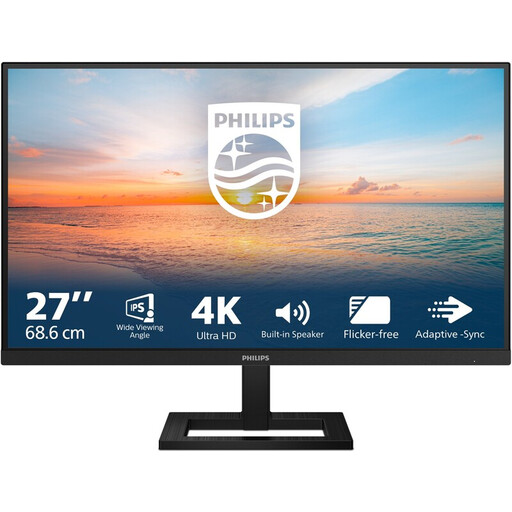 No image available
For extended manuscript work, this model offers height adjustment and the specified EasyRead mode.
27 inches and 3840 × 2160 pixels; height-adjustable stand; anti-glare; HDMI and DisplayPort.
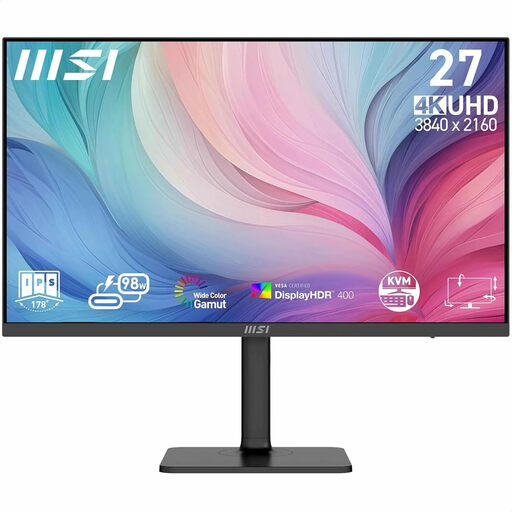 No image available
For manuscript work and photo editing, the product information lists colour coverage for DCI-P3 and Adobe RGB.
27 inches and 3840 × 2160 pixels; USB-C with DP Alt Mode and up to 98 W Power Delivery; the product information lists a KVM switch.
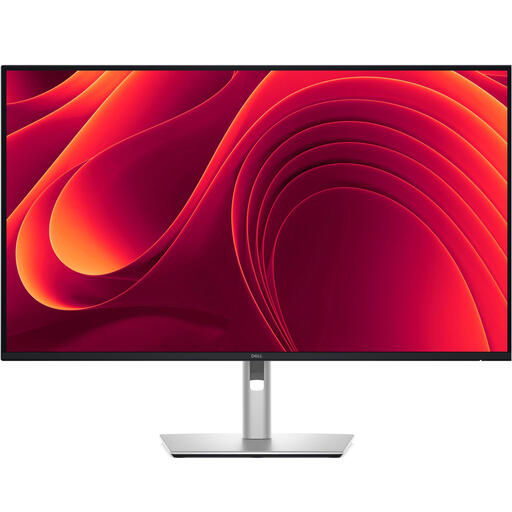 No image available
For a fixed laptop workspace, the product information lists an adjustable stand and USB-C power delivery.
31.5 inches and 3840 × 2160 pixels; anti-glare; USB-C with 90 W Power Delivery and an integrated network connection.
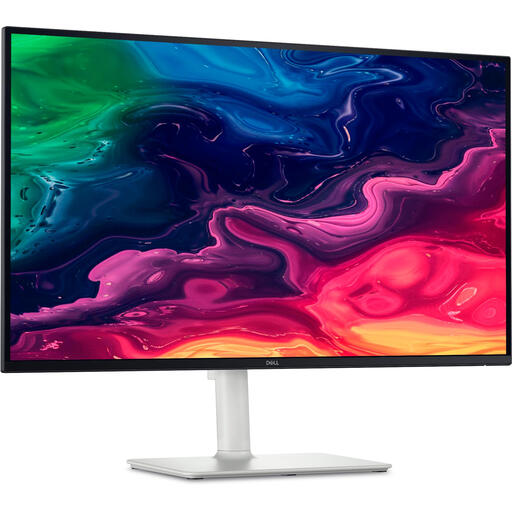 No image available
For manuscript work in a fixed spot, the product information says this model combines an adjustable stand with laptop connectivity.
27 inches and 3840 × 2160 pixels; anti-glare; height and tilt adjustment; USB-C with 65 W Power Delivery.
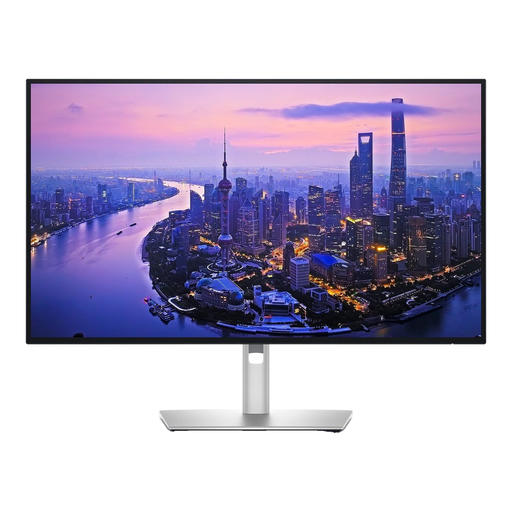 No image available
For a laptop workspace, the product information lists a Thunderbolt connection and an ambient light sensor.
27 inches and 3840 × 2160 pixels; height adjustment; 99% DCI-P3 and Display P3; 90 W power delivery.
If possible, position your line of sight parallel to the window. Move your workspace or use suitable sun protection if daylight causes reflections or glare. Arboportaal describes this as workspace guidance, not a guarantee that a particular screen will be free from reflections.
Arboportaal outlines employers’ responsibilities for safe screen work and setting up the workspace. According to its guidance, for employees who work with a screen for more than two hours a day, the screen and keyboard must not be attached to each other. These employer rules don’t automatically apply to someone using a screen as a private hobbyist.
No. Don’t assume compatibility based on the connector shape alone. Check that the laptop supports video through the relevant USB-C port and that the Power Delivery wattage is sufficient; the BenQ PD2705U lists 65 W and the LG 27UN880P-B 60 W.
Compare the EU energy label for the models you’re considering. ACM ConsuWijzer explains that your statutory guarantee on a consumer purchase exists alongside any manufacturer’s guarantee, and that you can contact the seller if a product is faulty.
For a standard online consumer purchase, ACM ConsuWijzer says you’ll generally have a statutory cooling-off period of up to 14 days after delivery, with some exceptions. Check the applicable returns policy and handle the product with care.