
Vandaag of morgen in huis

Kwaliteit gegarandeerd
Download de app
Categorieën

Buying a new printer can be a daunting task. The initial purchase price is often tempting, but the hidden costs of ink or toner can lead to surprises down the line. You might end up with a model that's too slow for your office, or an overly complex device for occasional home use. The goal is to find a printer that fits your specific needs without unnecessary expense or frustration. This guide will help you get started with objective criteria and concrete recommendations.
Before making a choice, it's helpful to consider a few key features. These determine not only the functionality but also the total cost of ownership in the long run.
This is the most fundamental choice. The technology determines the speed, cost per page, and print quality.
An all-in-one printer can scan, copy, and sometimes even fax in addition to printing. This saves space and is often more cost-effective than purchasing separate devices. Consider whether you actually need these extra features. For a modern office or a family with school-aged children, the scan and copy functions are usually indispensable.
A wireless printer that connects via Wi-Fi is the standard today. This allows for easy printing from laptops, tablets, and smartphones without the hassle of cables. Also, check if the printer supports mobile printing apps, such as Apple AirPrint or the manufacturer's own app.
Look beyond the purchase price. Important factors include:
Based on the criteria above, we have selected models with different features, suitable for various users.
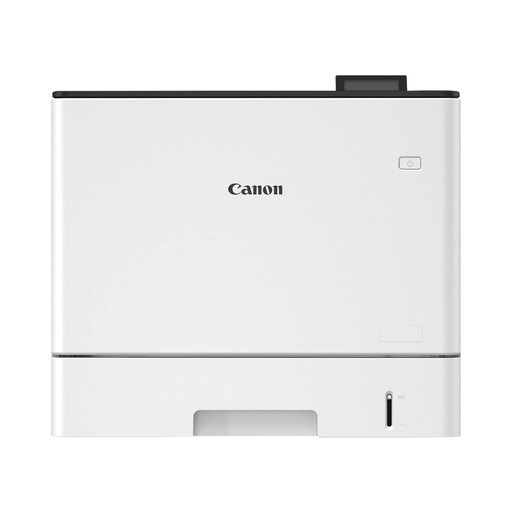
Why this product The Canon LBP732Cdw is a powerful colour laser printer designed for productivity. With a high print speed and a robust build, this model is aimed at environments where speed and reliability are essential.
Advantages
Who is this for? This model is an excellent choice for small to medium-sized businesses, departments, or self-employed professionals who print high volumes of documents daily and value speed and minimal operational downtime.
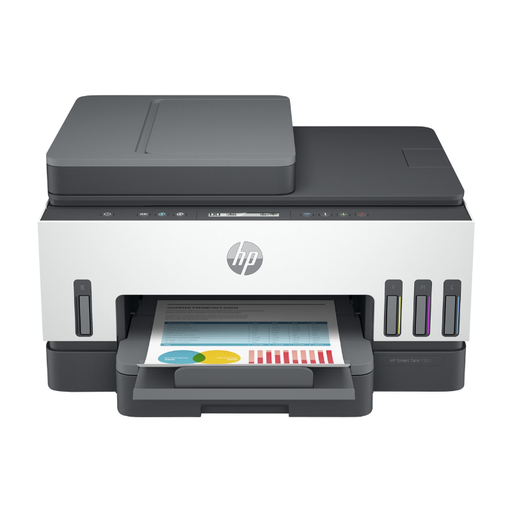
Why this product The HP Smart Tank 7305 is an all-in-one printer that tackles the problem of expensive ink cartridges. Thanks to its refillable ink tank system, the cost per page is extremely low. According to HP, the included ink can print up to 12,000 black and white pages or 8,000 colour pages.
Advantages
Who is this for? Ideal for families, students, and home office workers who print regularly and want to keep ink costs under control. Its all-in-one functionality makes it a versatile partner for various tasks.
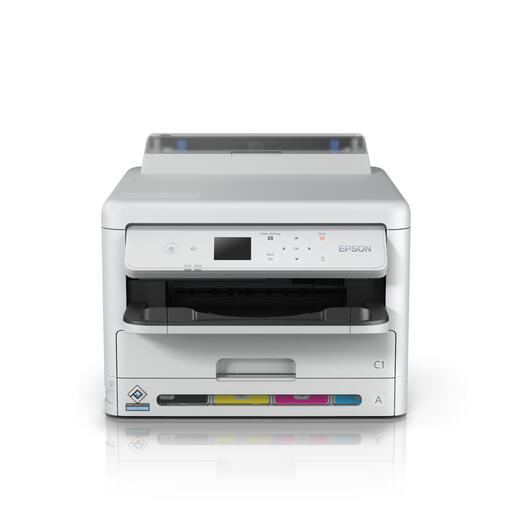
Why this product The Epson WorkForce Pro WF-C5390DW is a business inkjet printer that competes with laser printers in terms of speed and efficiency. This model combines the high print quality of inkjet with low energy consumption and high print speeds.
Advantages
Who is this for? This model is perfect for small workgroups and SMB environments seeking a balance between speed, colour quality, and low operational costs. Its low energy consumption makes it a responsible choice for offices mindful of their ecological footprint.
View the Epson WorkForce Pro WF-C5390DW
Choosing a printer is a personal decision that depends on specific requirements for volume, functionality, and budget. If the models above don't fully match what you're looking for, a wider range is available. Compare specifications and find the model that perfectly fits your situation.
Check out our full range of colour printers for more models and specifications.
1. What is the main difference between a laser and an inkjet printer? A laser printer uses toner (powder) and is typically faster and more cost-effective per page for large volumes of text. An inkjet printer uses liquid ink and is often better at printing high-quality photos and images.
2. How important is print speed (ppm)? Print speed, expressed in pages per minute (ppm), is especially important in an office environment where productivity counts. For occasional home use, a lower speed is often not an issue. A speed above 20 ppm is generally considered fast for most applications.
3. Is an all-in-one printer always the better choice? Not necessarily. An all-in-one is convenient and space-saving if you need to scan or copy regularly. If you don't need these functions, or if you already own a high-quality standalone scanner, a print-only model can be a more cost-effective and specialised option.
Written by the Joybuy Product Recommendation Officer