
Vandaag of morgen in huis

Kwaliteit gegarandeerd

Welkomstaanbiedingen ontgrendelen: GRATIS bezorging | Tot 80% korting | Gratis 30 dagen JoyPlus-proefperiode
Download de app
Choosing a new monitor in the premium segment can be a daunting task. You're looking for a display that not only meets your requirements but exceeds them. For serious gamers, every millisecond counts and fluid motion is crucial. For creative professionals, colour accuracy and detail reproduction are paramount. An OLED monitor promises to excel in both areas, with true blacks and extremely fast response times.
This guide is designed to help you make an informed decision. We will highlight the key specifications and present a selection of monitors that stand out for their technical features, tailored to different users.
Before we look at the models, it's helpful to understand a few core specifications. This will help you determine which monitor aligns with your specific needs.
The balance between resolution and refresh rate is a key consideration.
The panel technology largely determines the image quality. OLED (Organic Light Emitting Diode) is renowned for its ability to turn off individual pixels completely. This results in perfect blacks and a near-infinite contrast ratio, giving images unprecedented depth.
Besides OLED, there are other advanced technologies, such as IPS Black. According to the manufacturer Dell, this technology offers deeper blacks and a higher contrast than traditional IPS panels, making it a compelling alternative for a professional monitor in a well-lit environment.
For graphic designers, video editors, and photographers, colour accuracy is non-negotiable. Look for specifications like DCI-P3 colour space coverage. A coverage of 98% or higher indicates a display capable of rendering a wide and vibrant colour spectrum, which is crucial for professional colour work. A 10-bit colour depth ensures smoother colour gradients without visible banding.
Based on objective specifications, we have selected a number of monitors that excel in their respective categories.
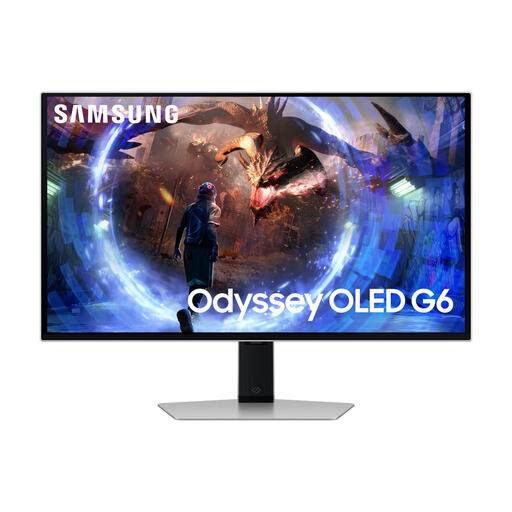
Why It Stands Out: This model combines an OLED panel with an exceptionally high refresh rate of 360Hz. This makes it one of the fastest options on the market, specifically designed for competitive gamers.
Advantages:
Who Is It For? This monitor is aimed at the serious and competitive gamer who needs the highest possible frame rates and the fastest response time. The QHD resolution is a smart choice to achieve that 360Hz with most modern graphics cards.
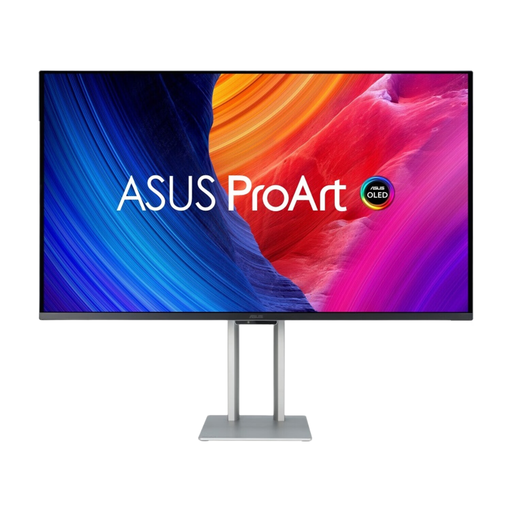
Why It Stands Out: The ASUS ProArt PA32UCDM is a rare combination of professional-grade colour performance and high-end gaming specifications. Its QD-OLED panel delivers both the deep blacks of OLED and a high peak brightness with a wide colour gamut.
Advantages:
Who Is It For? This is a professional monitor for the content creator who refuses to compromise. Ideal for video editors and graphic designers who also want a high-end gaming monitor for after-hours use.
View the ASUS ProArt OLED PA32UCDM
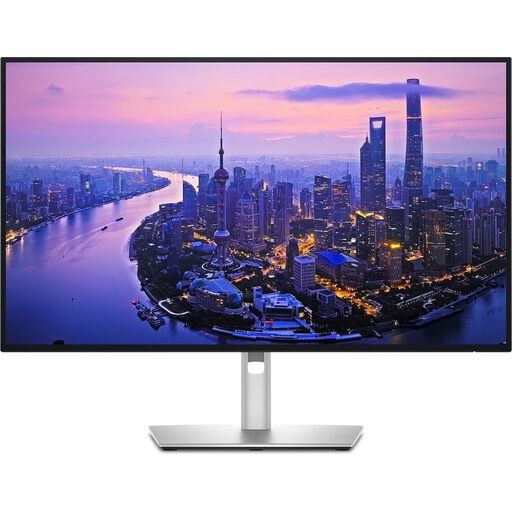
Why It Stands Out: Although this is not an OLED monitor, the U2725QE earns a spot due to its advanced IPS Black technology. According to Dell, this delivers a contrast ratio significantly higher than standard IPS panels, resulting in deeper blacks.
Advantages:
Who Is It For? This monitor is designed for the professional in an office or home office environment. The focus is on colour precision, productivity, and eye comfort, with a smooth 120Hz as a bonus. It's a strong option for those who want the benefits of OLED but prefer IPS technology.
View the DELL UltraSharp U2725QE
The world of monitors is vast, and the right choice is a personal one. If these models don't quite fit the bill, or if you're looking for a monitor with a specific aesthetic, like a silver monitor, be sure to check out our wider selection to compare more models.
1. Is burn-in still a risk with an OLED monitor? Burn-in, where a static image remains permanently visible, was a greater concern in the past. Modern OLED monitors are equipped with technologies to minimise this risk, such as pixel shifting and dimming of static logos. With normal, varied use, the risk is small. However, it's still wise to use a screensaver and avoid leaving the monitor on a static image for hours on end.
2. Do I need a 4K monitor for gaming? A 4K resolution delivers stunningly sharp visuals but requires a very powerful graphics card to achieve high frame rates. For many competitive gamers, a QHD (1440p) monitor with a higher refresh rate (like 240Hz or 360Hz) offers a better balance between image quality and performance.
