
Vandaag of morgen in huis

Kwaliteit gegarandeerd

Welkomstaanbiedingen ontgrendelen: GRATIS bezorging | Tot 80% korting | Gratis 30 dagen JoyPlus-proefperiode
Download de app
Slow game loading, stuttering video edits, or sluggish file transfers. For PC builders, gamers, and content creators, these are familiar frustrations that disrupt workflows and gaming experiences. A fast M.2 SSD is no longer a luxury but an essential component for any high-end system.
However, the M.2 SSD market is vast, and the specifications can be overwhelming. This article aims to bring clarity. As a Joybuy Product Recommendation Officer, I filter the noise and present practical recommendations based on objective product specifications. This will help you make an informed choice that aligns with your requirements.
Before we dive into the products, here are a few key factors to consider.
The PCIe generation determines the maximum theoretical speed of your SSD.
Modern games and 4K video files take up a lot of space. A 1TB SSD can fill up quickly. For most gamers and all-around users, 2TB is a comfortable sweet spot. If you work professionally with video or 3D models, consider a 4TB internal SSD to avoid constantly shuffling files.
Manufacturers often advertise sequential read and write speeds. These are important for transferring large, contiguous files. However, for booting your operating system or loading games, random read and write speeds (measured in IOPS) are at least as relevant. A high IOPS value results in a more responsive feel in daily use and shorter loading times. An M.2 SSD for a PC upgrade with strong all-around speeds will deliver the biggest performance boost.
Below is a selection of M.2 SSDs that stand out for their specifications and intended use cases.
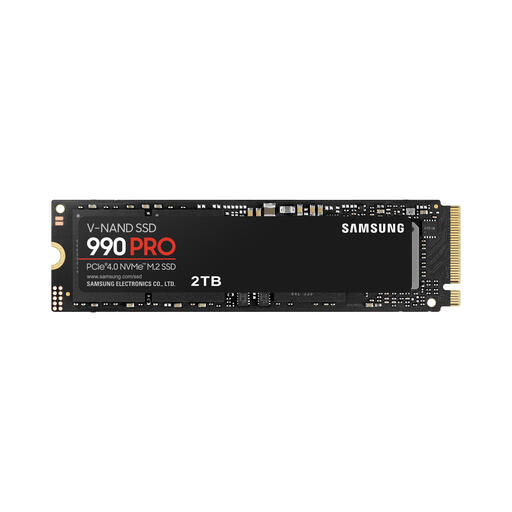
Why It Stands Out The Samsung 990 PRO 2TB is an established leader in the PCIe 4.0 segment. It combines high speeds with a Samsung-developed controller that optimises efficiency and performance. According to the manufacturer, its intelligent thermal control ensures the SSD maintains stable performance under heavy workloads.
Pros:
Who Is It For? For gamers, content creators, and PC enthusiasts seeking reliable, top-tier PCIe 4.0 performance for their current systems.
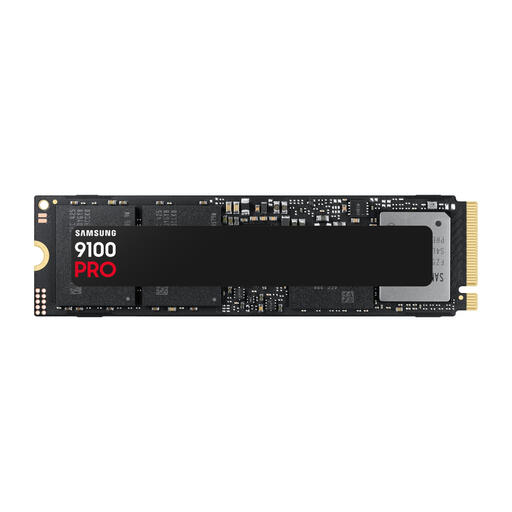
Why It Stands Out This model represents the next generation of storage. As a PCIe 5.0 SSD, it delivers speeds, according to Samsung, that are nearly double those of the 990 PRO. With a 4TB capacity, it's aimed at the most demanding professional workflows.
Pros:
Who Is It For? For professionals in video editing, 3D rendering, and AI applications who have a modern system with PCIe 5.0 support and refuse to compromise on speed and capacity.
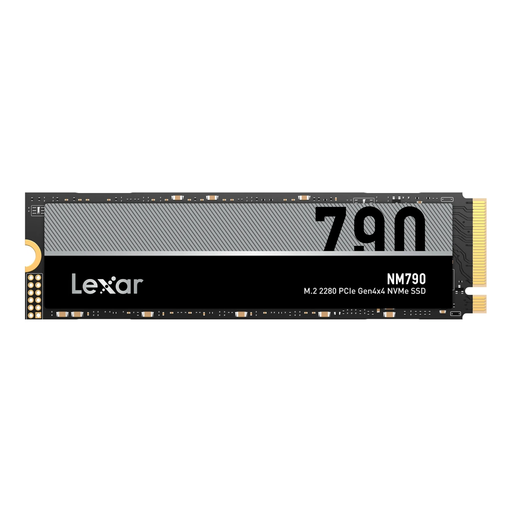
Why It Stands Out The Lexar NM790 positions itself as a strong contender in the PCIe 4.0 market. It offers specifications comparable to more expensive models, making it an attractive option for those seeking a great balance between price and performance. Its compact design ensures broad compatibility.
Pros:
Who Is It For? For PC builders and gamers looking to perform a significant M.2 SSD PC upgrade and who want high speeds without breaking the bank.
The right SSD depends on your specific system and use case. The models above are a starting point, but many other options are available that might better suit your unique needs.
Explore our full range for more choices in capacity and specifications.
An NVMe M.2 SSD uses the PCIe slot on your motherboard, allowing it to communicate directly with the CPU. This results in much higher speeds than a traditional 2.5-inch SATA SSD, which is limited by the older SATA interface. For a noticeable performance boost, an NVMe SSD is the clear choice.
Modern, high-speed NVMe SSDs, especially PCIe 4.0 and 5.0 models, can get hot under heavy load. This heat can temporarily reduce performance (a phenomenon known as thermal throttling). Many motherboards come with built-in M.2 heatsinks. If yours doesn't, installing a separate heatsink is recommended, especially for intensive use like long gaming sessions or video rendering.
This depends entirely on your hardware and use case. If you already have a compatible motherboard and CPU and you work with extremely large files daily, the time saved can justify the investment. For most gamers and general users, a high-end PCIe 4.0 SSD currently offers the best balance of price, performance, and broad compatibility.
