
Vandaag of morgen in huis

Kwaliteit gegarandeerd

Welkomstaanbiedingen ontgrendelen: GRATIS bezorging | Tot 80% korting | Gratis 30 dagen JoyPlus-proefperiode
Download de app
Choosing a new gaming monitor can be a daunting task. The market is flooded with terms like Hz, ms, 4K, and OLED. It's easy to get lost in the specifications. The goal of this guide is simple: to help you understand the specs and find a model that fits your games, your setup, and your budget. We'll cut through the marketing jargon and focus on what truly matters for a great gaming experience.
Before we dive into specific models, it's helpful to understand three key features. These largely determine your gaming experience.
This is often the first trade-off you'll consider.
The type of panel has a major impact on image quality.
The screen size and the smoothness of the visuals are the finishing touch.
Based on specifications and various use cases, we've lined up some of the top choices for 2026.
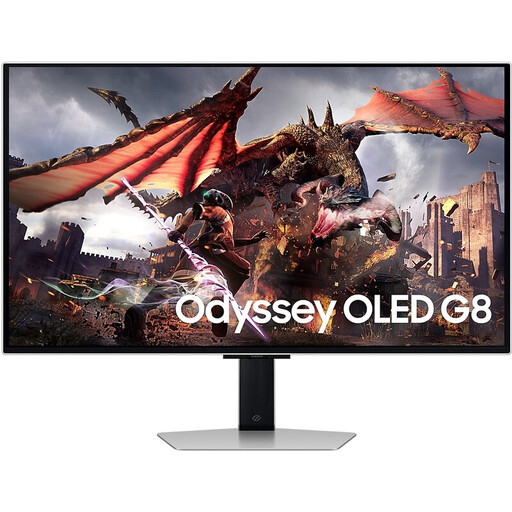
Why It Stands Out The Samsung Odyssey G8 combines the three most sought-after specs right now: a 4K Ultra HD resolution, an extremely fast 240Hz refresh rate, and an OLED panel. This delivers a visual experience that is both razor-sharp and exceptionally smooth, all on a large 32-inch screen.
Pros
Who Is It For? For the high-end PC gamer or console owner who refuses to compromise. If you're looking for a monitor that excels in both visually rich single-player games and fast-paced multiplayer action, this is an all-encompassing option.
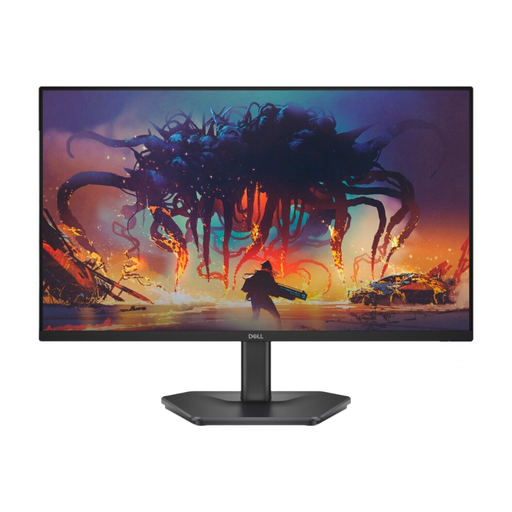
Why It Stands Out This Dell gaming monitor focuses on one thing: speed at an accessible price point. With a 200Hz refresh rate at Full HD resolution, it's an excellent upgrade for gamers who play competitive titles and prioritize smooth gameplay over the highest pixel density.
Pros
Who Is It For? For the entry-level or competitive gamer who plays at 1080p and wants to buy an affordable gaming monitor focused on performance. Ideal for esports titles like Valorant, Counter-Strike, or Fortnite.
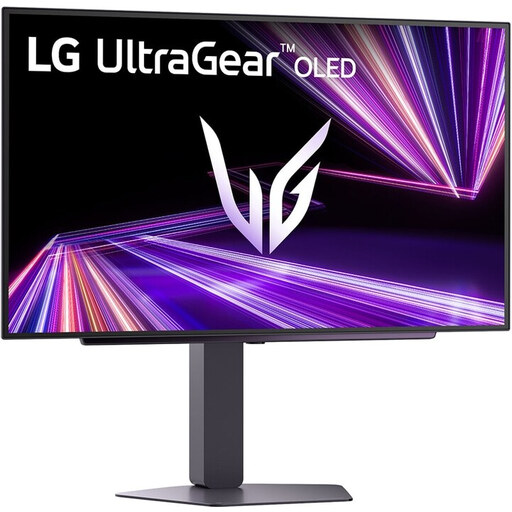
Why It Stands Out The LG UltraGear 27GX704A-B hits the 'sweet spot' for many PC gamers. It combines a QHD monitor resolution with a 240Hz refresh rate and an OLED panel. All of this comes in the popular 27-inch monitor size, resulting in an image that is both sharp and extremely responsive.
Pros
Who Is It For? For the serious PC gamer seeking a balance between sharpness and speed. This monitor is powerful enough for competitive shooters while also offering the visual splendor of OLED for immersive single-player adventures.
The world of gaming monitors is vast, and the right choice is a personal one. If you're specifically looking for a high refresh rate at a competitive price, there are many more options available.
Check out our selection of 200Hz monitor models for a wider range of choices.
Is a 240Hz monitor worth it? For competitive games where every millisecond counts, a 240Hz monitor can make a noticeable difference in fluidity and responsiveness. For more casual gamers or those who mainly play single-player titles, 144Hz or 165Hz often provides an excellent experience. It also depends on the power of your graphics card.
What's better for gaming: a 4K or QHD monitor? This is a trade-off between image quality and performance. A QHD monitor (1440p) is often seen as the ideal middle ground: a clear visual upgrade from 1080p without the massive performance demands of 4K. A 4K gaming monitor is fantastic for visual splendor and detail but requires a very powerful graphics card to achieve high frame rates.
Does G-Sync work on a FreeSync monitor? Yes, many modern FreeSync monitor models are certified by NVIDIA as G-Sync Compatible. This means you can use an NVIDIA graphics card to enable variable refresh rates and prevent screen tearing. Always check the monitor's specifications to confirm if it is officially compatible.
