
Vandaag of morgen in huis

Kwaliteit gegarandeerd

Welkomstaanbiedingen ontgrendelen: GRATIS bezorging | Tot 80% korting | Gratis 30 dagen JoyPlus-proefperiode
Download de app
Choosing a printer for your home can be a daunting task. The shelves are filled with models that all seem to print, scan, and copy. But which one is truly right for your situation? Whether you need to print school assignments, digitise important documents for your home office, or occasionally print a return label, the right choice depends on your specific needs.
This article serves as a clear guide. We'll cut through the marketing jargon and focus on the specifications that matter to you. This will help you make an informed decision on an all-in-one printer for your home that fits your usage and budget.
Before we look at specific models, it's helpful to understand a few key factors. These three points will help you filter your options.
How you connect to your printer determines its ease of use. A traditional printer connects to a single computer with a USB cable. This is a stable and simple solution if you always print from the same device.
A wireless printer, also known as a Wi-Fi printer, offers more flexibility. You connect the printer to your home network, allowing you to send print jobs from any laptop, tablet, or smartphone in the house. This is ideal for families or households where multiple people use the printer.
The purchase price is one thing; the ongoing cost of ink is another. Most home printers are inkjet printers. There are generally two systems:
A multifunction printer can do more than just print. Consider which features are important to you.
Based on the criteria above, we have selected a few models that cover different needs for home use.
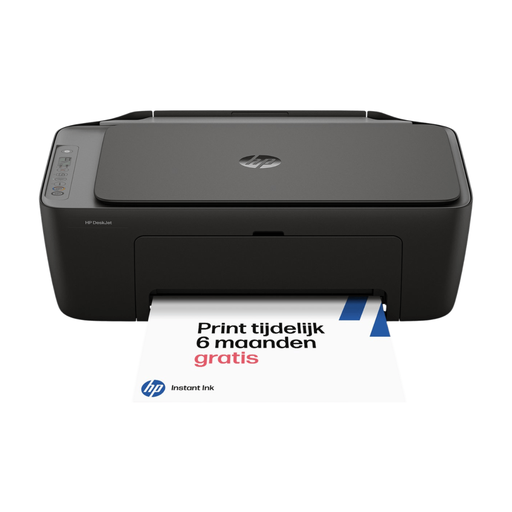
Why this model stands out The HP DeskJet 2920 is a compact and affordable all-in-one that combines basic printing, scanning, and copying functions with modern convenience. Thanks to its wireless connectivity and simple setup via the HP app, you'll be up and running in no time.
Advantages:
Who is this printer for? This is an excellent choice for students and small households that print occasionally. Think schoolwork, concert tickets, or a form that needs to be scanned. Its low purchase price and ease of use make it an accessible entry-level model.
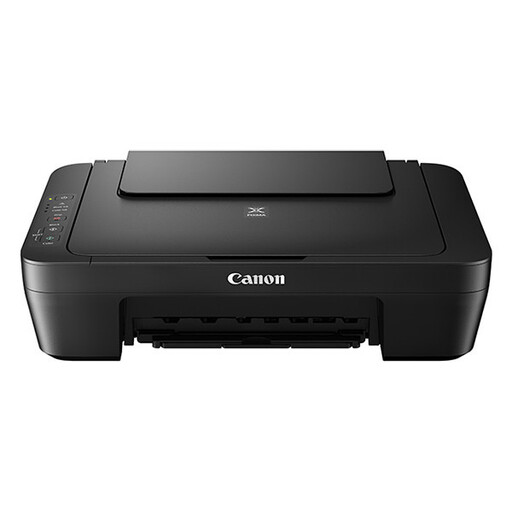
Why this model stands out The Canon PIXMA MG2556S focuses on the essentials: reliable printing, scanning, and copying at a very competitive price. This model lacks wireless features, connecting instead via a USB cable. It's a no-frills workhorse.
Advantages:
Who is this printer for? This Canon printer is ideal for anyone seeking a simple, reliable printer for a single, dedicated computer setup. It's perfect for a study or a small home office where there's no need for wireless printing from multiple devices.
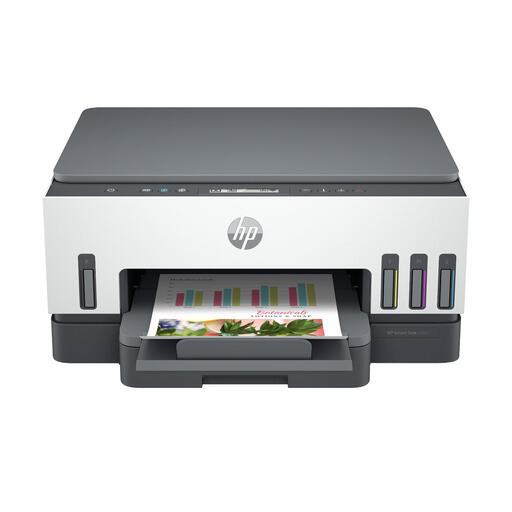
Why this model stands out The HP Smart Tank 7005 is designed for users who print frequently and want to keep running costs low. This HP printer uses refillable ink tanks instead of cartridges. It comes with enough ink for thousands of pages right out of the box, which immediately offsets the higher purchase price.
Advantages:
Who is this printer for? This model is an excellent investment for busy families with school-aged children, freelancers, and anyone with a home office printer who regularly prints documents in colour or black-and-white. The combination of low printing costs and extensive features makes it a powerful all-rounder.
Didn't find the printer you're looking for? Everyone has different needs. Perhaps you're looking for a model with an Automatic Document Feeder (ADF) for scanning multiple pages at once, or a printer that specialises in photo printing. For more options, you can browse our full range.
View all office inkjet printers
An inkjet printer sprays liquid ink onto paper, making it ideal for printing colourful documents and photos. A laser printer uses toner (powder) and is generally faster for printing large volumes of text. For versatile home use, where colour and images are also important, an inkjet printer is usually the most practical choice.
That depends on your usage. A Wi-Fi printer offers the convenience of printing from multiple devices (laptops, phones, tablets) without the hassle of cables. This is useful in a family setting or if you need flexibility. However, if you always print from the same computer, a printer with a stable USB connection, like the Canon PIXMA MG2556S, can be perfectly sufficient and is often cheaper to buy.
There are two popular methods. The first is to choose a printer that supports an ink subscription, such as HP Instant Ink. You pay a fixed monthly fee for a set number of pages and automatically receive new cartridges. The second method is to invest in a printer with refillable ink tanks, like the HP Smart Tank. These models are more expensive upfront, but the cost per page is significantly lower, making them more economical in the long run if you print a lot.
