
Vandaag of morgen in huis

Kwaliteit gegarandeerd
Download de app
Categorieën

A 27-inch monitor with 4K resolution might seem like a straightforward choice, but the specifications determine whether it's a great investment or a costly mistake. The wrong choice can lead to frustration: a gamer plagued by slow response times, a designer working with inaccurate colors, or a remote worker dealing with cable clutter. This guide will help you understand the technical details and find a model that perfectly matches your specific needs.
Before we dive into specific models, it's essential to understand the key parameters. These specifications define a monitor's performance and suitability for your tasks.
Panel technology is the foundation of image quality. The two most common types in this segment are IPS and OLED.
The refresh rate, measured in Hertz (Hz), indicates how many times the image is updated per second. A higher value results in smoother motion.
The connections determine how you link the monitor to your devices.
Based on the criteria above, we have selected three 27-inch 4K monitors, each tailored to a different type of user.
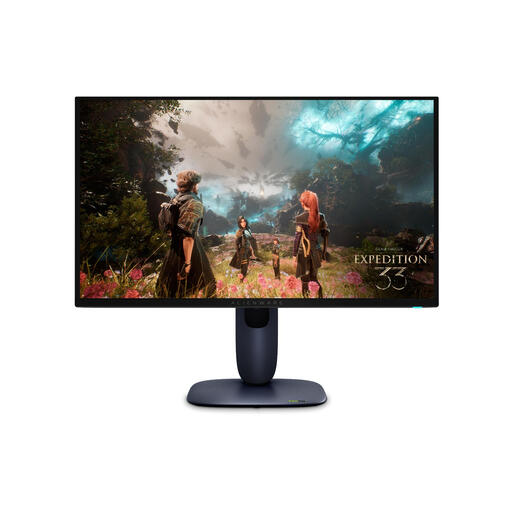
Why This Product The Alienware AW2725Q combines a 4K Ultra HD resolution with a QD-OLED panel. Its key features are the extremely high 240Hz refresh rate and a response time of just 0.03ms. This makes it one of the fastest screens on the market.
Advantages
Who is this for? This is a gaming monitor for the serious and competitive player who is unwilling to compromise on speed and image quality. It's also suitable for those seeking a premium media experience.
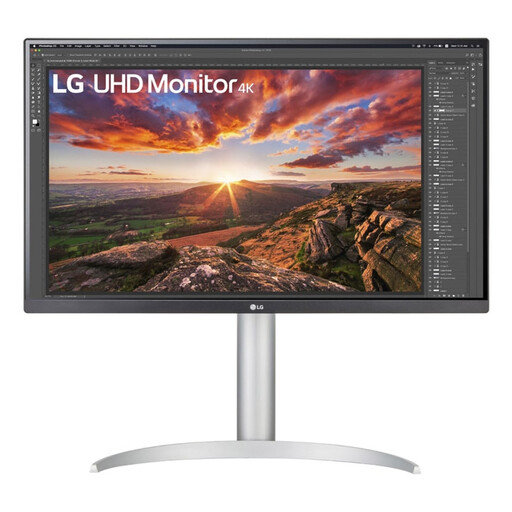
Why This Product The LG 27UP850K-W is designed with productivity and color precision in mind. Its IPS panel with 4K resolution and wide color gamut (95% DCI-P3) delivers accurate visuals. The USB-C port with 90W Power Delivery makes it an ideal partner for a MacBook or other laptop.
Advantages
Who is this for? This monitor is aimed at creative professionals, such as photographers, video editors, and designers. It is also an excellent monitor for MacBook users who want a seamless and powerful setup.
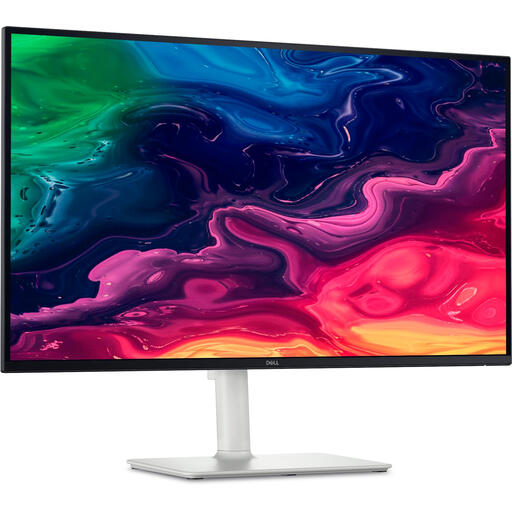
Why This Product The DELL Plus S2725QC strikes a balance between productivity and entertainment. This UHD display features an IPS panel and a 120Hz refresh rate, providing a smooth experience that goes beyond the standard 60Hz. The USB-C connection with 65W Power Delivery makes it a practical choice for a modern home office.
Advantages
Who is this for? Ideal for the remote worker, student, or all-around user looking for a monitor for both productive tasks and relaxation. The 120Hz feature offers a clear upgrade over standard office monitors.
This selection covers three common use cases. If your ideal monitor isn't among them, or if you're looking for different specifications or sizes, you can browse our full range.
Discover all our office and computer monitors
1. Is a 4K resolution on a 27-inch monitor worth it? Yes. A 4K resolution (3840 x 2160 pixels) on a 27-inch screen results in a pixel density of approximately 163 pixels per inch (PPI). This provides extremely sharp text and detailed images, which is noticeable when reading as well as when editing photos and videos.
2. Do I need HDMI 2.1 for a 4K monitor? It depends on the refresh rate. For 4K at 60Hz, HDMI 2.0 or DisplayPort 1.2 is sufficient. However, if you want to use 4K at 120Hz or higher, for example with a game console or a powerful PC, then HDMI 2.1 or DisplayPort 1.4 is necessary to provide the required bandwidth.
3. What is the main difference between an IPS and an OLED monitor? The core difference lies in contrast and color reproduction. An IPS monitor uses a backlight and excels at displaying consistent and accurate colors from wide viewing angles. An OLED monitor has no backlight; each pixel generates its own light. This leads to infinite contrast (true blacks) and faster response times, but it can be more susceptible to burn-in with prolonged static images.
Written by: Joybuy Product Recommendation Officer