
Vandaag of morgen in huis

Kwaliteit gegarandeerd

Welkomstaanbiedingen ontgrendelen: GRATIS bezorging | Tot 80% korting | Gratis 30 dagen JoyPlus-proefperiode
Download de app
Keeping an eye on your home when you're away provides peace of mind. Whether you want to see what your pet is up to, check if the children are safe, or simply secure your property, an indoor camera is a practical solution. A model that can rotate 360 degrees offers the advantage of monitoring an entire room with a single device, leaving no blind spots.
However, the market is flooded with choices. Which specifications are truly important, and which are just marketing hype? As a Joybuy Product Recommendation Officer, I'm here to help you cut through the noise. In this article, we'll highlight the key features to consider and present a selection of popular models based on their functions and specifications.
Before we look at specific products, it's helpful to know which features make a difference. Here are three key points to consider.
The resolution determines how sharp and detailed the image is. Full HD (1080p) is often the baseline, but many modern cameras offer 2K or even 4K resolution. Higher resolution means you can zoom in further without the image immediately becoming pixelated. Just as important is a good camera with night vision and motion detection. Infrared night vision provides clear black-and-white images in the dark, while some models even offer colour night vision using a built-in spotlight.
A modern indoor smart camera can do more than just signal motion. Thanks to AI technology, many cameras can distinguish between people, pets, and other movements. This reduces the number of unnecessary alerts. For specific applications, even more advanced features are available. Think of a baby monitor with a camera and app that sends a notification for crying sounds, or a pet camera that can track your pet.
A common request is for an indoor IP camera with no subscription. Most cameras offer two storage options:
Many models offer both options, giving you the choice.
Based on the criteria above, we have selected a few models that stand out for their specifications and functionality.
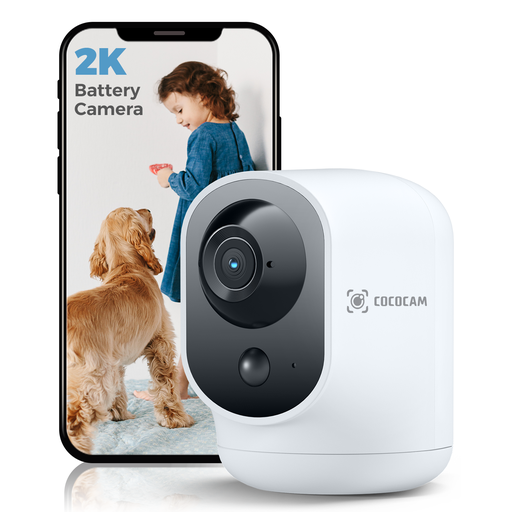
Why it stands out: Its wireless flexibility. Thanks to the built-in rechargeable battery, you're not tied to a power outlet.
Pros:
Who is it for? Ideal for those seeking a flexible, wireless solution who want to easily move the camera without worrying about cables and power outlets.
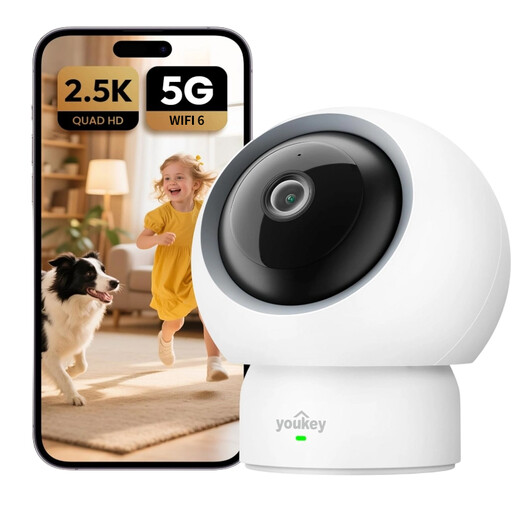
Why it stands out: All the features, with no mandatory monthly fees.
Pros:
Who is it for? Especially interesting for new parents or pet owners looking for an indoor Wi-Fi camera with specialised detection features, without being tied to monthly fees.
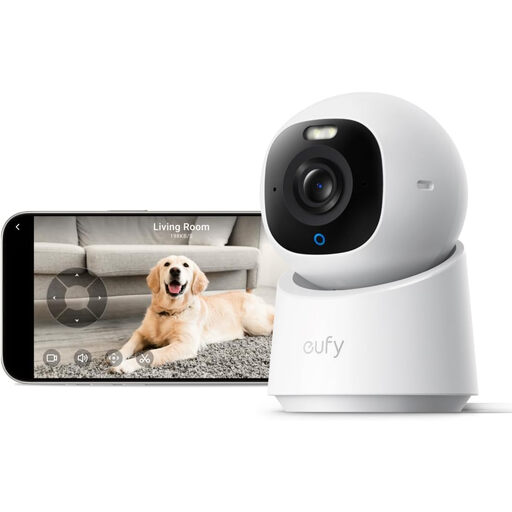
Why it stands out: For those who want to see the sharpest details, thanks to its 4K resolution.
Pros:
Who is it for? For the user who prioritises the highest image quality and values smart features like automatic motion tracking and integration with existing smart home platforms.
If one of these models isn't quite what you're looking for, or if you'd like to compare more choices, no problem. Discover more options in our full category of remotely accessible cameras.
Yes, that's definitely possible. Many cameras, including the models mentioned above, support local storage on a microSD card. This allows you to record and review footage without any monthly fees. A subscription for cloud storage is then an optional extra.
A 360-degree camera, also known as a pan-tilt camera, can be remotely rotated (panned) and tilted. This allows you to survey an entire room with a single camera and zoom in on specific areas. A fixed camera has a static field of view, which always leaves blind spots.
Generally, no. Most modern cameras are designed for ease of use. Installation typically involves connecting the camera to power, downloading the corresponding app on your smartphone, and following the in-app steps to connect the camera to your Wi-Fi network. This process usually takes no more than a few minutes.
