
Vandaag of morgen in huis

Kwaliteit gegarandeerd

Welkomstaanbiedingen ontgrendelen: GRATIS bezorging | Tot 80% korting | Gratis 30 dagen JoyPlus-proefperiode
Download de app
The "Storage Full" notification always pops up at the worst possible moment. Whether you're trying to record an important video, install a new game on your Nintendo Switch 2, or simply take more photos with your Android phone, a full memory card is a common frustration. A 256GB microSD card often provides the perfect balance between capacity and price.
But not all 256GB cards are created equal. The market is flooded with technical terms like U3, A2, V30, and read speeds that are difficult to compare. This article serves as a practical guide. We'll help you understand the specifications and find the right 256GB memory card for your specific device and use case, without the marketing jargon.
Before you make a choice, there are a few key points to consider. These will determine how well the card performs in your camera, drone, or smartphone.
Speed is crucial, but there are two types: read and write speed.
For a high-speed microSD card suitable for modern devices, look for the following classifications:
Not every microSD card works in every device. Always check the specifications of your smartphone, camera, drone, or gaming console. Older devices may not support 256GB cards or be able to take advantage of the highest speeds.
Many microSD cards come with an adapter, allowing you to use them as a standard 256GB SD card in devices like laptops or cameras.
Based on specifications and use cases, we have highlighted some compelling options for you.
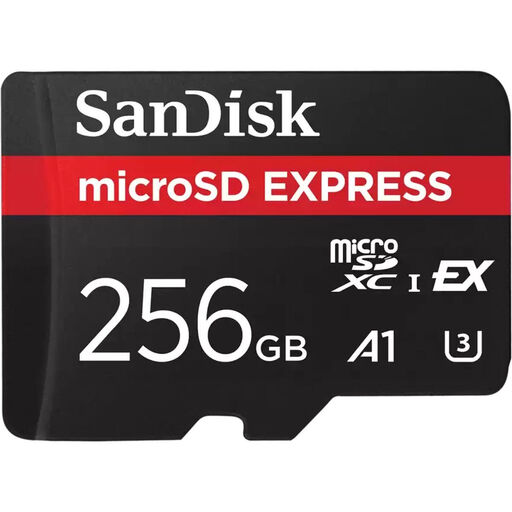
This SanDisk 256GB card is designed for professionals and users who demand the absolute highest performance. According to SanDisk, its PCIe Gen 3-NVMe interface delivers speeds comparable to a portable SSD. This makes the card extremely suitable for processing large files and recording 5.3K and future 8K videos.
This is an excellent choice for professional content creators who work with the latest cameras and don't want to waste time transferring data. Its speed also makes this card future-proof for the next generation of video recording equipment.
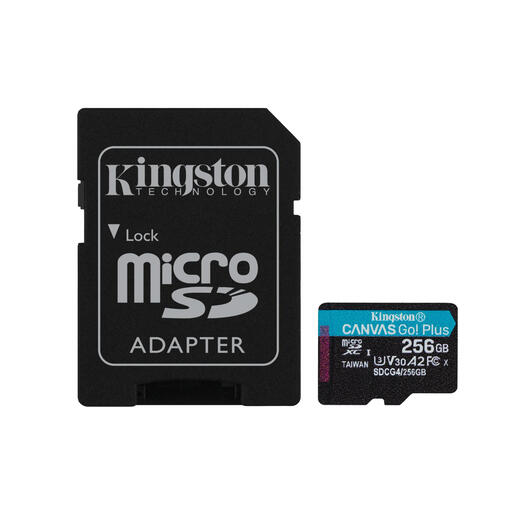
The Kingston 256GB Canvas Go Plus is a versatile powerhouse. It combines a high read speed with U3, V30, and A2 classifications. This makes it a solid all-rounder for demanding applications like 4K video, action cameras, drones, and mobile gaming.
This card is ideal for adventurers and gamers. Use it in your drone or action camera for smooth 4K footage, or put it in your Nintendo Switch 2 or Android smartphone for faster game and app loading times, thanks to its A2 support.
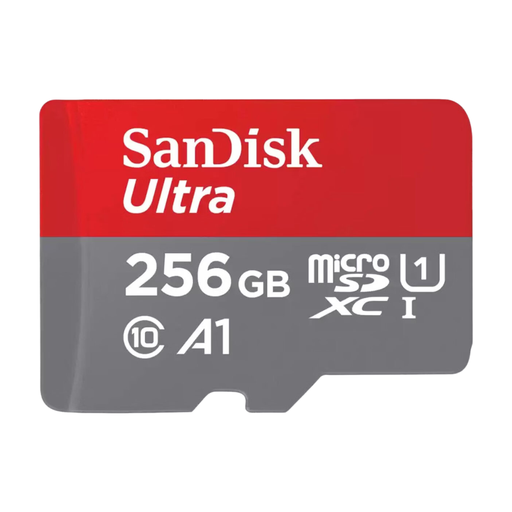
The SanDisk Ultra is a reliable and affordable choice for everyday use. With an A1 classification, apps on your smartphone perform better, and the read speed is more than sufficient for transferring photos and Full HD videos. It's a no-nonsense memory card for Android that does what it's supposed to do: significantly expand your storage.
Perfect for the average user of an Android smartphone or tablet who needs extra space for photos, Full HD videos, music, and apps. It's an excellent upgrade when your phone's internal memory starts to fill up.
The right choice heavily depends on your device and what you do with it. If the options above don't perfectly match your needs, or if you simply want to compare more cards based on price, speed, or brand, take a look at our wider selection.
See more options for the best mobile memory card here.
The main difference is the physical size. MicroSD cards are significantly smaller and are used in compact devices like smartphones, drones, and action cameras. Standard SD cards are larger and are more commonly found in digital cameras and laptops. With an SD adapter, you can also use a microSD card in a standard SD slot.
For most gamers, 256GB is an excellent capacity. It provides space for a substantial number of large games, updates, and downloadable content. Digital games for the Switch vary greatly in size, from less than 1GB to over 30GB. With 256GB, you won't have to constantly delete games to make room for new ones.
Yes, a high-speed microSD card will generally work fine in an older device, as the technology is backwards compatible. However, you will not be able to utilize the card's maximum speeds. The device will operate at the highest speed it supports. So, it's not harmful, but you might be paying for performance you can't use.
