
Vandaag of morgen in huis

Kwaliteit gegarandeerd

Welkomstaanbiedingen ontgrendelen: GRATIS bezorging | Tot 80% korting | Gratis 30 dagen JoyPlus-proefperiode
Download de app
A 240Hz monitor can be the difference between winning and losing in competitive games or provide an exceptionally smooth experience for creative work. However, the market is flooded with technical terms and marketing claims that make the choice unnecessarily complex. Many buyers fall into common traps, ending up with a screen that doesn't meet their expectations.
As a Joybuy Product Recommendation Officer, I'll help you cut through the noise. We'll focus on what truly matters, so you can make an informed choice that fits your use case and budget.
Before we look at specifications, it's important to recognise the marketing traps that often lead to a bad purchase.
To find the right 240Hz monitor, you need to carefully weigh two specifications against your needs: panel technology and the combination of screen size and resolution.
The panel is the heart of your monitor and determines its image quality and speed.
To prevent 'screen tearing' (broken images), the monitor synchronises its refresh rate with your graphics card's output.
Below is a selection of 240Hz monitors tailored to different user profiles. We've focused on the specifications that truly matter, not the marketing claims.
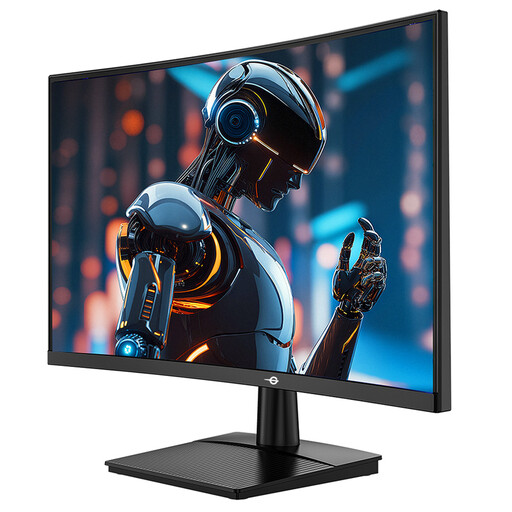
Why it's a match: This user focuses purely on performance. The combination of a 24-inch screen, 1080p resolution, and 240Hz is ideal for achieving the highest possible framerates in competitive games like Valorant or CS2 with a mid-range graphics card.
This screen avoids the pitfall of an unnecessarily high resolution. You're not paying for pixels your graphics card can't drive at 240Hz anyway, but investing directly in the speed you need.
240Hz refresh rate on a compact 23.6-inch format. The 1500R curve can enhance immersion, which is a plus for a budget-focused setup.
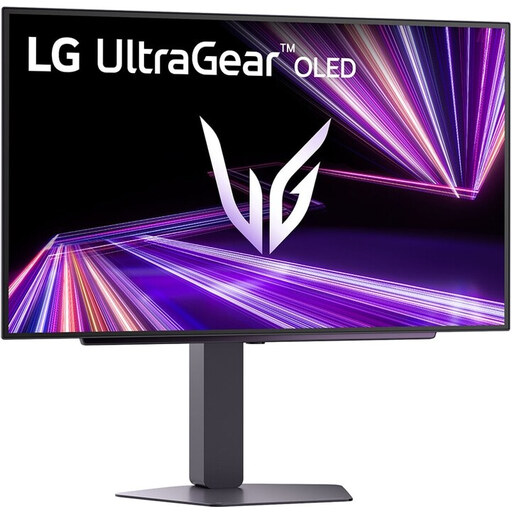
Why it's a match: This user wants the best of both worlds: the responsiveness of 240Hz for competitive games and the breathtaking image quality of OLED for cinematic adventures and media. The 1440p 240Hz combination on a 27-inch screen is the 'sweet spot' for high-end PC gaming.
This monitor delivers a real, noticeable upgrade. Instead of a vague '1ms' claim, it offers a verified 0.03ms GtG response time. This completely eliminates the 'ghosting' myth and delivers unprecedented motion clarity.
The OLED panel provides infinite contrast and perfect black levels, something LCD technology (IPS, VA) cannot match. The combination with 240Hz and QHD resolution makes this a top-tier choice for image quality and speed.
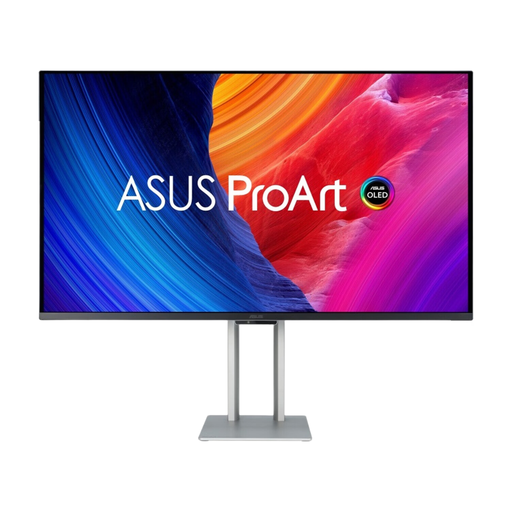
Why it's a match: For the professional who wants to game after work. This screen combines a 4K resolution and professional-grade colour accuracy for video editing or graphic design with an extremely fast monitor for gaming, thanks to its 240Hz QD-OLED technology.
This model eliminates the need for two separate, specialised monitors. It combines professional features (colour precision, 4K) with high-end gaming specs (240Hz, 0.1ms), meaning you don't have to compromise.
The combination of 4K resolution, a QD-OLED panel for superior colour and contrast, and a 240Hz refresh rate. The addition of Thunderbolt 4 with 96W Power Delivery is a major advantage for laptop users.
We've curated a complete, up-to-date list of products that fully meet these strict selection criteria.
It depends on the resolution and the games you play. For e-sports titles like Valorant or League of Legends at 1080p, a modern mid-range graphics card can often reach 240 fps. However, if you want to play demanding AAA games at 1440p 240Hz, you'll need a high-end graphics card (like an NVIDIA RTX 4080 Super or equivalent) to fully utilise the refresh rate.
This is a crucial point. GtG (Gray-to-Gray) measures how quickly a pixel can change colour and is the most relevant specification for assessing motion blur (ghosting). MPRT (Moving Picture Response Time) measures how long a pixel remains visible, which often yields a lower number through techniques like black frame insertion. A low GtG value (ideally 1ms or less) is a more reliable indicator of a sharp and clear image during fast-paced action.
This is a matter of personal preference. A curved gaming monitor can enhance immersion, especially in racing and simulation games, as it wraps the image more around your field of view. However, some competitive players prefer a flat screen for perfect geometric accuracy, which can be important in shooters. There is no objectively "better" choice; it depends on your games and comfort.
