What should you look for when buying?
Directional table fan
Best for: a breeze focused mainly on your own workspace and limited desk space.
Trade-off: a tilting head lets you direct the airflow, but it isn’t the same as automatic oscillation.
Oscillating table fan
Best for: spreading the airflow across more areas around your desk.
Trade-off: as the fan turns, you won’t feel the same direct breeze continuously in one spot.
Adjustable table/standing fan
Best for: moving the fan between your desk and other spots in the bedroom.
Trade-off: check that the table configuration fits on your desk; a battery may be an optional extra.
First choose between a fixed airflow direction and air distribution across multiple directions. Then consider noise, fit and controls for the times you’ll use it.
| What to consider |
What to look for |
Who is this important for? |
| Quiet use in the bedroom |
Compare the noise at your preferred setting and distance; also check for a timer and whether the display can be switched off. |
If I use the fan around bedtime, I want a setting that sounds comfortable and doesn’t give off unnecessary light. Around 33% of consumers prioritise quiet use around bedtime. |
| Fit and stability |
Check the base and set-up dimensions, where the airflow will reach, the cord length and whether the surface is stable. |
On a cluttered desk, the fan needs to fit without getting in the way of my belongings or workspace. Around 25% of consumers prioritise fit and stability. |
| Focused breeze or air distribution |
Check whether the exact model oscillates automatically, in which direction, and whether the head can tilt or be fixed in position. |
If I want the airflow to reach different areas around my desk, I’ll look for oscillation rather than just an adjustable head. Around 25% of consumers prioritise air distribution. |
| Controls and running costs |
Compare the controls you actually need, the stated power consumption for the exact version and any parts that need to be bought separately. |
I want simple controls and features I’ll actually use. To work out electricity costs, I’ll use my own hours of use and tariff. Around 17% of consumers prioritise simplicity and suitable running costs. |
Joybuy products
This selection ranges from compact, directional models for desk use to fans designed to move air over a wider area or offer an adjustable set-up. Check each model to make sure its version, placement and features suit your bedroom and desk.
 No image available
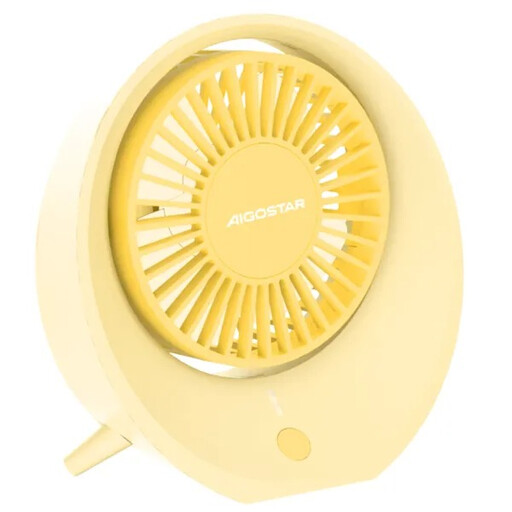
4 Inch USB Clip-on Fan, 4 Blades
According to the product description, the clip and adjustable head are designed to provide focused airflow at a desk or beside a bed.
The product description lists three speeds, a built-in battery and a tilt angle of up to 75°. A certified 5V USB adapter is required for charging; it isn’t included.
View at Joybuy
 No image available
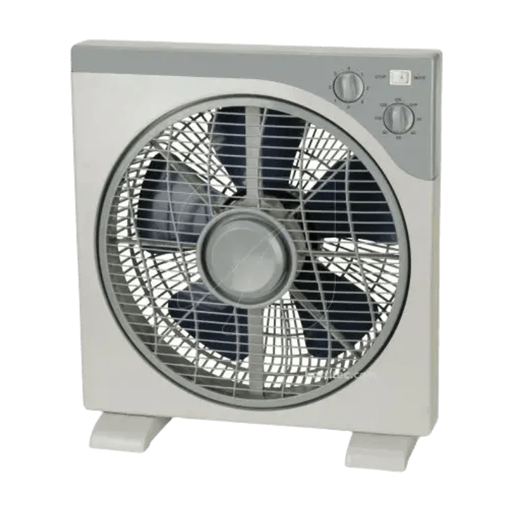
Tropicano Box Fan 30 cm
This model is designed to move air indoors; the product description specifically mentions grow rooms, greenhouses and indoor gardening.
The product description lists a diameter of 30 cm and a 32 W motor. It recommends placing the fan on a flat, stable surface.
View at Joybuy
 No image available
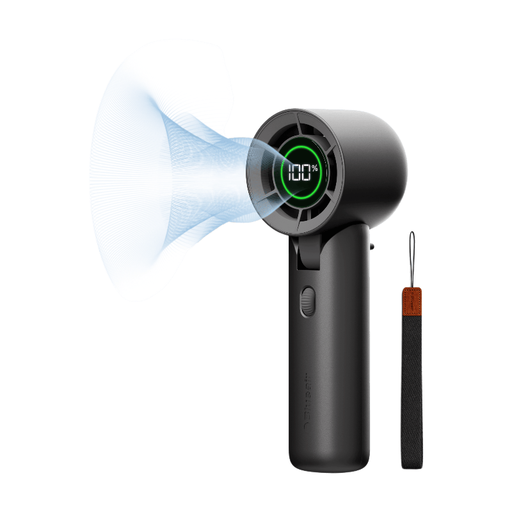
BLUEAIR AlwaysCool Portable Handheld Fan F7
The product description lists hands-free use on a desk and a tilting head to direct a personal airflow.
The specifications list a tilt angle of up to 75°, a built-in battery, USB-C charging and a weight of 0.3 kg. The product title describes it as a portable fan for personal cooling.
View at Joybuy
 No image available
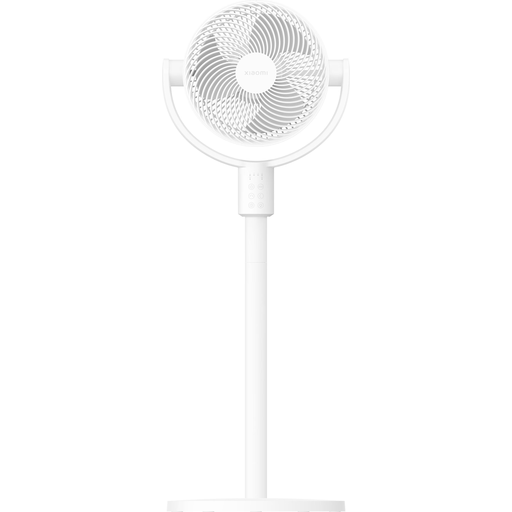
Xiaomi Smart Standing Air Circulation Fan
According to the product description, this model can be used as a table or standing fan; it also lists automatic oscillation and control via the Mi Home app.
The product title lists two modes and 100 speeds. Check that the adjustable set-up fits where you want to place it and can stand on a stable surface.
View at Joybuy
 No image available
Xiaomi Smart Standing Fan 2
The product description lists automatic oscillation and table or standing use, making this a choice for anyone wanting airflow in multiple directions.
The product title lists app control, two types of blades and 100 adjustable speeds. The product description recommends placing it on a stable, flat surface.
View at Joybuy
Frequently asked questions
Will a desk fan cool down my bedroom?
No. A fan doesn’t make the air colder, although the airflow can feel cooling on your skin. Ventilation in your home is still needed to remove polluted or damp indoor air, according to Milieu Centraal and the Dutch government.
Where should I put a desk fan, and how should I use it around bedtime?
Place the fan securely on a suitable surface and direct the airflow where you want to feel it. A timer can switch the fan off later; if the display lights up, check whether you can turn it off.
How do I clean a fan?
Follow the instructions for your exact model on how to open and clean it. Duux provides its own maintenance instructions for the Globe; don’t assume another model opens in the same way.
What are my rights when buying a fan online in the Netherlands?
For a typical online consumer purchase, you generally have a statutory 14-day cooling-off period from delivery, subject to legal exceptions, according to ACM ConsuWijzer. If a product doesn’t meet reasonable expectations under normal use, the seller is responsible for the statutory guarantee; in the Netherlands, there isn’t one fixed time limit that applies to every appliance.
Is CE marking compulsory for a desk fan?
It depends on the product and the rules that apply. For the Low Voltage Directive, the NVWA gives a range of 50–1,000 V AC or 75–1,500 V DC, so check the exact fan and power supply. A low-voltage USB model doesn’t automatically fall under that directive just because of its product name, but it must still comply with the rules that apply to it. CE marking is not a comparative performance test.


