
Vandaag of morgen in huis

Kwaliteit gegarandeerd

Welkomstaanbiedingen ontgrendelen: GRATIS bezorging | Tot 80% korting | Gratis 30 dagen JoyPlus-proefperiode
Download de app
A baby monitor with a camera lets you see your child when you’re in another room. However, models can vary considerably in connectivity, screen, night vision and power supply. A low price doesn’t always mean a product is easy to use, while a long list of features doesn’t automatically make a device right for your needs.
The most common disappointing purchases stem from three misunderstandings:
A Wi-Fi baby monitor can offer remote access through an app. This is useful if you want to check in while you’re out, but it depends on your network, app settings and account security. Check whether local storage is available, and use a strong password.
A baby monitor without Wi-Fi usually has a direct connection between the camera and parent unit. This can make it simpler to use at home and limits the number of online components. Do check the stated range: for example, a range of 300 metres is often measured in an open space.
A baby monitor with night vision usually uses infrared lighting. Don’t just look at the resolution; also consider:
A camera with pan and tilt is practical if you want to view the nursery from different angles. Place it securely and out of your child’s reach.
Two-way communication can help you talk to your child from another room. Motion or crying alerts can be useful, but check whether you can adjust their sensitivity. Otherwise, you may receive lots of alerts because of changing light, pets or movement outside the area you’ve selected.
Also check the difference between screen-on time and audio mode. A parent unit, for example, may run for longer with sound only than with the picture on continuously. Check whether the camera also needs to be plugged into the mains at all times.
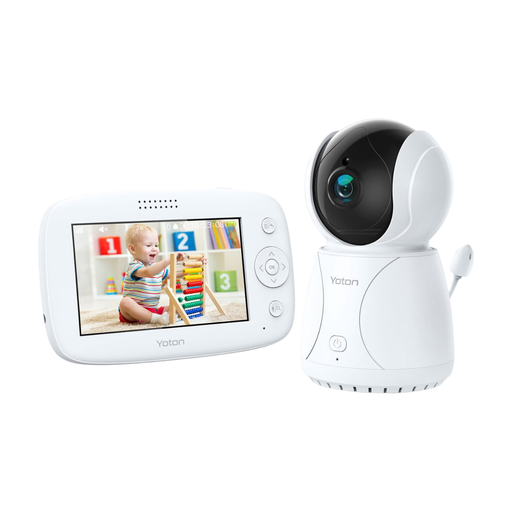
Why it suits this type of buyer: According to the product description, the YB03 combines a parent unit with a 4.3-inch screen and essential features for everyday use in the nursery. It includes night vision, two-way communication, a temperature sensor and a rotating function.
The specifications list practical features without relying on a smartphone app. The temperature sensor should, however, be treated as a guide.
4.3-inch LCD screen, night vision, rotating function and two-way communication.
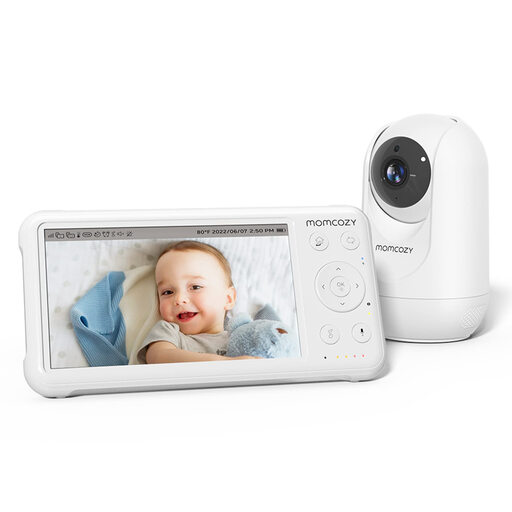
Why it suits this type of buyer: According to the product description, this system has a 5-inch 1080p screen, a parent unit with a 5000mAh battery, night vision, pan-tilt-zoom, a temperature display and support for up to four cameras.
The stated range in open space shouldn’t be taken as the range you’ll get at home. Check the connection in your own home first.
1080p picture, expandable to four cameras, and a large parent unit with a rechargeable battery.
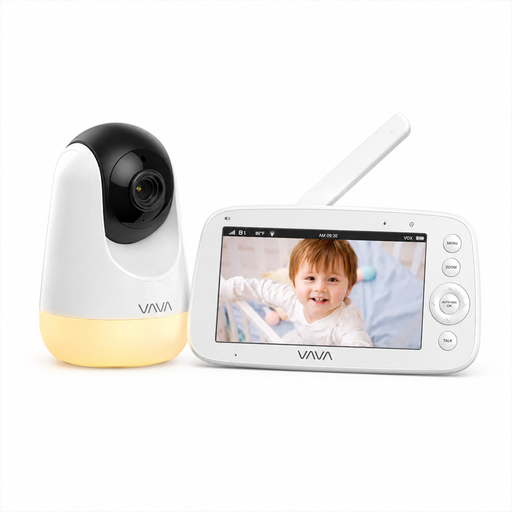
Why it suits this type of buyer: If you don’t want to use an app or home network, the product description says this model offers a direct 2.4GHz connection, a 5-inch 720p screen, night vision and a parent unit with several viewing functions.
According to the product information, the stated 300-metre range applies in open space. The camera also needs to be plugged into the mains, so bear this in mind when setting it up.
No Wi-Fi, app or account needed; two-way communication, night light and up to 24 hours in audio mode, according to the product information.
Place the camera out of your child’s reach and keep cables away from the bed, cot and play area. The product information for several models recommends placing the camera at least around one metre from the cot. Always follow the instructions for your chosen model.
Use a baby monitor as an aid, not as a substitute for supervision. If you have a Wi-Fi baby monitor, it’s a good idea to use a strong, unique password, install software updates and allow only the app access it needs.
We’ve put together a complete, up-to-date list of products that meet these strict selection criteria and the current European safety regulations.
A model without Wi-Fi doesn’t need to connect to a cloud platform or smartphone app. This can reduce the number of online privacy risks. It doesn’t mean you can overlook installation and use: secure the parent unit, position cables safely and check the range in your home.
This depends on the instructions, but always place the camera out of your child’s reach and make sure the cord can’t reach the bed. Secure wall mounting or a high shelf may be suitable, provided the device can’t fall.
A camera with a parent unit uses electricity while the camera and screen are on. Wi-Fi models may also offer storage or subscription options, depending on the provider. Check whether local storage is available and whether cloud features come with extra costs.
