What should you look for when buying?
First, decide how you can position the microphone near your voice and in relation to the fan. Then check the connections, storage and playback options you need for your recording process.
| What to consider |
What should you look for? |
Who is this most important for? |
| Clear speech |
Can you position the microphone close to your mouth and, if needed, connect it to a suitable input? Listen to a test recording with the fan on. |
If your main priority is keeping your recorded speech clear while the fan is running, microphone placement should come first. Around 42% of consumers say clarity is their main concern when buying. |
| Recording independently |
Check the power source, storage and whether you can place the recorder securely where you want it. |
If you want to record in different places without a computer, check that the recorder suits how you plan to carry and use it. Around 25% of consumers prioritise recording independently and on the go. |
| Listening back and editing |
Check whether you can listen back on the device and whether file transfer and recording format suit your editing process. |
If you record longer scripts in sections, you’ll want to check for mistakes and transfer the files later. Around 17% of consumers say reviewing recordings and further processing are their main considerations. |
| A complete setup |
Check which microphone, cables, power source and storage you’ll need for your chosen recorder and connection. |
If you want to know in advance what you’ll need in addition to the recorder, check the microphone and connection as part of one complete setup. Around 16% of consumers focus mainly on having a complete, working recording setup. |
Joybuy products
The Joybuy products below are portable recording and audio devices, including products listed as having a recording function. Check that each model’s microphone setup suits the way you plan to record next to a fan.
 No image available
DJI Mic Mini 2S (2 TX + 1 RX + Charging Case)
The product name describes a wireless microphone system with two transmitters and one receiver. Check that its connections and positioning suit your recording device.
The listed version includes a charging case.
View at Joybuy
 No image available
Plaud Note Pro AI Voice Recorder (Black)
The product name describes an AI voice recorder for notes and summaries. Check that its controls and file handling suit recording an audio description.
View at Joybuy
 No image available
Digital Voice Recorder 64 GB with Transcription Function
The product name mentions a digital voice recorder with a transcription function. Check that its stated recording and processing features suit the way you work.
The title lists 64 GB of storage.
View at Joybuy
 No image available
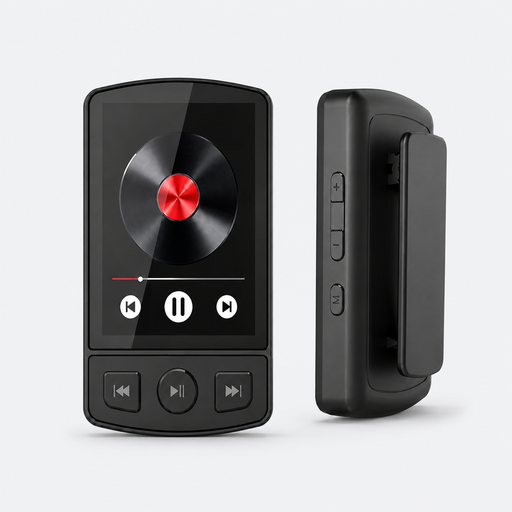
MP3 Player with Bluetooth 5.2 and Clip, 64 GB
The product name lists voice recording alongside music player features. Check that this device is suitable for recording and finding your spoken script.
The title lists Bluetooth 5.2, a clip and 64 GB of storage.
View at Joybuy
 No image available
Digital Audio Player with 1.8 inch Display and Voice Recording
The product name lists voice recording as a feature of a portable audio player. Check that its recording controls suit recording longer scripts.
The title lists a 1.8-inch screen and Bluetooth.
View at Joybuy
Frequently asked questions
Does 32-bit float recording remove fan noise?
No. This recording mode won’t automatically remove fan noise captured at the same time as your voice. First, position the microphone as well as possible in relation to your voice and the fan, then listen to a test recording. Zoom lists AI Noise Reduction for the H1essential and H4essential; Tascam lists a low-cut filter for the DR-05XP. These manufacturer descriptions aren’t comparative tests of how the features perform where you record.
How can I test my setup before recording the full audio description?
Record a short, representative section with the fan running at its usual setting. Move the microphone closer to your mouth, point it away from the fan if possible, then listen back to the recording. Zoom lists a headphone output and built-in speaker for the H1essential.
Do I need to buy extra cover for an audio recorder in the Netherlands?
No. Your statutory rights already apply when you buy a product. According to the Dutch government, if a product is faulty, the retailer is your point of contact. An additional warranty is only worthwhile if its terms offer you extra rights.
Can I record recognisable voices of other people for my audio description?
If an organisation records identifiable people and processes their personal data, the Dutch Data Protection Authority says it must have a legal basis under the GDPR. Consent is one possible legal basis, but it isn’t automatically the only one. Consider each situation separately if other people’s voices are captured in the recording.


