For fragile, bound minutes, a contactless book scanner is the obvious choice. For stacks of loose, double-sided sheets, a scanner with an automatic document feeder is more practical. Then choose according to the space available, the software on the shared computer and the output you need. If the scans contain personal data, you’ll also need to manage storage and access.
Who is this relevant to?
Someone responsible for bound minutes
Wants to digitise old volumes without putting unnecessary strain on the spine. CZUR and Ricoh describe contactless capture for bound originals, while Plustek offers a book-focused flatbed option for books that can be placed on the glass.
Volunteer working with loose minutes
Primarily works with stacks of loose, potentially double-sided sheets and wants to process them in each scanning session. Epson Netherlands describes the WorkForce ES-550W as having an automatic feeder and double-sided capture.
Shared-desk user
Needs to manage the device, software and files so they can be handed over after a scanning session. If the minutes contain personal data, the association must also put appropriate security and access arrangements in place. The Dutch Data Protection Authority says that responsibility lies with the organisation processing the data.
What should you look for?
Contactless book scanner
Choose this option: if you’re scanning bound minutes and don’t want to press the spine against glass. CZUR describes this use for its ET series, while Ricoh lists book correction for the ScanSnap SV600.
Bear in mind: you’ll need space for the device and the open book. Automatic correction is a stated feature, not a guarantee of good results for every book or type of handwriting.
Book-focused flatbed scanner
Choose this option: if the book can be placed on the glass and capturing text close to the spine is important. Plustek lists a 2 mm book edge and searchable PDF output for the OpticBook 4800.
Bear in mind: you’ll need to place the book on the glass and turn the pages by hand. Consider this carefully if the volumes are fragile.
Foldable document camera
Choose this option: if you need to clear the desk after use and mainly scan flat, loose pages. CZUR positions the Shine 800 A3 Pro for flat sheets up to A3.
Bear in mind: this is not the same as contactless scanning of curved, bound pages. CZUR lists 205 dpi at A3 for this model; this is not a measurement of your scans.
Automatic document feeder for loose sheets
Choose this option: if your archive mainly consists of loose, double-sided A4 minutes. Epson Netherlands lists an automatic 100-sheet feeder and double-sided scanning for the WorkForce ES-550W.
Bear in mind: a feeder for loose sheets is not suitable for an intact, bound volume of minutes.
| What to consider |
What to look for when buying |
Who is this important for? |
| Bound originals |
Check the condition and dimensions of the binding, and whether contactless capture is needed. |
If my minutes are bound and fragile, I don’t want to put unnecessary strain on the spine. Around 33% of consumers prioritise preserving bound originals. |
| Loose sheets |
Check whether the sheets are suitable for feeding and whether you need double-sided scanning. |
When I have stacks of loose minutes, I want to process sheets in batches without having to turn them over by hand each time. Around 27% of consumers prioritise processing loose sheets. |
| Searchable files |
Check whether the exact model creates searchable PDFs and test the text recognition with a scan of your own. |
If I want to search the minutes by name or date later, the text needs to be recognised in the file. Around 20% of consumers prioritise being able to find information again. |
| Shared use and data management |
Check the workspace and software on the shared computer; agree where scans containing personal data will be stored and who can access them. |
At a shared desk, I want several volunteers to be able to use the setup and leave files in a manageable state. Around 20% of consumers prioritise shared use and data management. |
Common buying mistakes
-
Assuming a compact document camera can fully replace a book scanner
CZUR positions the Shine 800 A3 Pro for flat pages and describes the ET series separately for bound documents. A camera for flat sheets is therefore not automatically suitable for an open, curved volume of minutes.
Use the format of your minutes as your first selection criterion, and test a representative page from a bound volume.
Curved pages may require extra manual correction or another scan.
-
Assuming OCR guarantees perfect searchability
A claim of searchable PDF output doesn’t prove how well old print or handwriting will be recognised. Check names, dates and text close to the book’s spine in a test file.
Check a test scan of your own typeface or handwriting before processing a whole set of minutes.
Checking and correcting recognised text takes time, especially if you need to do it for every batch.
-
Leaving scans containing personal data unattended
If the minutes contain personal data, the association must consider how storage and access will be secured. The Dutch Data Protection Authority also states that personal data must not be kept for longer than necessary.
Agree on storage, access rights and retention policies before several volunteers start scanning.
Relevant brands to compare
CZUR
The ET series is designed for contactless capture of bound documents, while the Shine 800 A3 Pro is intended for flat sheets.
- CZUR says the ET series has curvature correction. The company positions the Shine 800 A3 Pro for flat pages and lists 205 dpi at A3.
- These features and figures are not independently measured scan results. Don’t assume the Shine is suitable for bound minutes.
Plustek
The OpticBook 4800 is a book-focused flatbed scanner for bound minutes that can be placed on the glass.
- Plustek lists a 2 mm book edge and searchable PDF output.
- You’ll need to place the book on the scanner and turn the pages yourself. Consider this carefully if the volumes are fragile.
IRIS
The IRIScan Desk 6 Pro is a document camera worth comparing if file formats and software on the shared computer are important.
- IRIS lists searchable PDF output, among other formats. Its installation information describes support for Windows and macOS.
- Test it with your own minutes. A stated OCR feature doesn’t measure how well your text will be recognised.
Epson
The WorkForce ES-550W represents the feeder option, particularly for loose A4 minutes.
- Epson Netherlands lists automatic double-sided capture and a 100-sheet feeder.
- A document feeder for loose sheets is no substitute for a contactless scanner for intact, bound minutes.
Ricoh ScanSnap
The ScanSnap SV600 is a contactless option for bound books and originals that shouldn’t go through a feeder.
- Ricoh lists book correction, A3 capture and support for originals up to 30 mm thick for the SV600.
- These are manufacturer specifications, not proof that every volume of minutes or OCR task will produce good results.
Products at Joybuy
The products below are designed for loose or flat minutes: document feeders for loose sheets and a foldable document camera for flat pages. They are not contactless solutions for intact, bound minutes.
 No image available
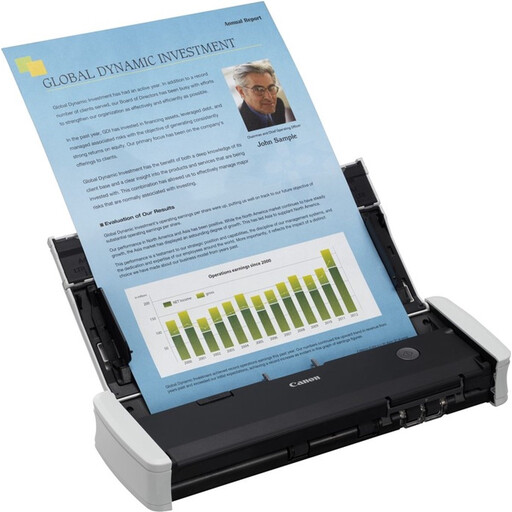
Canon imageFORMULA R10
Suitable for loose minutes when double-sided capture and a mobile setup are important; the feeder is not designed for an intact, bound book.
A4, 600 x 600 DPI and white finish.
The product description lists double-sided scanning, a 20-sheet input capacity, CaptureOnTouch Lite software and a USB connection.
View at Joybuy
 No image available
Epson DS-C330 ADF + Sheet-Fed Scanner
Suitable for loose A4 minutes and a workspace with limited room; its paper feeder is not a contactless option for bound originals.
A4, 600 x 600 DPI, black and white finish.
The product description lists a U-shaped paper path, paper protection, support for booklets up to 5 mm thick, and PDF, JPG and TIFF output formats.
View at Joybuy
 No image available
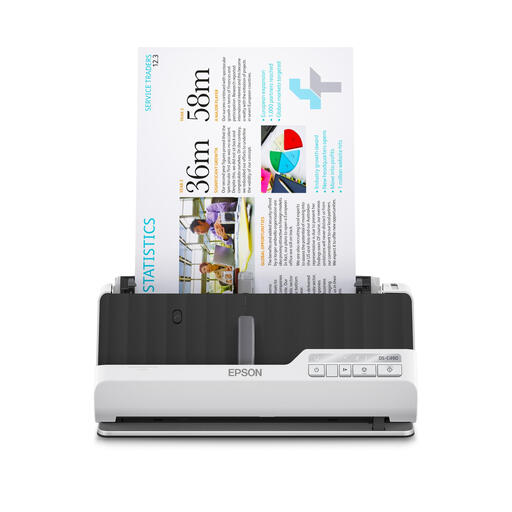
Epson DS-C490 ADF + Sheet-Fed Scanner
Suitable for loose minutes when you need double-sided scanning and paper protection; this model cannot scan an intact, bound book contactlessly.
A4, 600 x 600 DPI, black and white finish.
The product description lists double-sided scanning, U-shaped and straight paper paths, paper protection, and compatibility with Windows, Mac and Chromebook.
View at Joybuy
 No image available
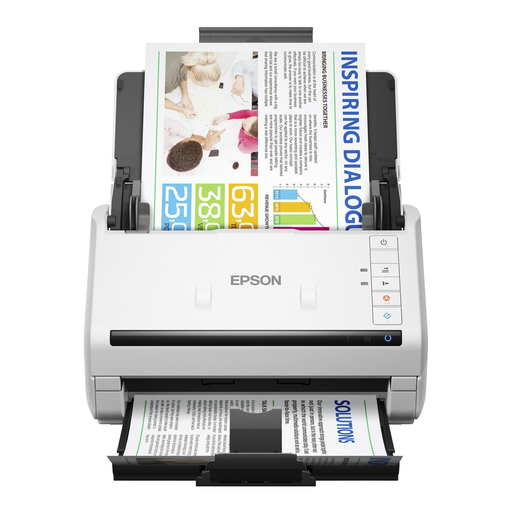
Epson WorkForce DS-530 II
Suitable for batches of loose, double-sided minutes processed on a shared computer; the feeder is not designed for intact, bound originals.
A4, 600 x 600 DPI, black and white finish.
The product description lists an automatic 50-page feeder, single-pass double-sided scanning, USB 3.0, and support for Windows and Mac.
View at Joybuy
 No image available
CZUR Shine 800 A3 Pro
Suitable for flat, loose pages when you need to put the device away after use; CZUR does not position this model as a scanner for bound pages.
Maximum size A3 for flat sheets.
The product description lists OCR, a foldable design that folds up to 90 degrees, and a USB connection. Test text recognition with a scan of your own.
View at Joybuy
Frequently asked questions
How do you decide whether a book scanner or a document feeder is right?
Start with the originals: an intact binding calls for a book-focused approach, while a document feeder such as the one on the Epson WorkForce ES-550W is designed for loose sheets. For bound minutes, check whether you need contactless capture or whether it’s safe to place them on glass.
What should you set up on a shared computer before your first scanning session?
Check the software installation and user permissions, choose a consistent file-naming convention and storage location, and make a test scan to check it is complete and legible. IRIS describes installation on Windows and macOS for the Desk 6 series; you’ll need to agree how the shared workspace is set up.
What warranty applies when an association buys a scanner?
Consumer rules don’t automatically apply in the same way to a purchase by an association as they do to a private purchase. The Dutch government says that if there is a problem with a product, the seller must provide a solution. Check who the buyer is and which rights apply to that purchase.
Can an association make scanned minutes containing personal data accessible to everyone?
Not without first assessing the content, purpose and access arrangements. According to the Dutch Data Protection Authority, an organisation processing personal data must determine appropriate security measures and must not keep data for longer than necessary. The association should decide who needs access for each use.
Can you simply put other people’s bound-in text or images online?
No. Scanning does not in itself give you permission to make copyright-protected material publicly available. The Dutch government describes an exception for a private copy for personal use; this is not general permission to share association files online.


