
Film fan with several apps
You mainly want to know whether the player supports the services that offer your animated films. Check both the app and the film you want before focusing on specifications.


First, check that the film and streaming service you want work on your TV or player. Only then decide between a stick and a box. A stick may suit you if the Wi-Fi and connections by your TV are up to the job. A box with Ethernet is worth considering if you can actually connect a network cable where you want to watch. A 4K or Atmos logo on a device doesn’t guarantee that a particular film will play in that quality.
You mainly want to know whether the player supports the services that offer your animated films. Check both the app and the film you want before focusing on specifications.
You want to make the most of your setup’s picture and sound quality, provided the film, subscription and connected equipment support them.
You’re looking for a reliable connection by your TV and want to weigh up whether Wi-Fi will do or whether you can connect a box with Ethernet.
Start with the app and film you want to watch. Picture and sound formats only matter if your entire setup supports them.
Choose this if: the streaming service and film you want already work well on your TV.
Bear in mind: a separate player won’t change what your screen can do.
Choose this if: you want a compact player and Wi-Fi works well by your TV.
Bear in mind: the app you want, a spare HDMI port and a power supply must all suit your setup.
Choose this if: you want Google TV and can connect a network cable by your TV.
Bear in mind: the box takes up space. A certified HDMI 2.1 cable for the Google TV Streamer (4K) is sold separately, according to Google Store Netherlands.
Choose this if: you want Google TV and don’t need built-in Ethernet.
Bear in mind: check Wi-Fi reception by your TV and what’s included with the exact model.
Choose this if: you’re looking for Apple features and built-in Gigabit Ethernet, and can wait.
Bear in mind: Apple Netherlands lists 13 November 2026 as the release date; an HDMI cable is sold separately.
| What to consider | What should you check? | Who is this important for? |
|---|---|---|
| Access to films | Check the streaming service, whether the title is available, whether the app works on the exact model and which subscription you need. | If I want to watch a particular animated film, I first check that my service and device offer it. Around 29% of consumers put access to films first when buying. |
| Picture on your screen | Check the screen’s and title’s resolution and HDR support, your subscription and the HDMI connection. | If you want to make the most of your home cinema’s picture quality, check that your screen and film support the same format. Around 23% of consumers prioritise picture quality. |
| Sound through your equipment | Check the film’s audio track, the service’s requirements and compatibility with your soundbar or receiver. | If I watch through a soundbar or receiver, I want to know that the film and the complete connection setup will work with my equipment. Sound is the top priority for around 18% of consumers. |
| Connection by your TV | Check Wi-Fi reception where you watch, or whether you can connect an Ethernet cable there. | For consumers who need a reliable network connection where they watch, what’s actually available there matters most. Around 18% put connectivity first. |
| Setup and accessories | Check what’s included in the box, the HDMI cable, power supply, spare HDMI port and any accounts or services you’ll need. | If I want to connect my player straight away, I want to know in advance which accessories and services I’ll need. Easy setup and included accessories are the top priority for around 12% of consumers. |
Actual playback also depends on the title, subscription, screen and connected sound equipment. Netflix also makes UHD 4K subject to certain service and device requirements.
Check the specific film and the entire picture and sound chain before making a format part of your decision.
You may need a subscription that supports the picture quality you want.
An Ethernet port only gives you a wired option if you can connect a network cable there.
Check the connections at your actual viewing spot before making Ethernet a factor in your choice.
For a wired connection, your network cable needs to reach your TV.
What’s in the box varies by model. Google Store Netherlands says a certified HDMI 2.1 cable for the Google TV Streamer (4K) is sold separately; Xiaomi says an HDMI cable is included with the TV Box S (3rd Gen).
Check the contents listed for the exact model against the connections you need.
Allow for a suitable HDMI cable if one isn’t included with your model.
The fourth-generation Apple TV 4K is a different model from the 2022 Apple TV 4K.
Check the full model name and generation. Apple Netherlands lists 13 November 2026 as the release date for the fourth generation.
The Google TV Streamer (4K) suits anyone looking for Google TV and built-in Gigabit Ethernet.
The fourth-generation Apple TV 4K is an option if you’re looking for Apple features and built-in Gigabit Ethernet.
The TV Box S (3rd Gen) is a Google TV box for anyone who uses Wi-Fi and doesn’t need built-in Ethernet.
The LEAP-S3PRO is a Google TV box for anyone looking for features including LAN and a backlit remote control.
These products are for watching films through apps on a smart TV, rather than using a separate streaming stick or box. Before choosing, check that the streaming service and title you want work on the TV platform listed.
 Image unavailable
Ideal if you want to use streaming apps directly on a 4K TV; check that the service you want is available on the TV platform listed.
65 inches (164 cm); 4K UHD; Dolby Vision HDR; HomeOS U9.5.
 Image unavailable
Ideal if you want to watch films through apps on a 4K smart TV; check that the streaming service you want is available on the TV platform listed.
43 inches; 4K UHD; Dolby Vision; VIDAA; 60 Hz.
 Image unavailable
Ideal if you want to use Google TV apps on a 50-inch 4K TV; check that the film and service you want are available.
50 inches (127 cm); 4K UHD; HDR10; Dolby Vision; Dolby Atmos.
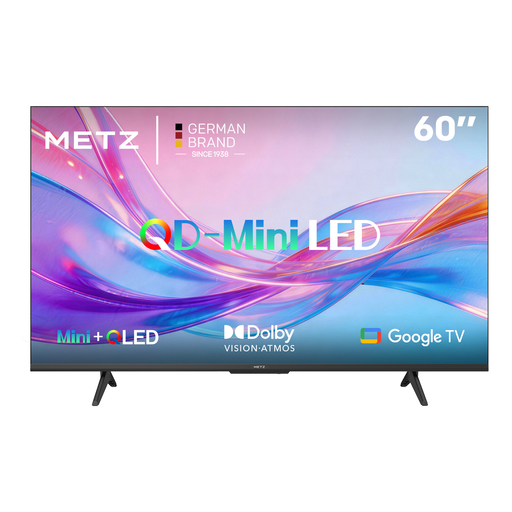 Image unavailable
Ideal if you want to use Google TV apps and check that the HDR formats listed work with your setup.
QD-MiniLED; Dolby Vision; Dolby Atmos; HDR10+; HDMI 2.1.
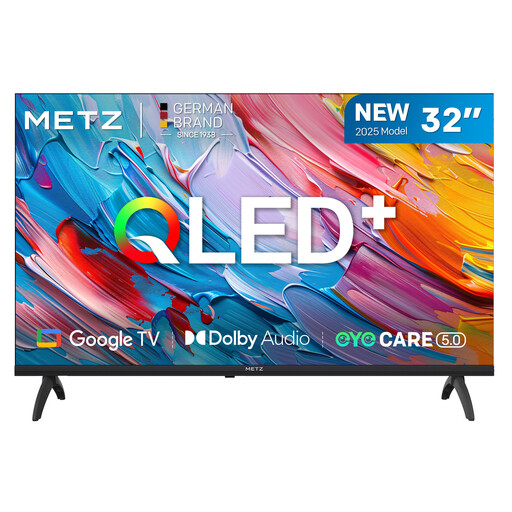 Image unavailable
Ideal if you’re looking for a smaller smart TV with Google TV apps; bear in mind that the stated resolution is HD, not 4K.
32 inches; HD; QLED; Google TV; HDR10/HLG; Dolby Audio.
No, not automatically. Check the title, subscription, app and your screen’s capabilities. For Netflix UHD 4K, Netflix recommends a connection of at least 15 Mbps. Watching Netflix on the Google TV Streamer also depends on your TV and HDMI port meeting certain requirements.
Check for a spare HDMI port, a power supply, a network connection and what’s included in the box. Google Store Netherlands says a certified HDMI 2.1 cable for the Google TV Streamer (4K) is sold separately; Xiaomi says an HDMI cable is included with the TV Box S (3rd Gen).
A box with Ethernet is mainly an option if you can connect a network cable by your TV. If you can’t, check Wi-Fi reception where you watch and whether the app you want works on the exact device.
No. According to ACM ConsuWijzer, statutory warranty applies in the Netherlands in addition to any seller’s or manufacturer’s warranty. If a product doesn’t do what you could reasonably expect under normal use, the seller must provide a free solution under the applicable conditions.
The Dutch Authority for Digital Infrastructure says retailers may only sell equipment that meets the applicable requirements, including CE marking. Retailers must also check the manufacturer and importer details, as well as the declaration of conformity.