What should you look for when buying?
All-in-one mono laser printer
Best for mainly text-based letters and longer gaps between print jobs.
Bear in mind you won’t be able to print in colour, and there are costs for toner and, depending on the model, a separate drum.
Colour inkjet with cartridges
Best for colour documents when an ink-tank printer isn’t an obvious fit for your printing habits.
Bear in mind if you print infrequently, cleaning cycles can use extra ink, according to the Consumers’ Association.
Colour inkjet with an ink tank
Best for regular colour printing and comparing refill bottles with cartridge costs.
Bear in mind the purchase price and your actual printing habits; stated page yields aren’t a personal guarantee.
First decide whether you need colour and how often you print. Then consider scanning, copying and the document feeder you’ll actually use.
| What to consider |
What to check before buying |
Who is this important for? |
| Printing after a break |
Compare toner with inkjet, and allow for the possibility of inkjet printer cleaning cycles. |
If I sometimes go a long time without printing, I want my black-and-white letter to be ready when I need it; around 33% of consumers prioritise reliable text printing after a break. |
| Costs when printing in colour |
Compare the printer and compatible cartridges or ink bottles over the same period of use. |
If I print in colour regularly, I want to factor in refills when choosing; around 25% of consumers prioritise the overall cost of regular colour printing. |
| Handling multiple originals |
Check whether the printer has an ADF and its capacity; check duplex printing and duplex scanning separately. |
If I scan or copy stacks of documents, I want to know how much manual feeding my workflow involves; around 25% of consumers choose a printer primarily for handling multi-page originals. |
| Confidential documents |
Decide how you’ll store, collect and share prints and scans, and follow your organisation’s procedures where applicable. |
If I handle other people’s data, I want to prevent unauthorised access to paper documents and digital files; around 17% of consumers prioritise confidential document handling. |
Joybuy printers for home use
These colour inkjet printers are suitable for home or a home office, with options for printing letters and handling documents.
 No image available
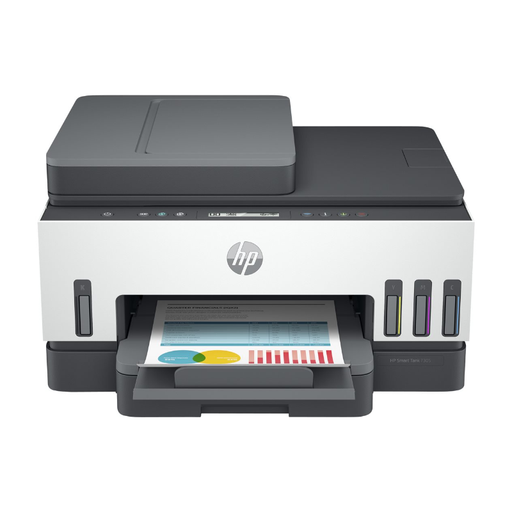
HP Smart Tank 7305 wireless all-in-one colour printer
An option if you want to print, scan and copy at home, and handle multiple originals too.
The product name specifies wireless and duplex printing.
Joybuy
 No image available
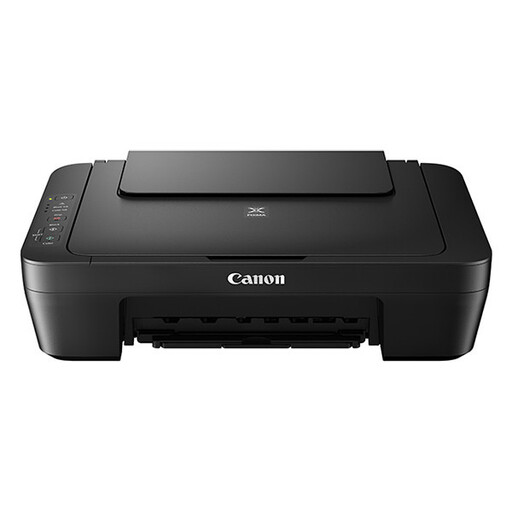
Canon PIXMA MG2556S inkjet printer, A4, 4800 × 600 DPI
An option if you’re looking for an A4 inkjet printer for letters and would also like to scan or copy documents.
The product name specifies A4 and 4800 × 600 DPI.
Joybuy
 No image available
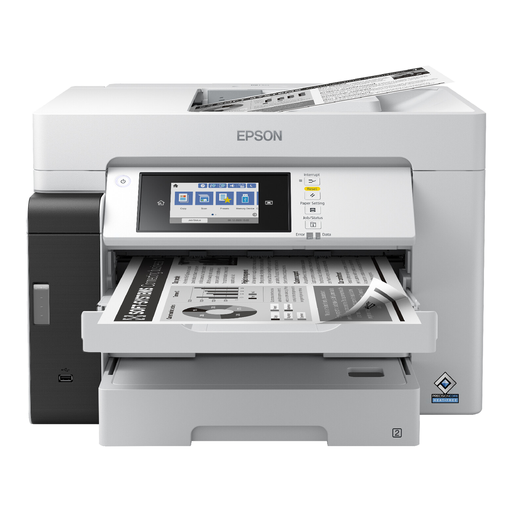
Epson EcoTank ET-M16680 inkjet printer, A3, 4800 × 1200 DPI, Wi-Fi
An option if you want to scan or copy documents as well as print letters, and a document feeder suits your workflow.
The product name specifies A3, 4800 × 1200 DPI and Wi-Fi.
Joybuy
 No image available
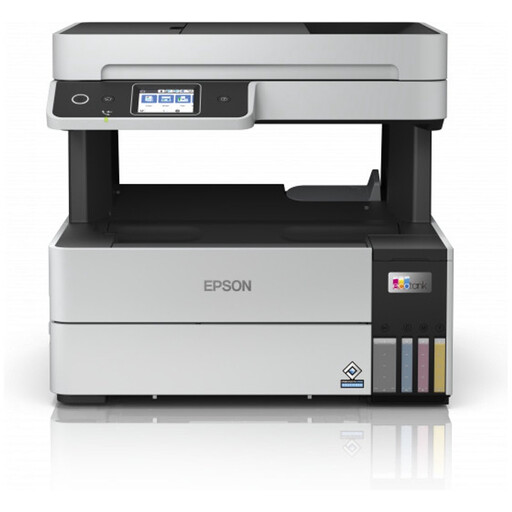
Epson EcoTank ET-5185 inkjet printer, A4, 4800 × 1200 DPI, 37 ppm, Wi-Fi
An option if you want to print A4 letters and scan or copy documents using a document feeder.
The product name specifies A4, 4800 × 1200 DPI, 37 ppm and Wi-Fi.
Joybuy
 No image available
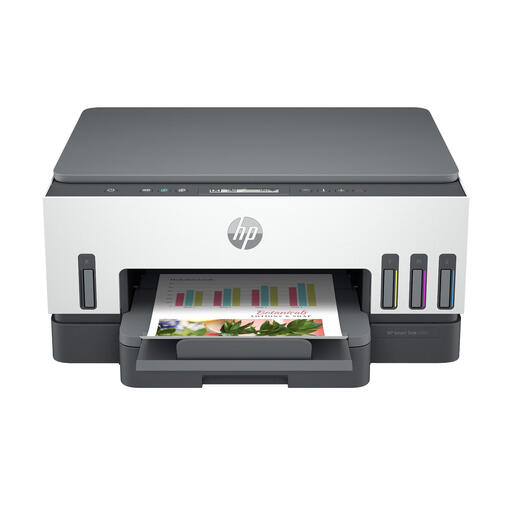
HP Smart Tank 7005 wireless all-in-one colour printer
An option if you want to print in colour at home and scan or copy documents.
The product name specifies wireless and duplex printing. According to the product specifications, this model doesn’t have an automatic document feeder.
Joybuy
Frequently asked questions
Should I look for duplex printing or duplex scanning?
They’re different features. For letters, you could consider automatic duplex printing. For double-sided originals, check separately whether the ADF can scan both sides. Brother lists duplex printing for the DCP-L2660DW, while Epson specifies a duplex ADF for the ET-4950.
What if an inkjet printer hasn’t been used for a long time?
Allow for possible printhead cleaning and extra ink use. The Consumers’ Association highlights drying out and blockages as issues to consider with inkjet printers. If you print rarely, compare this with a toner printer before buying, and follow the manual for your chosen model when it comes to maintenance.
Which costs and warranty rights should I consider after buying?
Compare the printer with compatible refills and any separate components, such as a drum. For consumer purchases in the Netherlands, the statutory guarantee is separate from any additional manufacturer’s warranty. According to the Government of the Netherlands, if a product is faulty, the retailer is your point of contact. The rules for a business purchase need to be considered separately.
Can I print appointment letters containing personal data at home?
For work documents containing other people’s personal data, the organisation concerned must decide on appropriate security measures. The Dutch Data Protection Authority advises people working from home to protect documents carefully; also check the internal procedures for storing, collecting and sharing them. A personal appointment letter doesn’t automatically involve the same organisational considerations.


