
Vandaag of morgen in huis

Kwaliteit gegarandeerd

Welkomstaanbiedingen ontgrendelen: GRATIS bezorging | Tot 80% korting | Gratis 30 dagen JoyPlus-proefperiode
Download de app
Choosing a new interactive screen can be overwhelming. Whether you're replacing an outdated digital whiteboard or setting up a dynamic meeting space, the specifications and features are endless. A 65-inch size is often a sweet spot: large enough for clear presentations, yet not too overpowering in an average-sized room.
As a Joybuy Product Recommendation Officer, I'll help you cut through the marketing jargon. This article provides practical guidance and product recommendations based on objective specifications, enabling you to make a well-informed decision for your organisation.
Before making a choice, it's helpful to understand a few core specifications. These determine how the screen will perform in your specific environment.
For a screen of this size, a 4K Ultra HD (3840x2160 pixels) resolution is the standard. This ensures sharp text and detailed images, even up close. Also, pay attention to the brightness, expressed in candelas per square meter (cd/m?). A screen with 400 cd/m? is suitable for most indoor spaces, while a model with 500 cd/m? or more performs better in brightly lit meeting rooms or classrooms with significant daylight.
A modern interactive whiteboard should be intuitive and responsive. The number of touch points (e.g., 20 or 40) determines how many people can use the screen at the same time. In terms of connectivity, HDMI is a basic requirement, but a USB-C port offers extra convenience. It allows you to charge a laptop while simultaneously transferring video, audio, and data with a single cable. Built-in Wi-Fi and an Ethernet port are essential for network access and wireless presenting.
Not every screen is built for continuous use. Pay attention to the specified usage rating, such as 18/7 (18 hours a day, 7 days a week) or 24/7. For a business presentation screen in a busy office or a display for digital signage, a 24/7 model is a more durable choice. For a digital whiteboard used mainly during school hours, an 18/7 model may suffice.
Based on the criteria above, we have selected a few models that stand out for their specifications and potential applications.
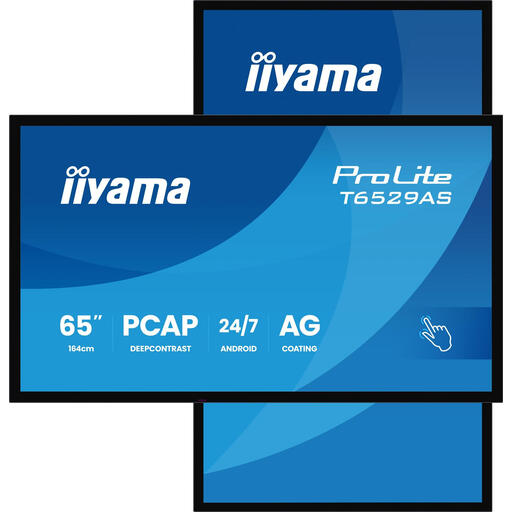
Why this model stands out This all-in-one iiyama touchscreen is designed for intensive use in smart collaboration spaces. With a brightness of 500 cd/m? and a 24/7 usage rating, it's a reliable choice for environments where the screen is always on. The PCAP touch technology is known for its accuracy and durability.
Key Features
Who is it for? Businesses and institutions seeking a robust and bright meeting room display for continuous use, such as in lobbies, control rooms, or busy conference rooms.
View specifications and current price
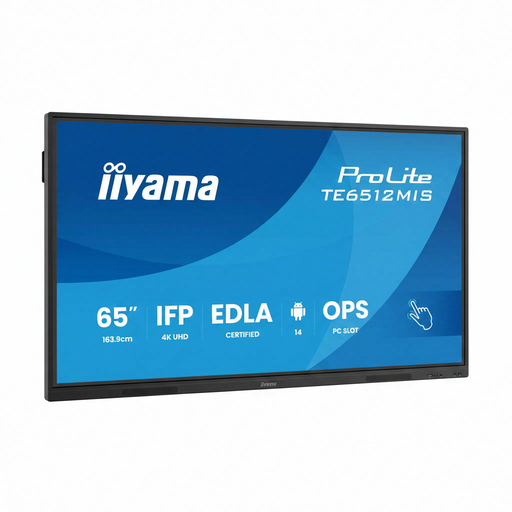
Why this model stands out This model combines a 4K touchscreen with modern connectivity, including Wi-Fi 6 and a USB-C port with 65W Power Delivery. The PureTouch-IR technology ensures a smooth and accurate touch experience. It's a versatile display that excels in both business and educational environments.
Key Features
Who is it for? Schools and businesses looking for a future-proof 65-inch interactive display with excellent connectivity for Bring Your Own Device (BYOD) scenarios.
View specifications and current price
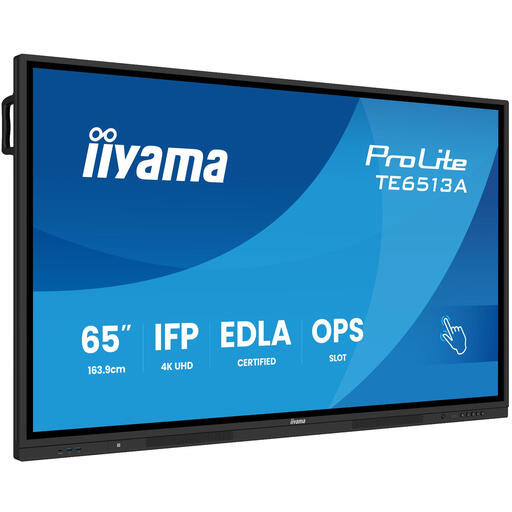
Why this model stands out This screen is specifically designed for interactive collaboration, supporting an impressive 40 touch points. The powerful USB-C port delivers up to 100W of power, enough for most laptops. The IPS panel ensures wide viewing angles and good colour reproduction, which is ideal for larger groups.
Key Features
Who is it for? Educational institutions and creative teams who want maximum interactivity. The 40 touch points make it perfect for brainstorming sessions and group lessons where multiple users work on the digital whiteboard simultaneously.
View specifications and current price
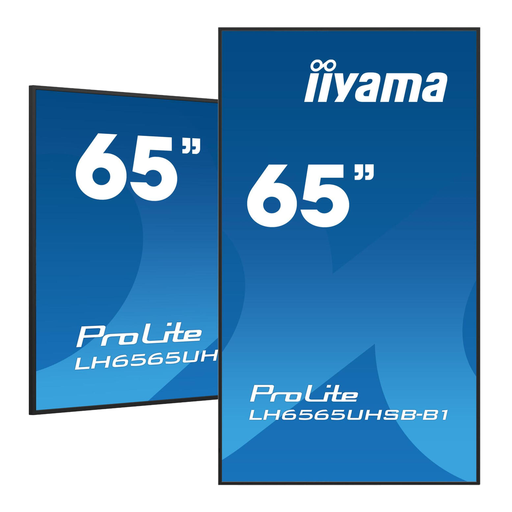
Why this model stands out Although this model is primarily a digital signage display (without touch functionality), it's an excellent choice when interaction is not required. The very high brightness of 800 cd/m? makes it perfect for display in shop windows, lobbies, or other very bright environments. It runs on Android 11 and is designed for 24/7 operation.
Key Features
Who is it for? Retail, hospitality, and businesses seeking a very bright and reliable screen for displaying information, advertisements, or announcements where no touch interaction is required.
View specifications and current price
The choice of an interactive screen is highly dependent on your specific needs. Are you looking for a different size, a specific brand, or other functionalities? Countless other options are available that might be a better fit for your budget or technical requirements.
Check out our full range of 4K Touchscreen Monitors for more options.
A traditional digital whiteboard often consisted of a projector and a special board. A modern interactive display, like the models in this article, is an all-in-one solution. It's a large touchscreen with a built-in computer (usually running Android or Windows), speakers, and various connections. This simplifies installation and makes it more reliable to use.
Yes, for a 65-inch (165 cm diagonal) screen, 4K resolution is highly recommended. At a lower resolution (like Full HD), individual pixels can become visible, making text and fine lines look grainy. 4K provides a much sharper and more professional image, which is essential for the readability of presentations and documents in a business or educational setting.
HDMI is the universal standard for connecting most laptops and other devices. However, a modern and highly practical addition is USB-C. With a single USB-C cable, you can transmit video and audio, transfer data for the touch function, and charge your laptop at the same time. This significantly reduces the number of cables on the conference table.
