
Vandaag of morgen in huis

Kwaliteit gegarandeerd

Welkomstaanbiedingen ontgrendelen: GRATIS bezorging | Tot 80% korting | Gratis 30 dagen JoyPlus-proefperiode
Download de app
As a business owner, IT manager, or marketer, you know that the right visual communication is crucial. A 55-inch digital signage display can transform your storefront, lobby, or conference room. But the market is flooded with screens that seem identical at first glance. The wrong choice leads not only to a waste of money but also to frustration and an unprofessional image. Let's avoid the most common pitfalls.
Pitfall 1: Using a consumer TV for business purposes. A home TV is designed for a few hours of use per day. A professional display, however, often needs to perform for 16 or even 24 hours a day. Consumer TVs lack the brightness needed for well-lit commercial spaces and the durability for continuous use, which leads to overheating and a short lifespan.
Pitfall 2: Ignoring software and management. A beautiful screen is useless if updating its content is cumbersome. Displays without a built-in operating system or with limited software options often require an external media player and extra cabling. This makes remote management complex and unreliable.
To avoid a poor investment, it's important to look beyond screen size and price. Focus on the specifications that determine reliability and performance in a business environment.
A 24/7 advertising display is fundamentally different from a consumer TV. These displays are equipped with higher-grade components and a superior cooling system to operate continuously, 24 hours a day, 7 days a week, without performance degradation.
Another crucial factor is brightness, expressed in candela per square meter (cd/m?).
Brightness that is too low will make your message illegible, whereas a professional display with the right brightness will always capture attention.
For a 55-inch corporate information display, a 4K Ultra HD (3840x2160) resolution is the standard. This ensures razor-sharp images and text, even up close. It is essential for showing detailed product information, menus, or corporate presentations.
Furthermore, the operating system is critically important. A narrowcasting display with Android offers tremendous flexibility. You can install apps directly for content management, interactive presentations, or video streaming, without needing an external PC. This significantly simplifies installation and maintenance.
What happens if the video source fails? A black screen is not an option. A professional display with FailOver automatically switches to a preset secondary input (for example, a USB drive with a company logo) as soon as the primary source is lost. This ensures your screen never goes blank and your business always looks professional. Brands like iiyama digital signage integrate this feature into their professional series, such as the LH5575UHS-B2AG, which maximises operational reliability.
Not every business has the same needs. Below is a selection of 55-inch displays tailored to different business profiles.
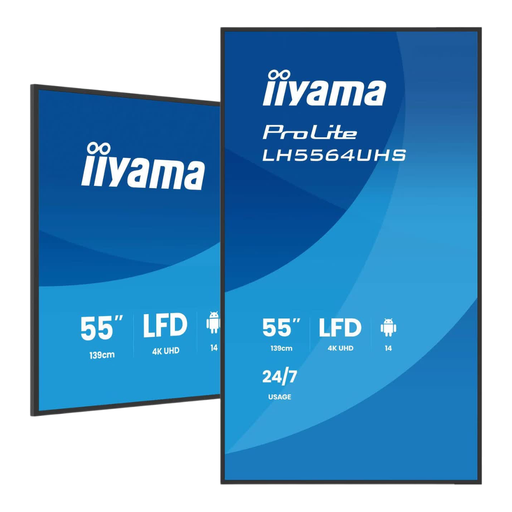
Why This Fits Their Persona: Ideal for offices, conference rooms, and reception areas where a reliable, sharp image is needed without paying a premium. This display offers all the essential professional features for daily use.
This is a true 24/7 advertising display, not a consumer TV. It's built for continuous use and has a built-in Android OS (Google TV), making remote management simple without extra hardware.
High-contrast VA panel (5000:1) for deep blacks and a brightness of 500 cd/m?, perfect for indoor locations. It offers a solid balance between price and professional performance.
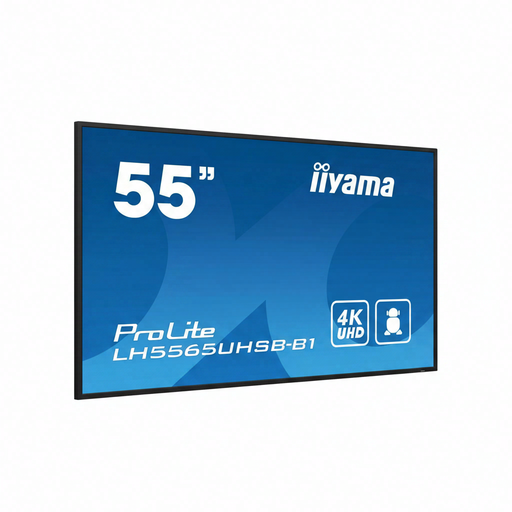
Why This Fits Their Persona: Perfect for retail stores, showrooms, or storefronts where visibility is the top priority. Its high brightness ensures content stands out, even in brightly lit environments.
This display is specifically designed for maximum impact. A consumer TV would be completely washed out in a bright retail environment. This model guarantees visibility and is built for 24/7 operation.
Very high brightness of 800 cd/m? for excellent readability. The IPS panel provides wide viewing angles and consistent colours, which is essential when customers are viewing from different angles.
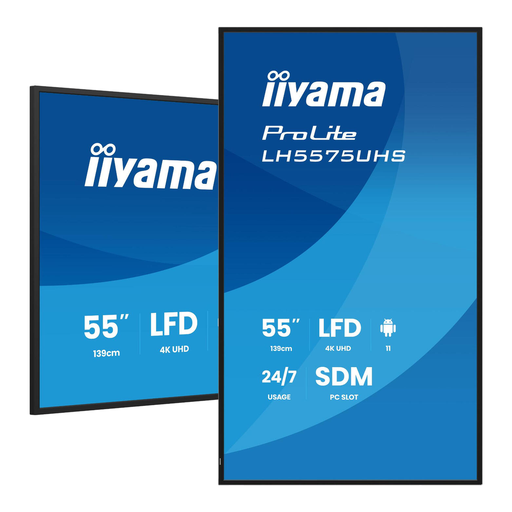
Why This Fits Their Persona: Designed for IT professionals and integrators who demand maximum control, reliability, and expandability. Perfect for complex, mission-critical installations in corporate environments.
This display directly addresses the pitfalls of management and reliability. The FailOver feature ensures continuous uptime, and the Intel SDM slot provides a standardised way to expand functionality.
Includes an Intel SDM (Smart Display Module) slot for easy integration of a slot-in PC. This, combined with Android OS and FailOver, makes it a highly robust and flexible professional 4K display.
We have compiled a complete, up-to-date list of products that fully meet these strict selection criteria.
The main difference lies in the build quality and functionality. A professional display is designed for long-term, continuous use (often 16/7 or 24/7), has higher brightness for better visibility in commercial spaces, and includes business-grade features like remote management, a built-in operating system (like Android), and reliability functions such as FailOver. A consumer TV lacks these features and will fail more quickly under commercial use.
Professional displays are built for a long lifespan. Most manufacturers specify a backlight lifespan of around 50,000 hours. In 24/7 use, this translates to over 5.5 years of continuous operation. The actual lifespan depends on operating conditions, such as ambient temperature and ventilation.
Not necessarily. The advantage of a narrowcasting display with Android is that you can install various content management system (CMS) applications directly from the built-in app store. Some manufacturers, like iiyama, also offer their own free software (iiSignage?) that allows you to create, schedule, and remotely push content to your displays. For simple use cases, like playing a video loop, a standard media player app and a USB drive are often sufficient.
