Brands to consider
The features below apply to the models and product lines mentioned; they are not a general recommendation for every screen from each brand.
Dell
The UltraSharp U2725QE reviewed here is a more compact 27-inch 4K monitor with a Thunderbolt hub.
- Dell Netherlands lists 4K resolution and a height-adjustable stand among the U2725QE’s features.
- There is less physical room for two drawings than on the 31.5-inch models reviewed; check the power delivery available through the connection.
HP
The Series 7 Pro 732pk combines a 31.5-inch 4K screen with Thunderbolt 4.
- HP lists up to 100 W of laptop charging and four-way adjustment for this model.
- Whether a laptop can output video through this connection and charge at the available power depends on the laptop and connection.
Philips
The Brilliance 329P1H/00 is a 31.5-inch 4K monitor with USB-C docking.
- Philips lists up to 90 W of laptop charging through a single USB-C cable for this model.
- Whether this can replace your separate laptop charger depends on the laptop and connection.
BenQ
The PD3225U is a 31.5-inch 4K design monitor with Thunderbolt 3.
- BenQ lists 85 W Power Delivery, an anti-glare coating and height adjustment for this model.
- The CAD/CAM and colour modes mentioned are specific to this model and matter less if you only compare technical lines.
4K monitors at Joybuy
This selection of Joybuy products includes 4K monitors for technical drawing, with larger screens of around 31.5 inches and a more compact 27-inch option. For each model, check that the laptop connection supports video and that its charging power suits your laptop.
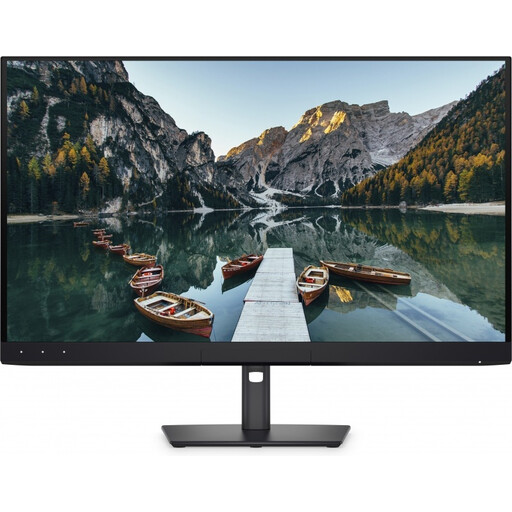 Image unavailable
Dell UltraSharp U3226Q 32" 4K UHD QD-OLED monitor
The 32-inch 4K screen is an option if you want to view technical drawings side by side and have room for a larger monitor on your desk.
The product description lists Thunderbolt 4 with up to 140 W Power Delivery and a stand that adjusts in four directions.
View at Joybuy
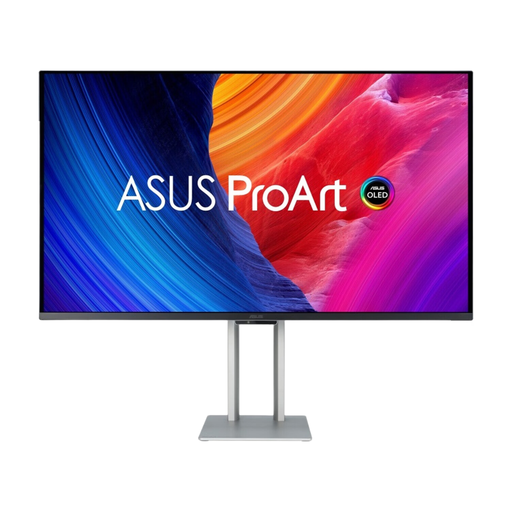 Image unavailable
ASUS ProArt OLED PA32UCDM 31.5-inch 4K monitor
The 31.5-inch size gives you more physical screen space for drawings than a 27-inch model.
The product description lists Thunderbolt 4 with up to 96 W Power Delivery, an anti-reflective finish and height adjustment of up to 13 cm. Check that the charging power suits your laptop.
View at Joybuy
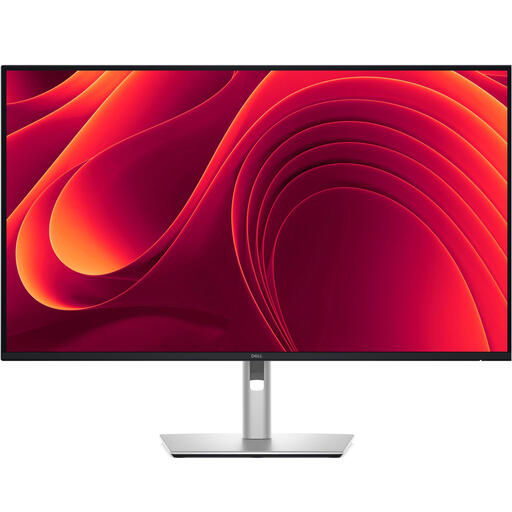 Image unavailable
Dell Pro Plus P3225QE 31.5-inch 4K monitor
This 31.5-inch model is an option if screen space for drawings is important and you want to connect your laptop via USB-C.
The product description lists USB-C for video, data and power, with up to 90 W Power Delivery, plus an adjustable stand. Check your laptop’s video support and charging requirements.
View at Joybuy
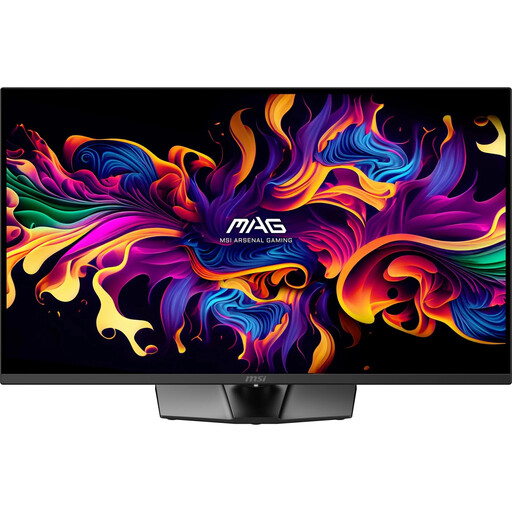 Image unavailable
MSI MAG 322UP QD-OLED E16 31.5-inch 4K monitor
The 31.5-inch 4K screen gives you room to view technical drawings side by side, but USB-C power delivery is limited.
The product description lists up to 15 W USB-C power delivery, an anti-reflective finish and a stand with height, tilt, swivel and pivot adjustment. According to the description, 15 W will not replace a separate charger for most laptops.
View at Joybuy
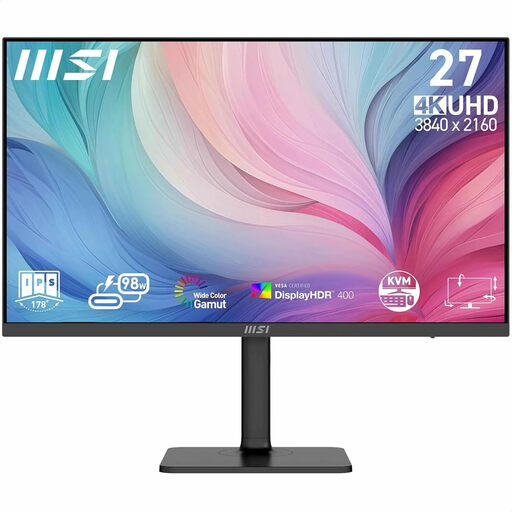 Image unavailable
MSI Modern MD272UPHG 27-inch 4K monitor
This 27-inch model is the more compact option if you want to save desk space while still getting a 4K screen.
The product description lists USB-C with DP Alt Mode and up to 98 W Power Delivery, plus a stand with height, tilt and swivel adjustment. Check that your laptop supports the stated video output.
View at Joybuy
Frequently asked questions
Does a USB-C docking monitor always save a power socket?
No. The monitor itself needs mains power. You can only do without a separate laptop charger if your laptop can output video through a suitable connection and the monitor provides enough charging power. Check the specifications of both devices.
Why won’t my laptop display video over USB-C?
A USB-C port that only supports data or power will not automatically provide a video signal. Dell Support recommends checking whether your laptop supports DisplayPort Alt Mode or a suitable Thunderbolt port, and checking the cable and monitor connection too.
What should I check when setting up for long drawing sessions?
Adjust the screen height to suit your workspace and consider glare and the position of windows. The Dutch Arboportaal recommends, among other things, a height-adjustable, non-reflective screen for employees who work with a display for more than two hours a day; these workplace guidelines are not general product specifications for every buyer.
What warranty and cancellation period apply to an online purchase in the Netherlands?
According to the Dutch government, there is no fixed statutory time limit for the legal guarantee, and the retailer is the point of contact if there is a problem with a product. For eligible online consumer purchases, a 14-day cancellation period usually applies, subject to legal exceptions.


