
Letterform checker
You assess details in letterforms and want to view text at a practical size, without confusing resolution with reading comfort. Microsoft Support explains how to adjust the size of text and apps in Windows.


Start with a 4K monitor that lets you set a comfortable text size and viewing distance, then assess letterforms at the size at which they’ll eventually be viewed. For a shared desk, adjustability and easy switching between computers are separate considerations; colour features are mainly relevant if you also review digital designs.
You assess details in letterforms and want to view text at a practical size, without confusing resolution with reading comfort. Microsoft Support explains how to adjust the size of text and apps in Windows.
You move between workspaces or share the connected computer with others, and want to adjust the screen and use connected equipment easily. Arboportaal describes adjustability as part of setting up a workstation for relevant screen-based work by employees.
As well as typography, you assess the colour of digital designs and want to know which colour features the exact model offers. ASUS, BenQ and LG describe these features for their specific monitors.
First compare how text looks from your usual working distance, then consider adjustments and connections for the shared workspace. Colour settings matter most if you also assess designs that use colour.
| Consideration | What to look for | Who is this important for? |
|---|---|---|
| Text sharpness and scaling | Compare 27- and 32-inch models from your viewing distance; check the supported resolution and adjust the text scaling on your computer. | I want to view letter details at the size the text will be used; around 40% of consumers give letter details top priority. |
| Desk adjustability | Check height adjustment, tilt, how much desk space the stand takes up and whether there are any reflections at your workstation. | If several people use the desk, I want to be able to readjust the screen; for around 30% of consumers, workspace adjustability comes first. |
| Connecting and switching | Check whether the computer supports video through the relevant USB-C port, how much power it needs and whether the model has KVM. | I want to switch between computers without having to reconnect peripherals each time; around 20% of consumers say this is their main connectivity need. |
| Colour assessment | Compare the colour modes, sRGB support and calibration options of the exact model. | When I also assess digital designs, I want to know which colour settings are available; colour checking is the main priority for around 10% of consumers. |
The scaling setting affects how large text and apps appear on screen. So, having lots of pixels doesn’t by itself determine how large the letters look to you.
Try adjusting the text scaling on the computer you’ll use with the monitor, then assess letter details at the relevant display size. Microsoft Support explains the scaling settings in Windows.
USB-C, video signal, laptop charging and KVM are different features. A USB-C connection alone doesn’t mean a monitor can switch a keyboard and mouse between computers.
Compare the monitor’s connections with those on your computers, and check explicitly whether the model supports KVM.
If the monitor doesn’t have suitable KVM functionality, you may need a separate solution to switch peripherals.
A manufacturer’s warranty is separate from the statutory guarantee. ACM ConsuWijzer explains the difference when outlining your warranty rights.
Keep your proof of purchase and, if something goes wrong, remember your statutory rights in relation to the retailer too.
Dell offers 27-inch 4K models and larger 4K monitors with a range of connectivity options.
The ProArt PA279CV is a 27-inch 4K model designed for creative work.
The PD2705U range is designed for creative work, with 4K resolution, colour modes and KVM.
The 27UP850K-W is a 27-inch 4K IPS monitor with an adjustable stand.
The ColorEdge CS2740 is a 26.9-inch 4K model for tasks including graphic design and colour checking.
This selection includes 27- to 32-inch 4K monitors for assessing typography, with different options for adjusting the screen and connecting computers.
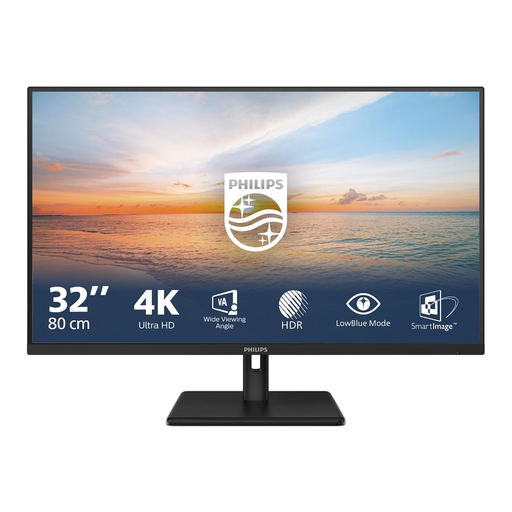 Image unavailable
The 32-inch 4K screen could be a good fit if you want to assess typographic details on a larger display.
VA panel; 3840 × 2160 pixels; 60 Hz; tilt-adjustable stand.
2× HDMI and DisplayPort.
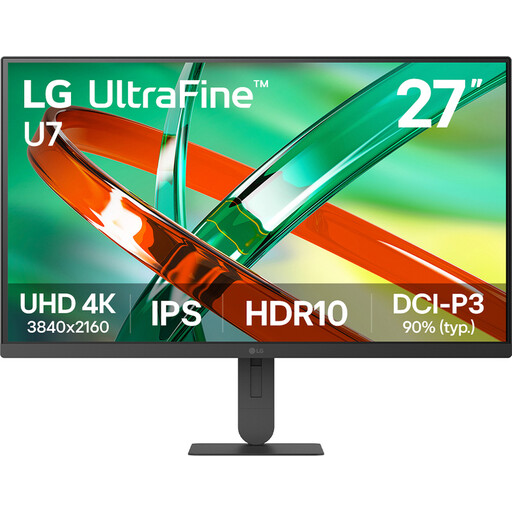 Image unavailable
The 27-inch size could suit you if you want to view 4K on a smaller screen.
IPS panel and 3840 × 2160 pixels; the product description lists 60 Hz.
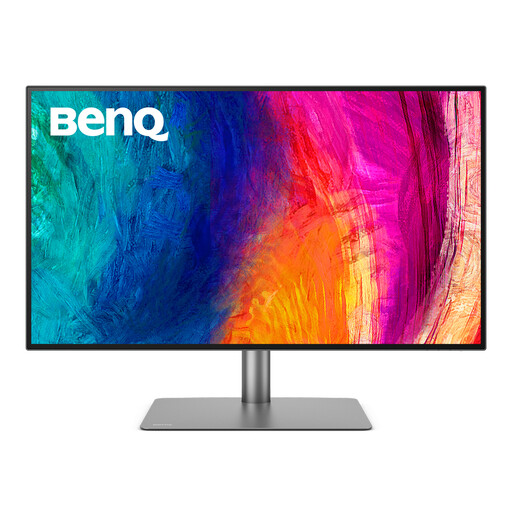 Image unavailable
The listed KVM feature could be useful if you want to switch between computers at a shared desk.
3840 × 2160 pixels; the product description lists KVM, Thunderbolt 3 and 85 W Power Delivery.
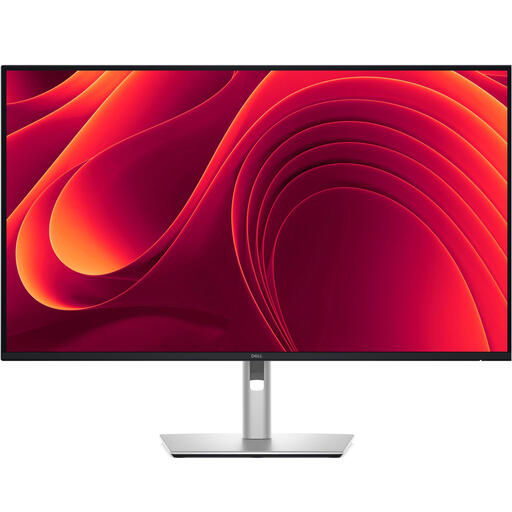 Image unavailable
This model could suit you if you’re looking for a larger 4K screen and a USB-C connection for a compatible laptop.
3840 × 2160 pixels; the product description lists USB-C with 90 W Power Delivery and an RJ45 port.
The product description lists height and tilt adjustment for the stand.
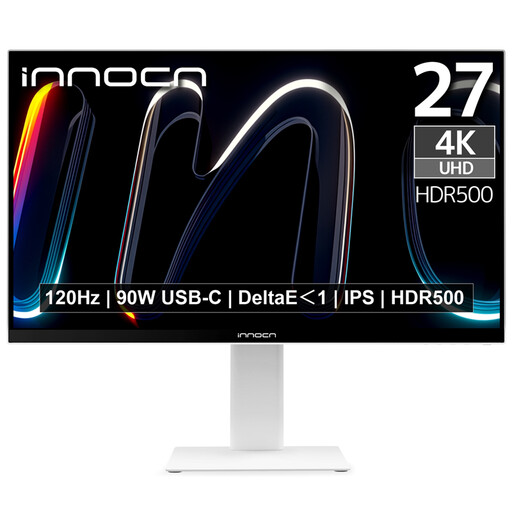 Image unavailable
The combination of 27-inch 4K and a height-adjustable stand could suit a shared desk with limited space.
3840 × 2160 pixels; IPS panel; 120 Hz; the product details list 150 mm of height adjustment and pivot.
KVM is listed as unavailable for this model, so don’t choose it if you need built-in KVM to switch peripherals between computers.
No. In Windows, you can adjust the size of text and apps through the display settings and scaling options. Also assess the design at the size that’s relevant to the final display.
No. Check whether the laptop can output video through that connection and whether the monitor’s stated power output is suitable for your laptop. A USB-C connection also doesn’t automatically mean the monitor has a KVM switch.
For relevant screen-based work by employees, Arboportaal describes requirements for setting up the workstation, including a height-adjustable monitor. Arboportaal also specifies a separate condition for more than 2 hours of screen-based work per day. This isn’t a general purchasing requirement for every private buyer.
For an eligible online consumer purchase, ACM ConsuWijzer says you’ll generally have a statutory cooling-off period of up to 14 days after delivery. Check the terms of your specific purchase; this right is separate from your warranty if the product is faulty.
The European Commission states that computer monitors have an energy label ranging from A to G. Compare the label and product information for the exact version on offer, not just the screen size.