4K monitors at Joybuy
This Joybuy selection includes 4K monitors for viewing reference images, with screen sizes from 27 to around 32 inches. Check that each model’s connections and any laptop power delivery suit your setup.
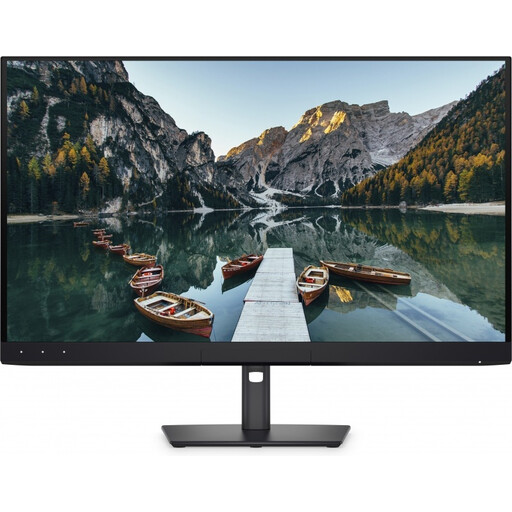 Image unavailable
Dell UltraSharp U3226Q 32-inch 4K UHD QD-OLED monitor
An option to consider if you’re looking for a larger 4K screen for reference work.
32 inches; 4K UHD; 120 Hz; QD-OLED.
Joybuy
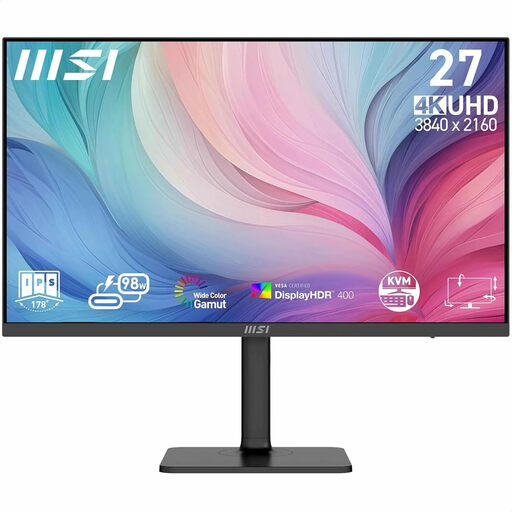 Image unavailable
MSI Modern MD272UPHG 27-inch 4K UHD monitor
A compact 27-inch option to consider if you want to view reference details on a 4K screen.
27 inches; 3840 × 2160 pixels; 4K Ultra HD.
Joybuy
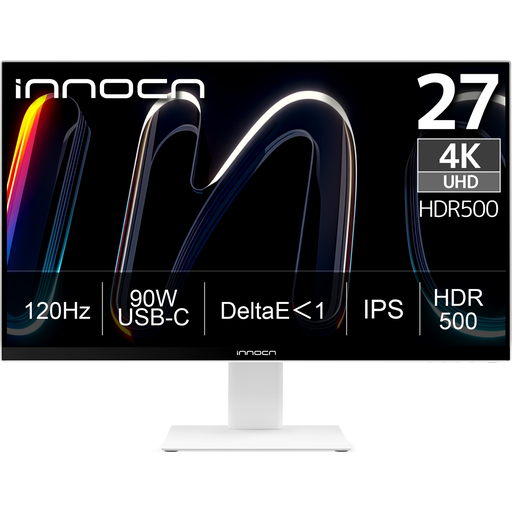 Image unavailable
INNOCN CB27U1 27-inch 4K UHD monitor
A 27-inch 4K model to consider for a more compact workspace for reference images.
27 inches; 3840 × 2160 pixels; IPS; USB-C with 90 W Power Delivery.
Joybuy
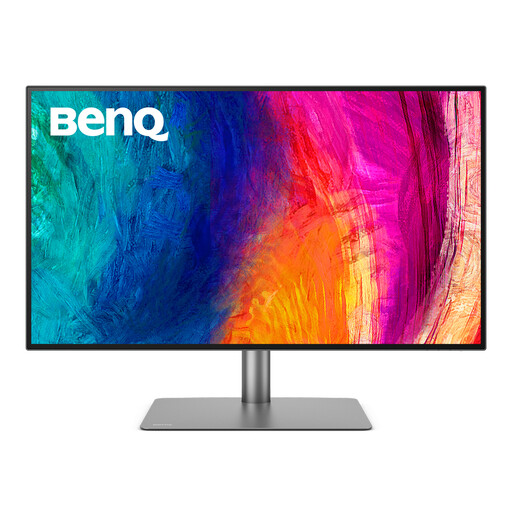 Image unavailable
BenQ PD3225U 32-inch 4K monitor
A larger, colour-focused screen to consider if your desk can accommodate a 31.5-inch model.
BenQ lists a 31.5-inch screen, 3840 × 2160 pixels and Thunderbolt 3 with 85 W Power Delivery.
Joybuy
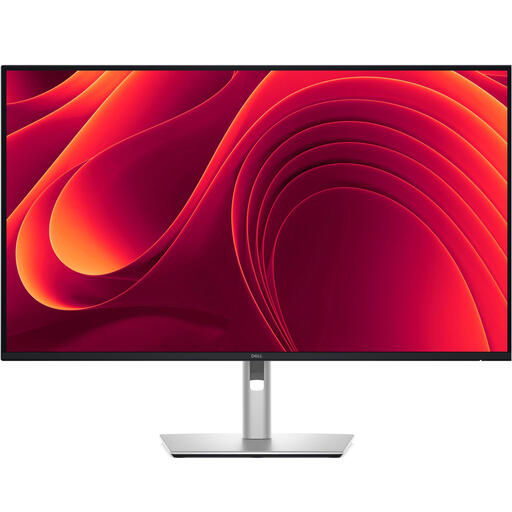 Image unavailable
Dell Pro Plus P3225QE 31.5-inch 4K monitor
A model with a larger 4K workspace to consider if you have the desk space.
31.5 inches; 3840 × 2160 pixels; 4K Ultra HD.
Joybuy
Frequently asked questions
Can I unplug my laptop charger if I have a USB-C monitor?
No. The laptop and monitor ports must support the required video connection, and the monitor must provide enough Power Delivery. The monitor itself still needs to be plugged into the mains.
How do I set up a screen to assess the colours in reference artwork?
Choose a colour mode and profile that suit the image file and your workflow. When comparing with another screen or printed material, colour management, calibration and ambient light all play a part; a wide colour gamut alone won’t prevent colour differences.
Where can I find the stated energy consumption of a particular model?
Check the EU energy label and the corresponding EPREL model data. Compare figures for the same usage mode; if the monitor charges a laptop, remember to account for that power too.
Do monitors automatically come with exactly two years’ statutory warranty in the Netherlands?
No. According to ACM, statutory warranty for normal use depends on what you could reasonably expect from the product; the seller is responsible for resolving the issue if the product is faulty. A separate manufacturer’s warranty does not limit this statutory right.
Can I return a monitor bought online in the Netherlands if it doesn’t fit?
For qualifying distance sales, you generally have 14 days to change your mind. The Dutch government lists exceptions to the right of withdrawal, so check what applies to your specific purchase.


