What should you look for?
First, measure the space available for the screen and stand. Then compare vertical resolution and check that the connections and colour workflow are compatible with your computer and printing process.
| Consideration |
What to look for |
Who it matters to |
| Will the monitor fit on a small desk? |
Measure the width and depth, then compare them with the dimensions of the exact model, including its stand. Also consider whether you need height adjustment. |
If my desk has limited space, I want to know in advance whether both the screen and stand will fit. Around 36% of consumers therefore prioritise the desk space available. |
| Will details in the spread remain visible? |
LG lists 2560 × 1080 pixels for the 29U511A-B; ASUS, Dell and Philips list 3440 × 1440 pixels for the 34-inch models reviewed. View one of your own spreads at your intended viewing distance and screen scaling. |
If I want to check captions and fine details while keeping the whole spread in view, I compare vertical resolution. Around 29% of consumers put visibility of spread details first. |
| Will the screen help with colour assessment? |
ASUS lists 100% sRGB and factory calibration with ΔE < 2 for the PA34VCNV. For colour-managed printing, Adobe recommends a profile for the specific printer and paper combination. |
If I want to assess colours before printing, I need a suitable print profile as well as the right screen settings. Around 21% of consumers prioritise colour assessment. |
| Will the connections work with my computer? |
ASUS lists USB-C power delivery up to 96 W for the PA34VCNV; Dell lists Thunderbolt power delivery up to 90 W for the U3425WE. Check your computer’s video and power capabilities. |
If I want to connect my computer and peripherals conveniently, I first check which features my computer supports through the port I plan to use. Around 14% of consumers prioritise connections and a tidy desk. |
Joybuy products for album spreads
This Joybuy selection includes ultrawide monitors for viewing album spreads, from a 29-inch model to larger screens. Also measure the space needed for the stand and check that the connections are compatible with your computer.
 No image available
LG UltraWide 34U601B-B WQHD VA monitor
An option if you want to view a wide spread with more vertical pixels, provided a 34-inch screen fits on your desk.
34 inches; 3440 × 1440 pixels; VA panel; 1800R curved; 120 Hz.
View at Joybuy
 No image available
LG UltraGear 39GX900A-B gaming monitor, 39 inches
A large ultrawide option for viewing a spread on one screen; check carefully that its size suits your desk.
39 inches; 21:9; 3440 × 1440 pixels; OLED; Picture-in-Picture and Picture-by-Picture.
View at Joybuy
 No image available
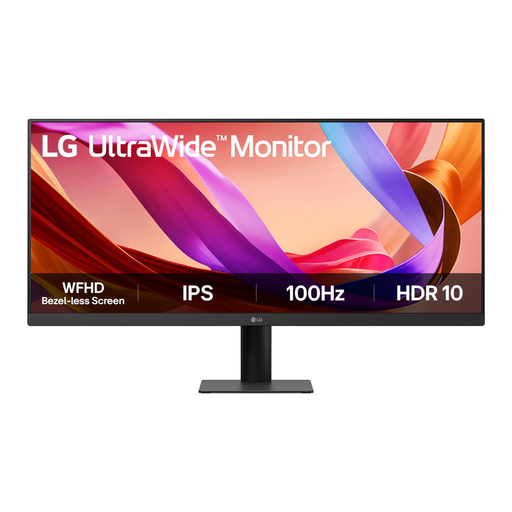
LG UltraWide 29U511A-B IPS monitor, 29 inches
The more compact screen option for a small desk; view one of your own spreads to see whether the level of detail suits how you use zoom.
21:9; 2560 × 1080 pixels; IPS; 100 Hz.
View at Joybuy
 No image available
MSI MAG 342CQRF E20 34-inch UWQHD VA monitor
An option with 3440 × 1440 pixels for viewing spreads, provided the 34-inch screen and stand fit in your workspace.
21:9; 1500R curved; 200 Hz; 300 cd/m²; 0.5 ms; 110% sRGB according to the product description. The colour specification alone doesn’t predict what a print will look like.
View at Joybuy
 No image available
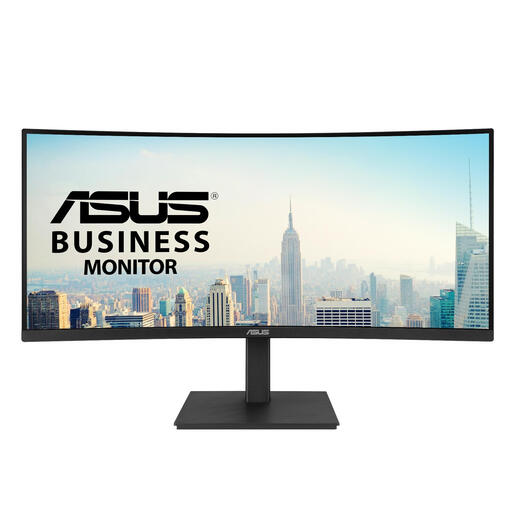
ASUS VA34VCPSR monitor, 34 inches
A 34-inch ultrawide option for viewing a spread with more vertical pixels; check your available space and your computer’s connections.
3440 × 1440 pixels; curved screen; built-in USB hub.
View at Joybuy
Frequently asked questions
Is a 29-inch ultrawide large enough to view a double-page album spread?
For checking the composition, a 29-inch screen with 2560 × 1080 pixels could be an option. If you want to view small text and fine details while keeping the whole spread in view, also compare 34-inch models with 3440 × 1440 pixels and test your usual zoom level.
Can I assess an album print based on the screen alone?
No, screen specifications alone don’t determine what a particular print will look like. For colour-managed printing, Adobe describes using a profile for the specific printer and paper combination; check which workflow your printer supports.
How should I set up a monitor for long periods of work at a small desk?
Position the screen securely and check that its height and setup suit your workspace. Arboportaal sets out specific workplace requirements for employees who work at a computer screen for more than two hours a day; these employer requirements don’t necessarily apply to every private buyer.
What are my rights when I buy a monitor online in the Netherlands?
For online consumer purchases, you generally have a statutory cooling-off period of up to 14 days after delivery, subject to applicable exceptions. ACM ConsuWijzer explains this cooling-off period. The seller is also responsible for the statutory guarantee if the product doesn’t meet what you could reasonably expect; this doesn’t mean there is a general fixed two-year guarantee period in the Netherlands.


