
Vandaag of morgen in huis

Kwaliteit gegarandeerd

Welkomstaanbiedingen ontgrendelen: GRATIS bezorging | Tot 80% korting | Gratis 30 dagen JoyPlus-proefperiode
Download de app
Whether you're a photographer with a full memory card, a gamer needing more space for your PS5, or just looking to free up space on your laptop, fast and reliable external storage is essential. A 1TB external SSD offers an excellent balance of capacity, speed, and price. But with so many options on the market, making the right choice can be tough.
As a Joybuy Product Recommendation Officer, I'm here to help you sift through the specs. In this article, we'll highlight some popular choices and provide practical tips so you can make an informed decision without the marketing jargon.
Before you buy a portable SSD, there are a few technical specs that make all the difference. Here are the most important points.
An SSD's speed is determined by its internal technology (NVMe) and its USB connection. Pay attention to the following standards:
All modern SSDs use a USB C SSD connection, which is convenient and reversible. Most come with cables for both USB-C and the older USB-A.
Not every SSD is immediately suitable for every device. Think about your primary use:
A 1TB portable SSD is designed to be taken with you. Look for features like drop resistance (often indicated in meters) and an IP rating for dust and water resistance (e.g., IP65). A compact and lightweight design is great for on-the-go use.
Based on specifications and common use cases, we've rounded up some interesting options for you.
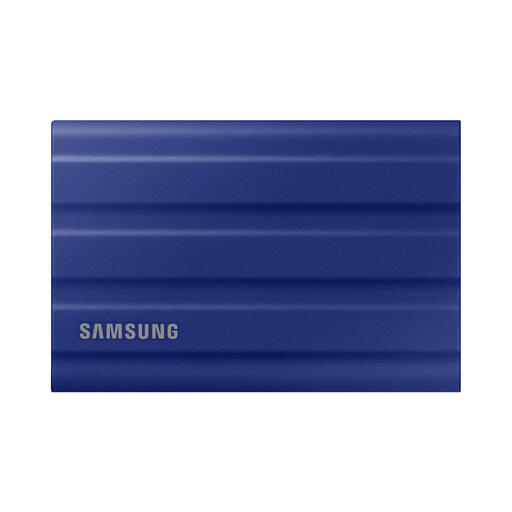
Why It Stands Out: The T7 Shield is designed for durability. With its rugged casing and IP65 certification, it's built to withstand the elements and take a beating.
Pros:
Who Is It For? Ideal for photographers, videographers, and adventurers who work on location and need a reliable, sturdy drive that can handle rough use.
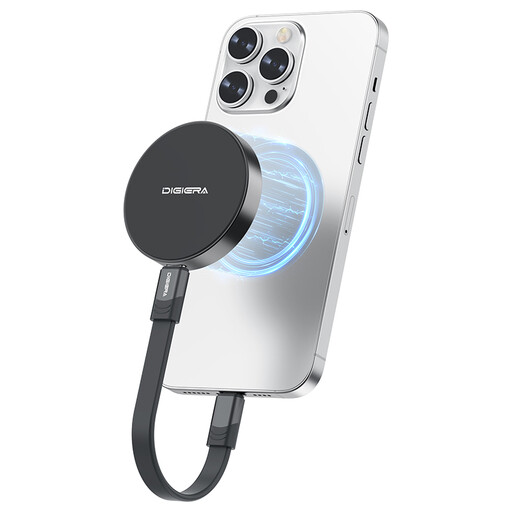
Why It Stands Out: This SSD combines very high speeds with a unique magnetic attachment, specially designed for the iPhone 15/16 series.
Pros:
Who Is It For? The perfect choice for content creators and vloggers who film with an iPhone 15 or newer and want to record directly to an external drive without the hassle of cables and mounts.
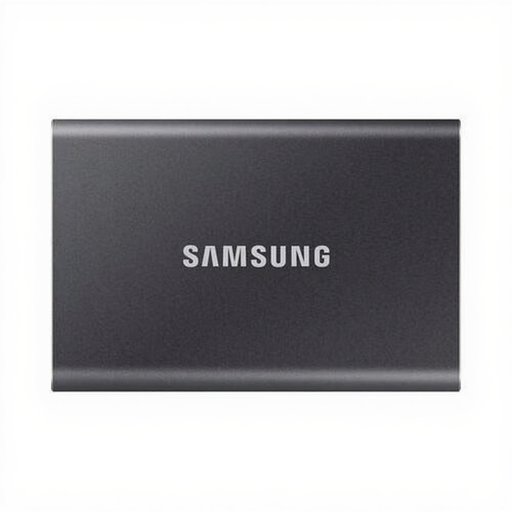
Why It Stands Out: The Samsung T7 is a slim, stylish, and fast all-rounder. It's smaller than a credit card and fits easily into any pocket.
Pros:
Who Is It For? An excellent all-round choice for students, professionals, and general users looking for a fast, compact, and reliable 1TB portable SSD for backups and file transfers.
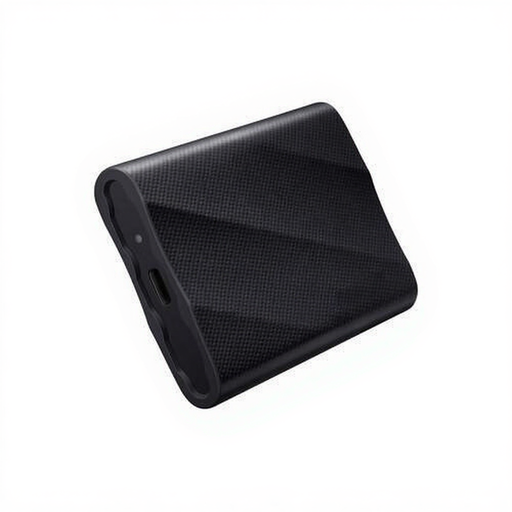
Why It Stands Out: The Samsung T9 is built for maximum speed. Thanks to its USB 3.2 Gen 2x2 interface, it achieves nearly double the speed of the T7 series.
Pros:
Who Is It For? The T9 is the go-to drive for demanding professionals like video editors, 3D artists, and data analysts who need the highest possible transfer speeds to accelerate their workflow.
These recommendations cover a wide range of needs, from durability to pure speed. If your perfect match isn't here or you're looking for a different capacity, there are more options to suit other needs and budgets.
Discover our full range and find the perfect drive for your situation.
Explore our full range of USB storage
An external SSD (Solid State Drive) has no moving parts, unlike a traditional HDD (Hard Disk Drive). This makes an SSD much faster, quieter, more durable, and more resistant to shocks and drops. HDDs often offer more storage for a lower price but are significantly slower.
Yes, you can use an external SSD for PS5. You can play PS4 games directly from it and archive PS5 games on it to free up space on the console's internal storage. To play a PS5 game, however, you must first transfer it back to the console's internal SSD.
To record ProRes video directly with an iPhone 15 Pro or Pro Max, you need an external SSD with a stable write speed of at least 220 MB/s. All the SSDs mentioned above easily meet this requirement. A model with a USB C SSD connection, like the DigiEra with its magnetic mount, is especially convenient for this purpose.
